Browser 55
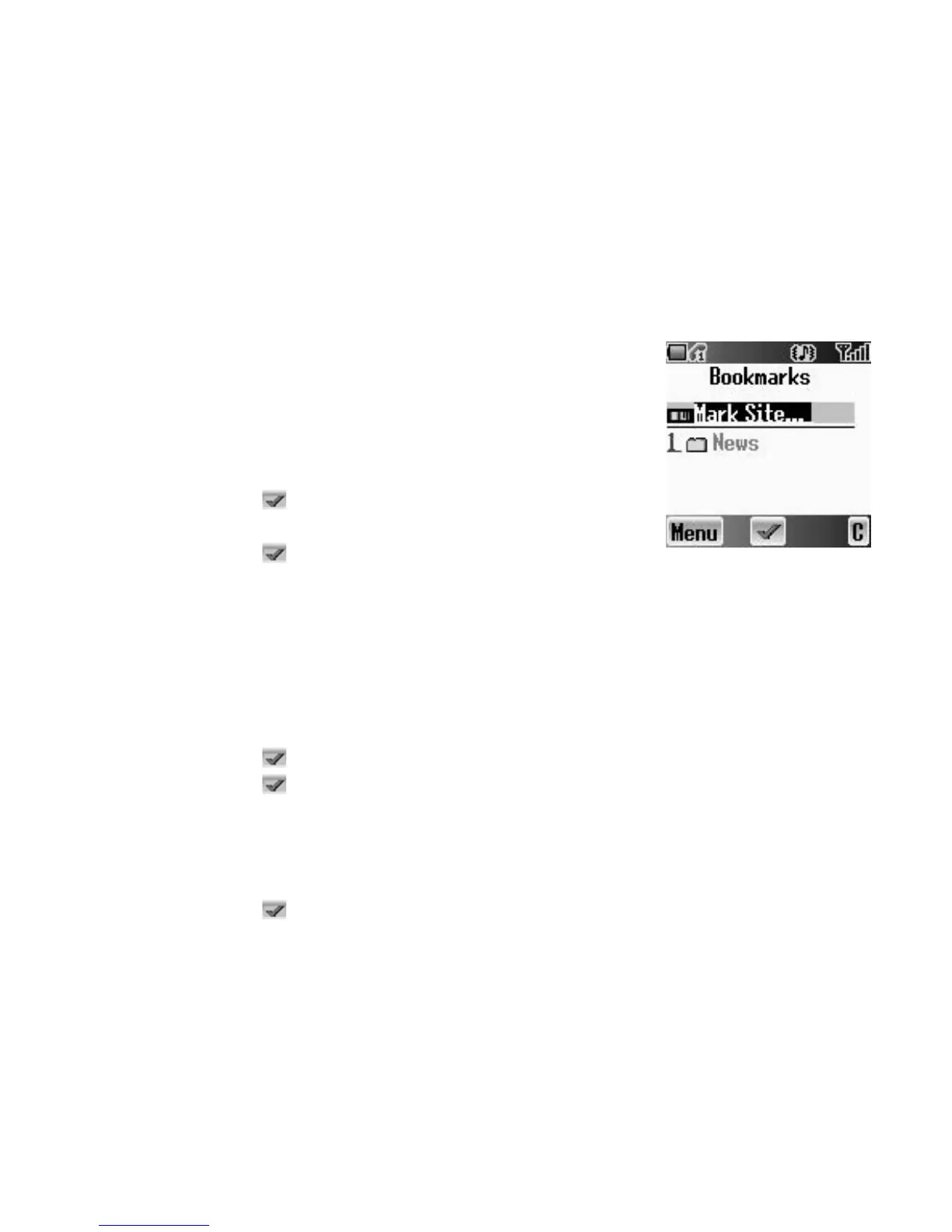
Bookmarks
Once you store your favourite page or a frequently accessed page as a
bookmark, you can jump to the page quickly. This eliminates the need to enter
the URL every time. You can also assign hot keys to jump to particular pages.
There are 2 types of bookmarks, one is in Browser and the other is off-line
Bookmarks.
Managing Bookmarks
in Browser
You can add a bookmark by entering the URL.
From Browser Menu in Browser
1. 4 move to Bookmarks
2. Press < ()
3. Press A (Menu)
4. Press < ()
5. Enter the Title and URL with # – ,
6. Select a folder
7. Press < (Save)
Adding a current page as a bookmark
From Browser Menu in Browser
1. 4 move to Bookmarks
2. Press < ()
3. Press < () to Mark Site
Using Bookmarks
From Browser Menu in Browser
1. 4 move to Bookmarks
2. Press < ()
3. 4 move to the required bookmark
4. Press < (Go)














 To Next Page