56 Browser
Managing Bookmarks in Browser
While viewing Bookmarks
1. 4 move to the required bookmark
2. Press A (Menu)
3. 4 move to the required function
4. Press < ()
The following functions are available:
Managing off-line Bookmarks
You can store bookmarks in off-line Bookmarks. When you jump to the URL,
the Browser will start up automatically.
Adding a new bookmark
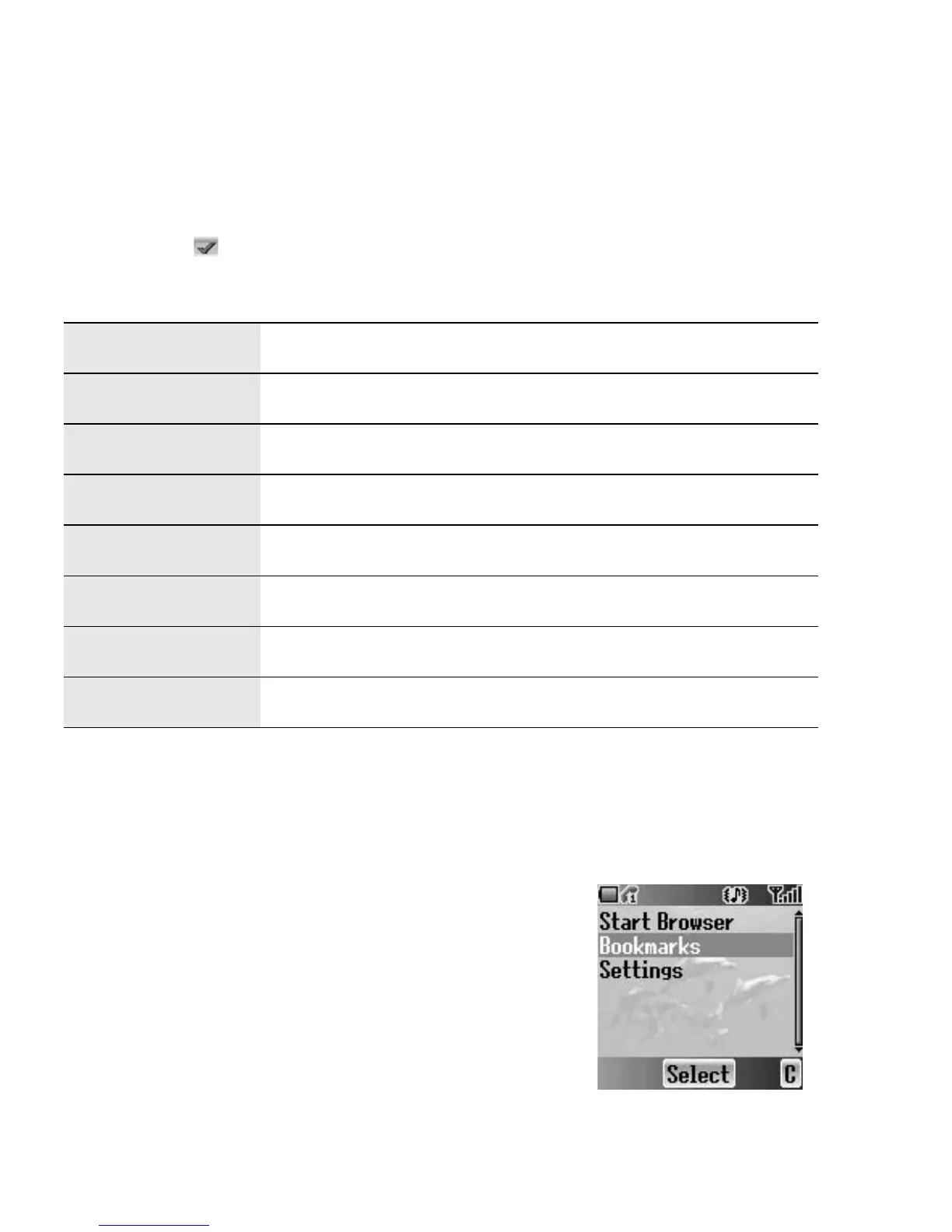
From Browser menu
1. 4 move to Bookmarks
2. Press < (Select)
3. 4 move to [New entry]
4. Press < (Select)
5. 4 move to Title: or URL:
6. Press < (Select)
7. Enter the required Title: or URL:
8. Press < (OK)
9. Press A (Save)
Details Display and edit the bookmark information.
Delete Delete the bookmark.
New Bookmark Add a new bookmark.
New Folder Add a new folder in which to save the bookmarks.
Move Move a bookmark in a folder.
Move to folder Move a bookmark into another folder.
Delete all Delete all bookmarks.
Hotkeys Assign bookmarks to keys.














 To Next Page