30 My Phone
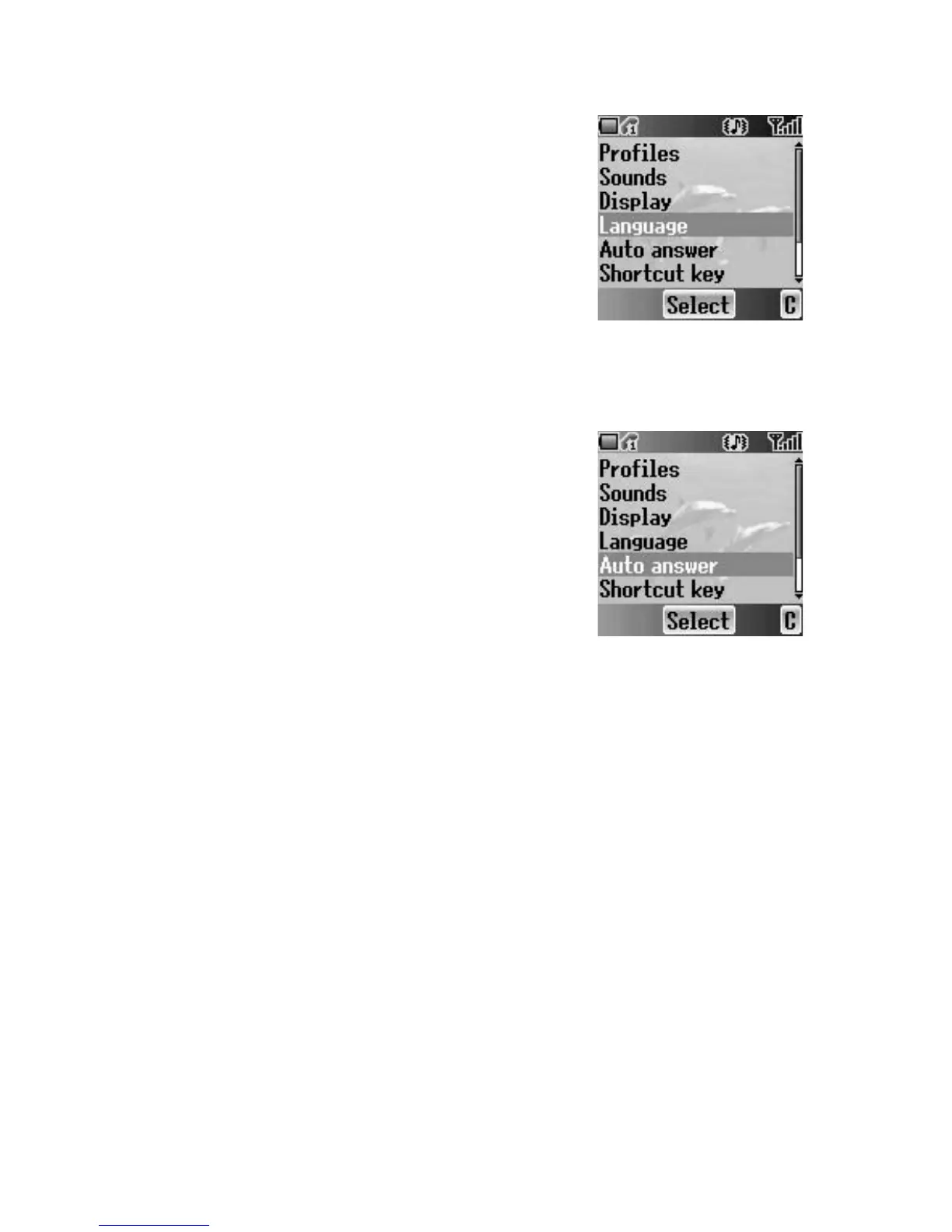
Language
You can change the display language of the phone.
If you select Automatic, the handset will select the
SIM default language (
E).
From My Phone menu
1. 4 move to Language
2. Press < (Select)
3. 4 move to the required language or Automatic
4. Press < (Select)
Auto answer
When you connect the Personal Handsfree
earpiece, you can set Auto answer on and answer
a call automatically.
From My Phone menu
1. 4 move to Auto answer
2. Press < (Select)
3. 4 move to On or Off
4. Press < (Select)














 To Next Page