Contacts 47
My numbers
You can store and view your information such as
your names and phone numbers in your SIM.
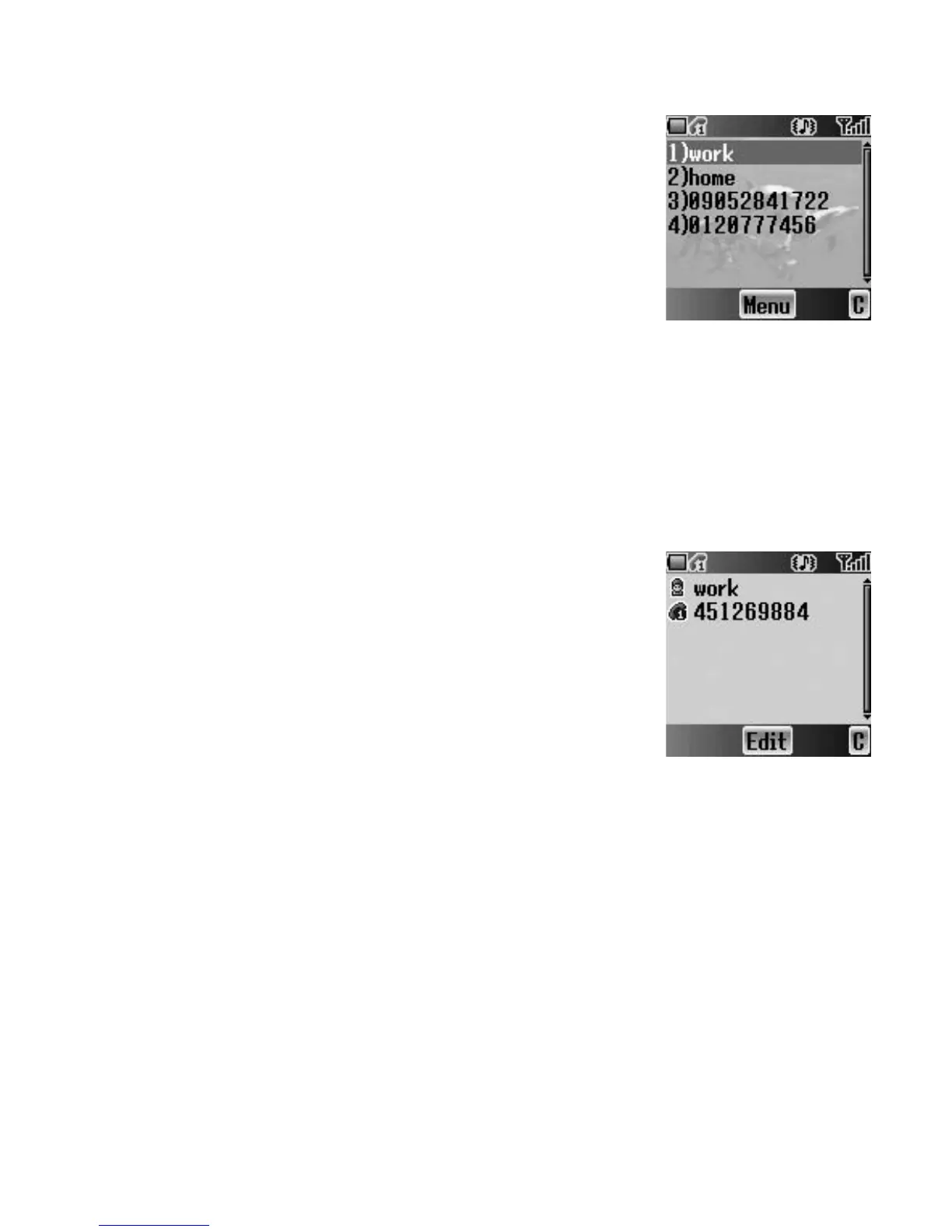
Viewing My numbers
From Contacts menu
1. 4 move to My numbers
2. Press < (Select)
3. 4 move to Line 1 or Line 2
4. Press < (Menu)
5. 4 move to View
6. Press < (Select)
To edit the entry press < (Edit).
Editing My numbers
From My numbers menu
1. 4 move to Line 1 or Line 2
2. Press < (Menu)
3. 4 move to Edit
4. Press < (Select)
5. 4 move to Name or Tel number 1
6. Press < (Edit)
7. Enter the required name or number
8. Press < (OK)
9. Press A (Save)
Service dial
E
See “Service dial E” on page 12.














 To Next Page