My Phone 25
Returning to the default setting
From Profiles menu
1. 4 move to the required profile
2. Press < (Select)
3. 4 move to Defaults
4. Press < (Select)
Renaming a Profile
From Profiles menu
1. 4 move to the required profile except Normal
2. Press < (Select)
3. 4 move to Rename
4. Press < (Select)
5. Enter a profile name
(see “Text Entry” on page 20)
6. Press < (OK)
Sounds
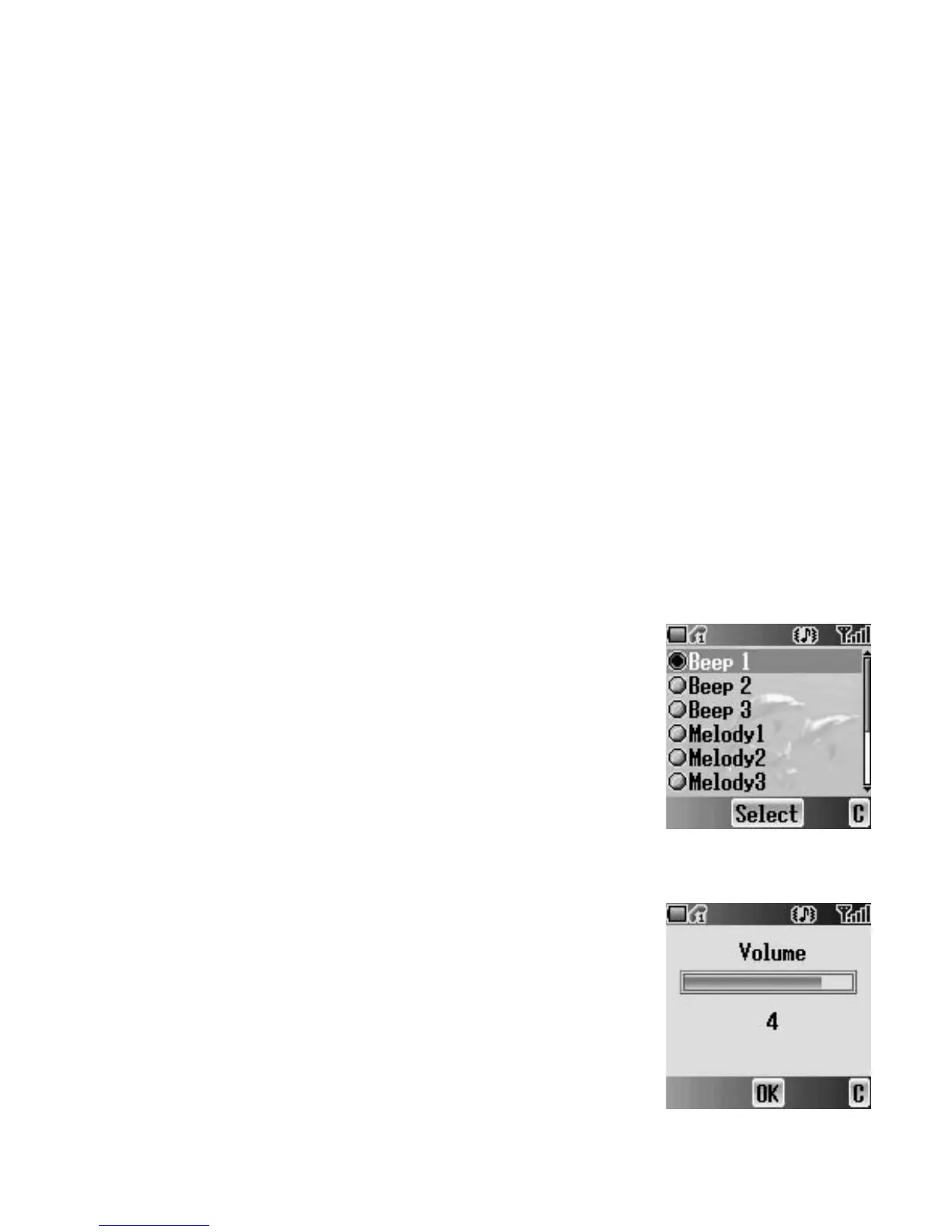
You can select each sound from a preinstalled
selection (shown in the figure right) or downloaded
Ringtone in My Sounds (see “My Sounds” on
page 75).
From My Phone menu
1. 4 move to Sounds
2. Press < (Select)
Volume
You can adjust the ringtone volume.
From Sounds menu
1. Press < (Select)
2. The ringtone will start to ring
3. 0 adjust the volume
1 or 3 volume up
5 or 7 volume down
4. Press < (OK)














 To Next Page