40 Contacts
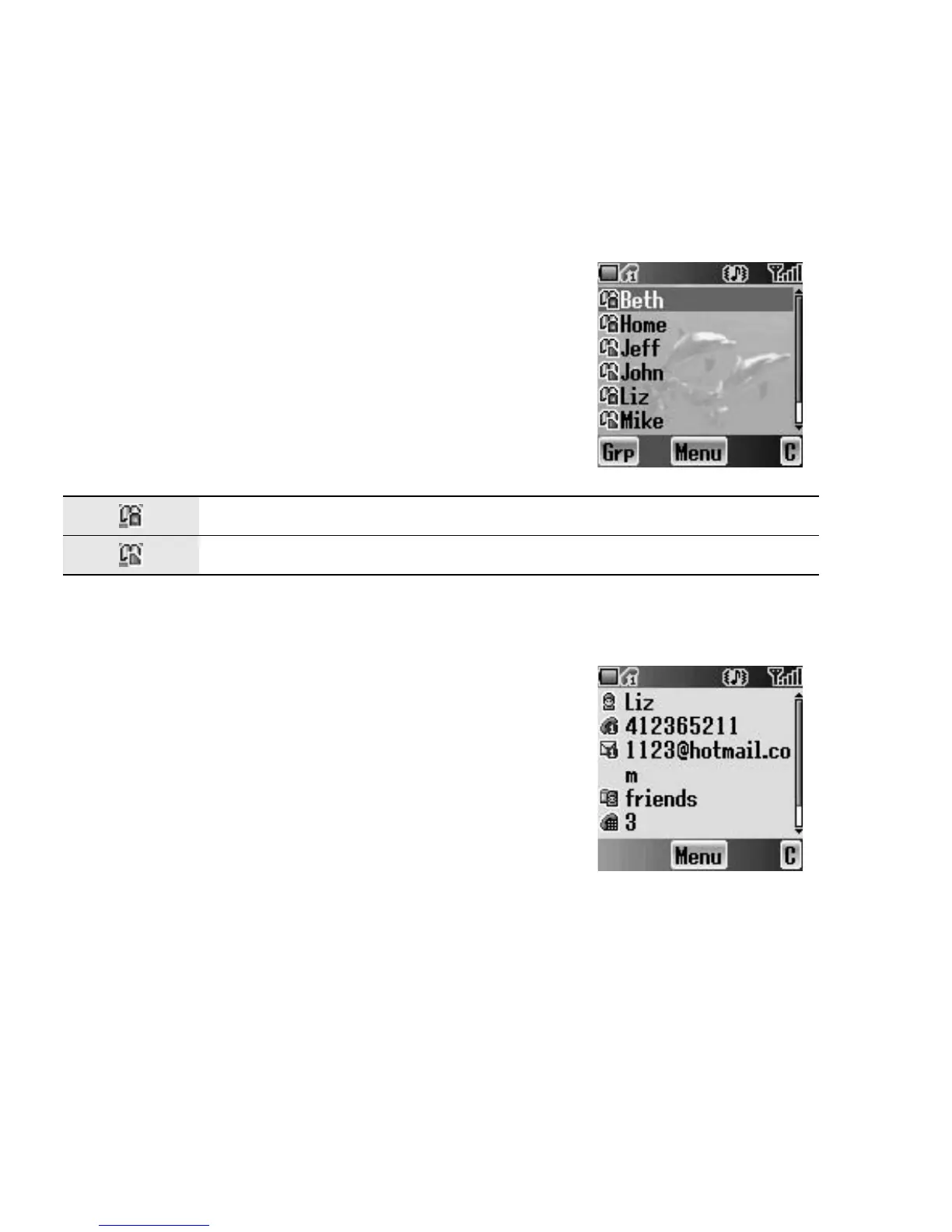
Contacts list
You can browse the SIM Contacts list and the Phone Contacts list
individually, or both Contacts list together.
Viewing the Contacts list
From Contacts menu
1. Press < (Select)
2. 4 move to the required entry
OR
Press the numeric key which contains the first
letter of the required name
Viewing the entries in the Contacts list
From Contacts list menu
1. 4 move to the required entry
OR
Press the numeric key which contains the first
letter of the required name
2. Press < (Menu)
3. Press < (Select)
Located in Phone Contacts list
Located in SIM Contacts list














 To Next Page