Basic Operation 19
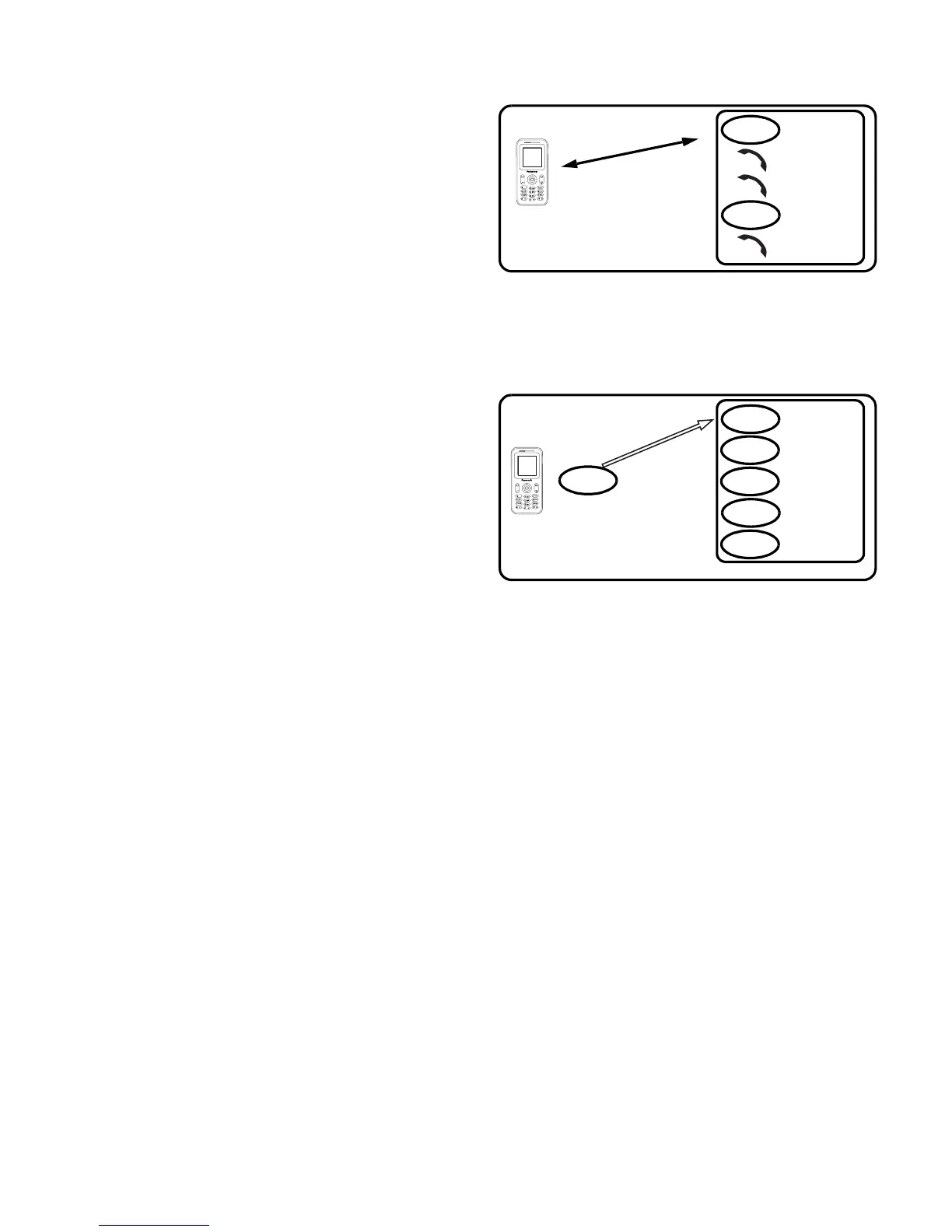
Ending a call in a Multi-
party call
You can end a call in a Multi-party
call one by one.
While on a Multi-party call
1. Press < (Menu)
2. 4 move to Hang up
3. Press < (Select)
4. 4 move to the required phone number
5. Press < (Select)
Ending a Multi-party call
You can end a Multi-party call.
While on a Multi-party call
1. Press D (End)
2. All calls will be disconnected
DTMF Tones
DTMF (Dual Tone Multi-Frequency) Tones can be sent while on a call. These
are often used to access voice mail, paging and computerised home banking.
For example, you may need to enter a number to remotely access voice mail
messages. A phone number may be stored in Contacts together with a DTMF
sequence, allowing the number to be dialled upon recall and the DTMF
sequence to be sent automatically. You can use “p” to pause for a few second
and “w” to pause and wait your response.
Call A
C
o
n
n
e
c
t
i
o
n
1
Call C
Call B
Call D
Call E
End
End
Call A
C
o
nn
ec
t
i
on
1
Call B
Call D
End
End
End
End
Call C
End
Call E
End














 To Next Page