Browser 59
Editing GPRS Connection
From Connection menu
1. 4 move to GPRS
2. Press < (Select)
3. Press < (Select) to Edit
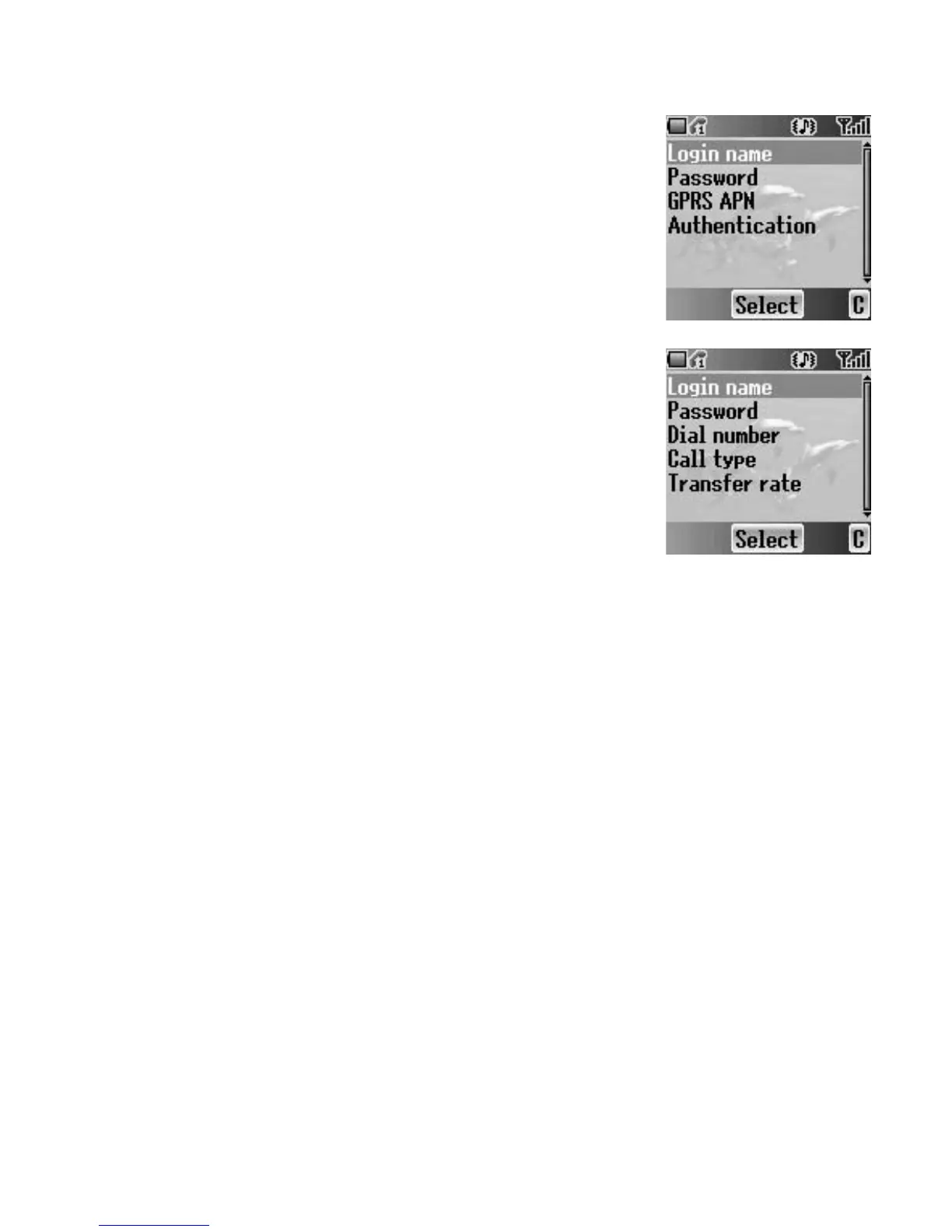
• Login name, Password, GPRS APN, Authentication
Editing CSD Connection
From Connection menu
1. 4 move to CSD
2. Press < (Select)
3. Press < (Select) to Edit
• Login name, Password, Dial number, Call type,
Transfer rate














 To Next Page