Applications 79
Format
From Clock menu
1. 4 move to Format
2. Press < (Select)
3. 4 move to the required format
4. Press < (Select)
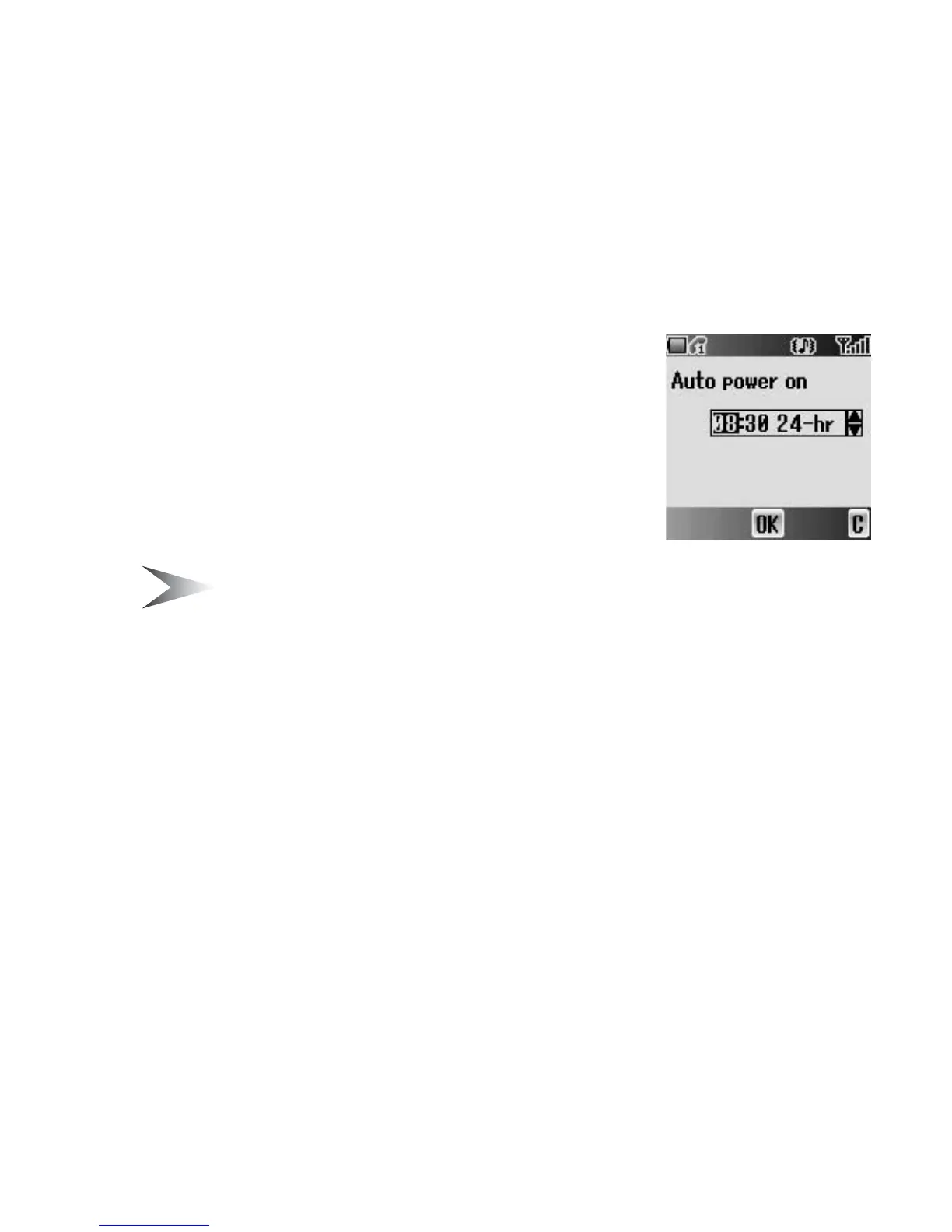
Auto power on
You can set Auto power on and automatically switch
on the phone at the set time.
Note: Even if the phone is switched off at the set Auto power on time,
the phone will switch on automatically.
From Applications menu
1. 4 move to Auto power on
2. Press < (Select)
3. # – , or 4 to change HOUR setting
4. 2 move to MINUTE
5. # – , or 4 to change MINUTE setting
6. Press < (OK)
7. 4 move to the required setting
8. Press < (Select)














 To Next Page