24 My Phone
Profiles
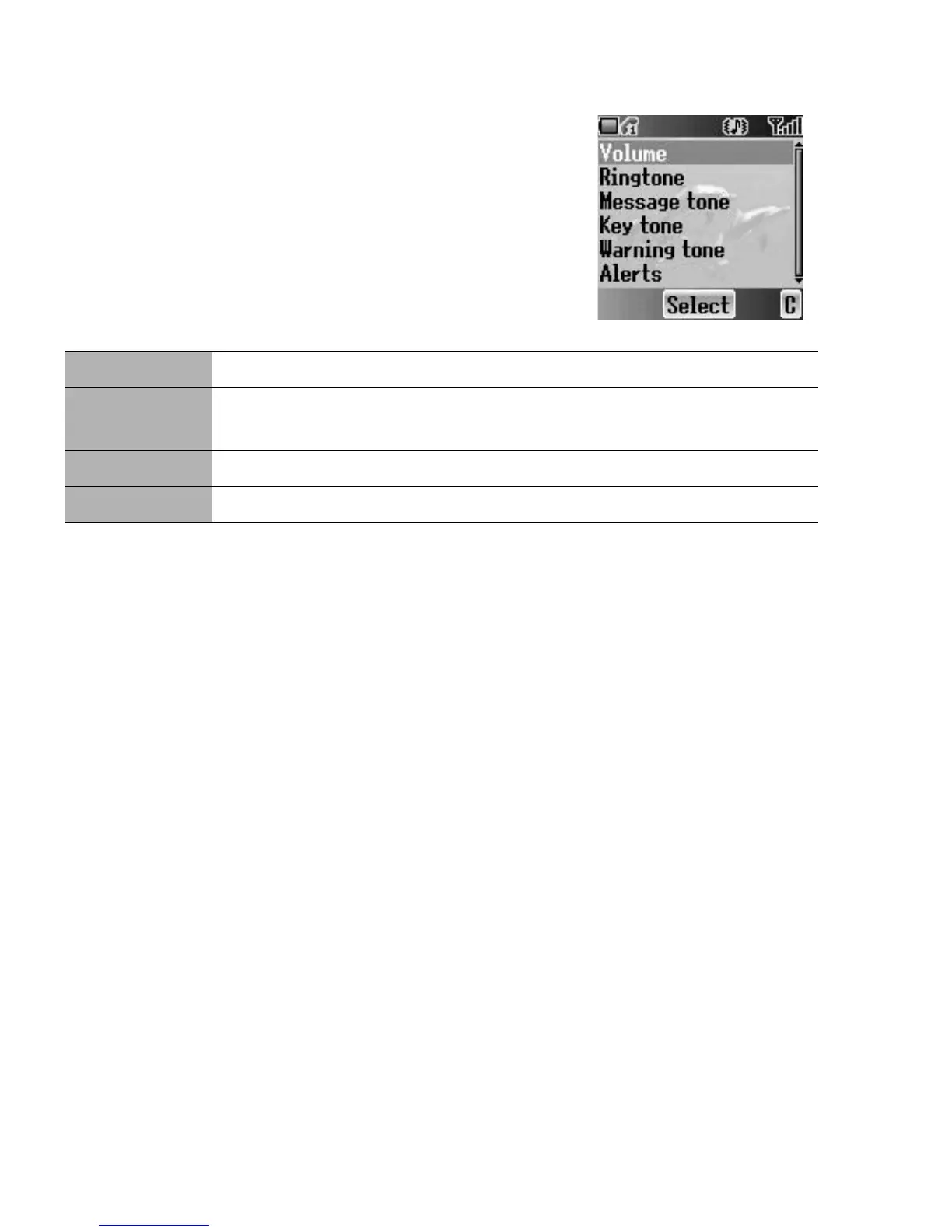
You can switch between 4 different profiles, each with
a distinct combination of Volume, Ringtone,
Message tone, Key tone, Warning tone and Alerts.
From My Phone menu
Press < (Select)
The following profiles are available:
Activating a profile
From Profiles menu
1. 4 move to the required profile
2. Press < (Select)
3. 4 move to Activate
4. Press < (Select)
Editing a profile
From Profiles menu
1. 4 move to the required profile
2. Press < (Select)
3. 4 move to Edit
4. Press < (Select)
5. 4 move to the required setting
(see “Sounds” on page 25)
Normal Suitable for everyday settings
Quiet
Ringtone for formal occasions
(Press and hold ! see “Hash key” on page 2)
Outdoor For noisy environments
Meeting For meetings














 To Next Page