28 My Phone
Display
Wallpaper
You can change the Wallpaper by selecting a preinstalled image or from
My Pictures.
From Display menu
1. Press < (Select)
2. 4 move to Preinstalled or My Pictures
3. Press < (Select)
4. 4 move to the required image as wallpaper
5. Press < (Select)
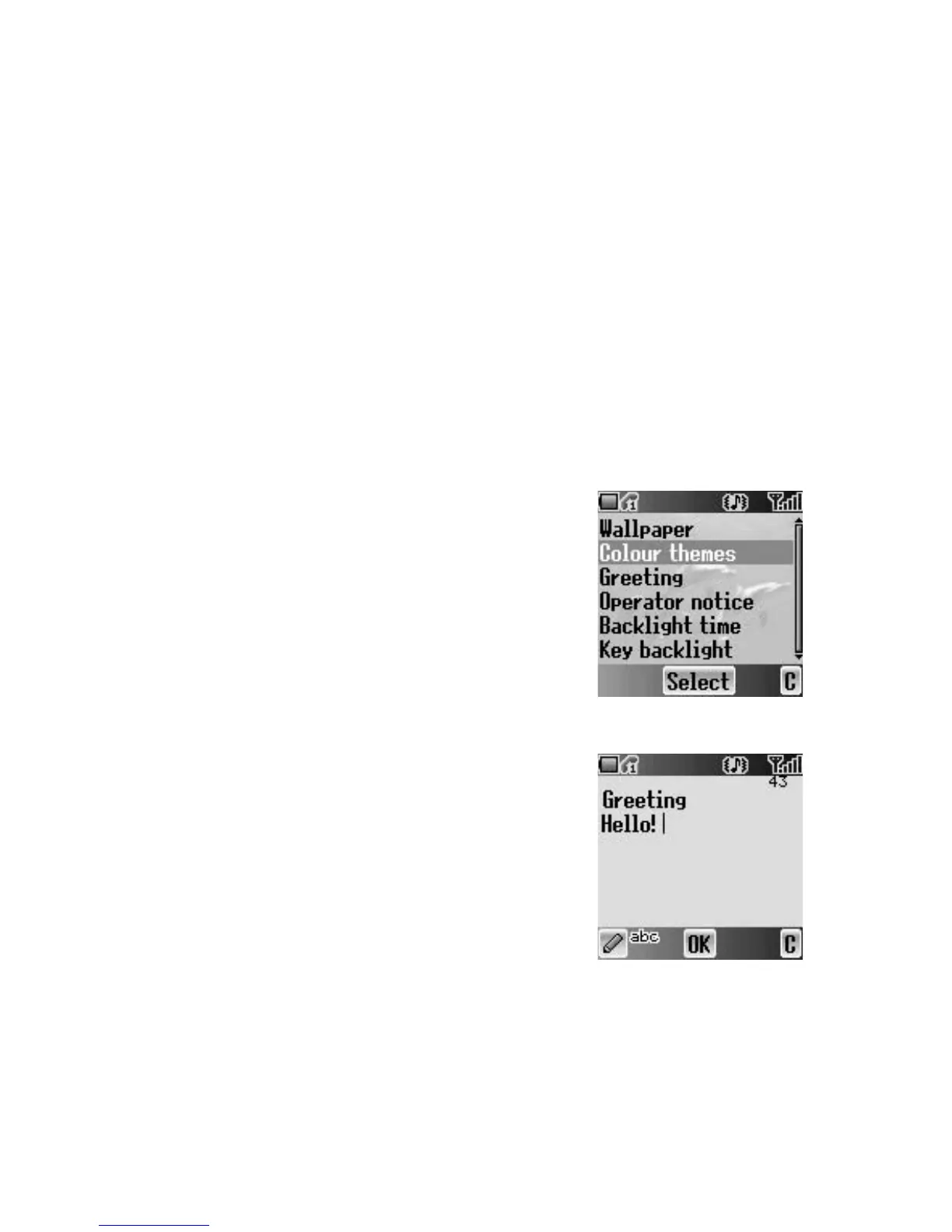
Colour themes
You can change the Colour themes which affect the
colour of the cursor and the background.
From Display menu
1. 4 move to Colour themes
2. Press < (Select)
3. 4 move to the required theme
4. Press < (Select)
Greeting
You can set your original Greeting which appears
after startup animation.
From Display menu
1. 4 move to Greeting
2. Press < (Select)
3. Enter your original greeting
(see “Text Entry” on page 20)
4. Press < (OK)














 To Next Page