My Phone 29
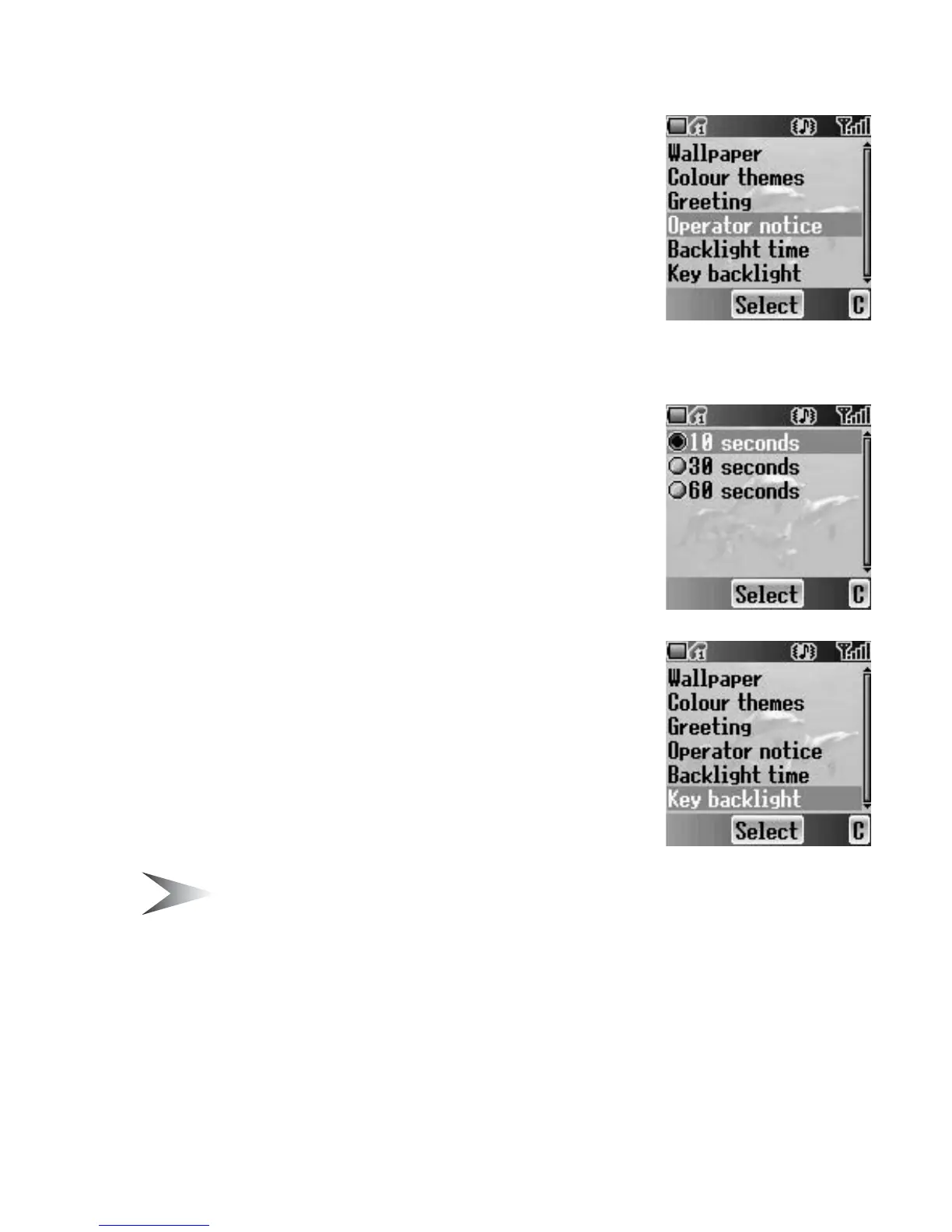
Operator notice
F
Operator notice is a feature which reminds you of
how to operate selected features after you leave the
display idle for few minutes.
From Display menu
1. 4 move to Operator notice
2. Press < (Select)
3. 4 move to On or Off
4. Press < (Select)
Backlight time
You can set the time length of the backlight.
From Display menu
1. 4 move to Backlight time
2. Press < (Select)
3. 4 move to the required time length
4. Press < (Select)
Key backlight
You can set the Key backlight on or off for the
numeric keys.
From Display menu
1. 4 move to Key backlight
2. Press < (Select)
3. 4 move to On or Off
4. Press < (Select)
Note: Setting Key backlight On might make the battery life shorter.














 To Next Page