34 My Phone
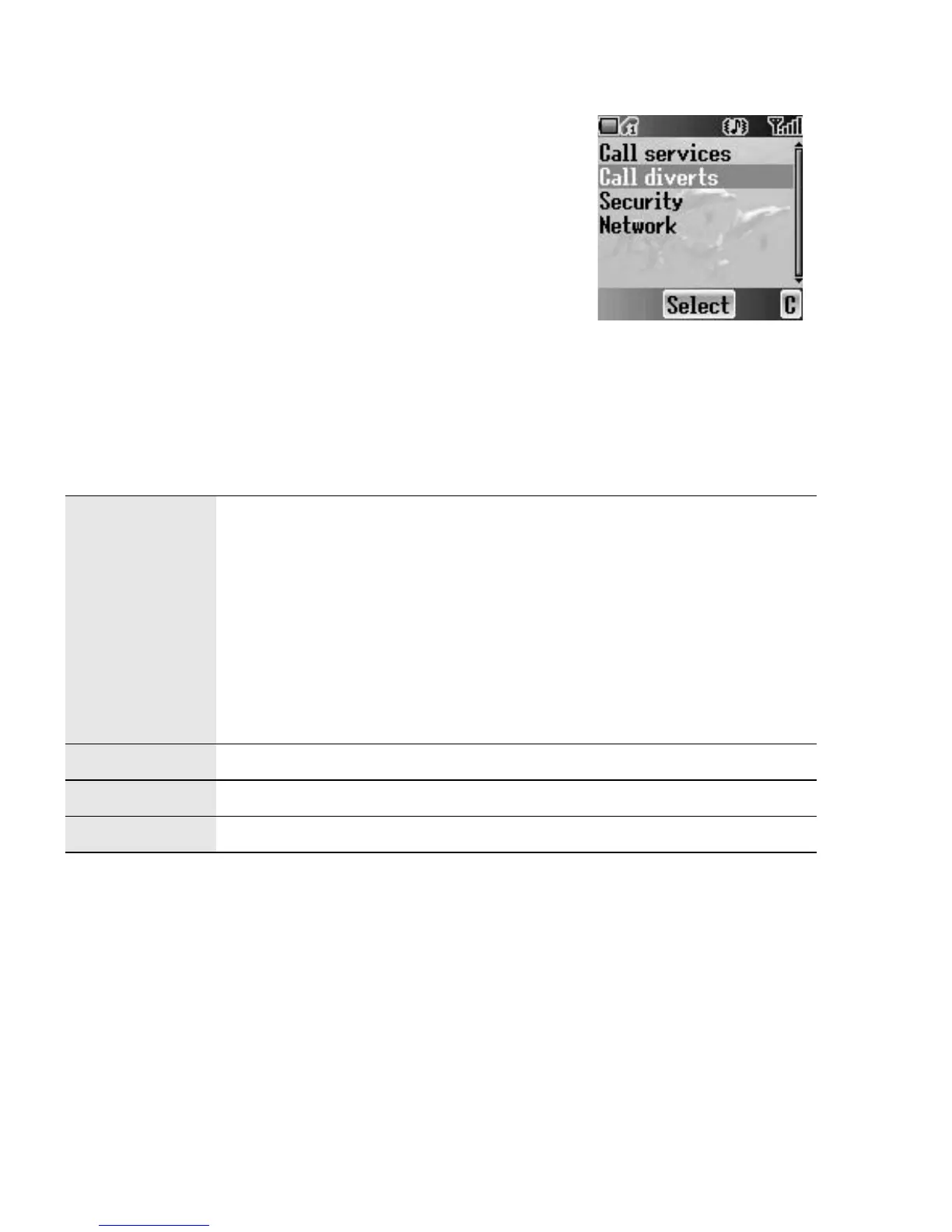
Call diverts
F
You can divert calls by setting the condition according
to the type of calls.
From Phone settings menu
1. 4 move to Call diverts
2. Press < (Select)
3. 4 move to the required type of calls or Cancel
all
4. Press < (Select)
When you select Voice calls,
4 move to the required type and press < (Select)
5. 4 move to Status, On or Off
6. Press < (Select)
When you select On, enter the phone number to divert. Then press < (OK)
Voice calls
Voice calls will be diverted under the following conditions:
Not reachable: When the phone is not in the network
coverage area, all incoming voice calls will be diverted.
No reply: Unanswered incoming voice calls will be diverted.
Busy: When the lines are busy, all incoming voice calls will
be diverted.
All conditional: With above 3 conditions, all incoming voice
calls will be diverted (
E).
All voice calls: All incoming voice calls will be diverted.
Fax calls Fax calls will be diverted.
Data calls Data calls will be diverted.
Cancel all No calls will be diverted.














 To Next Page