32 My Phone
Phone settings
You can customise each phone setting.
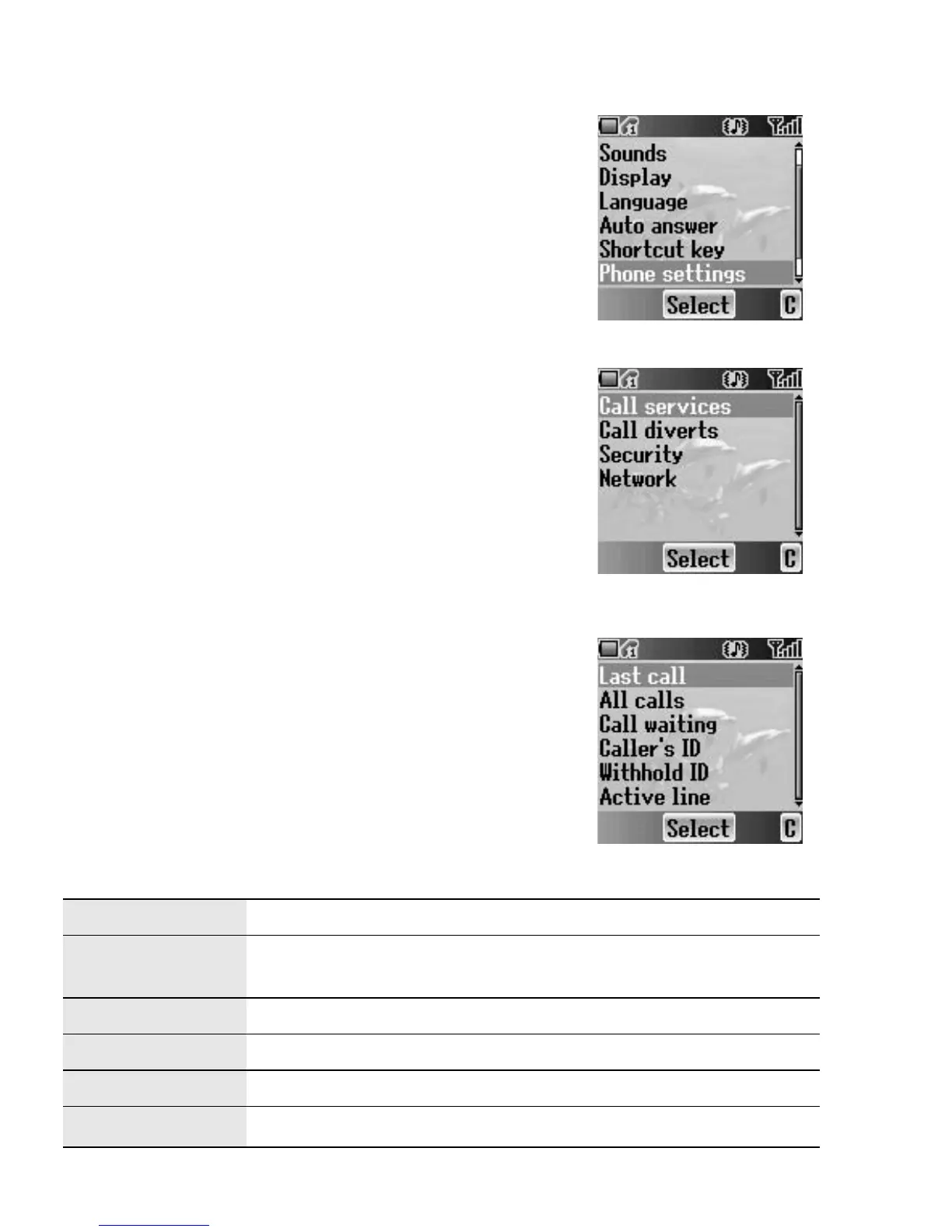
From My Phone menu
1. 4 move to Phone settings
2. Press < (Select)
3. 4 move to the required settings
4. Press < (Select)
Call services
From Phone settings menu
1. 4 move to Call services
2. Press < (Select)
3. 4 move to the required setting
4. Press < (Select)
Calls
F
You can check the call status.
From Call services menu
1. 4 move to Calls
2. Press < (Select)
3. 4 move to the required status
4. Press < (Select)
Last call See the duration of the last call.
All calls
See the total duration of all calls.
Reset the total by pressing < (Reset).
Call waiting Activate Call waiting and see the status.
Caller’s ID Check how Caller’s ID is received.
Withhold ID Check how your call ID is sent.
Active line
Select a line to activate (
E).














 To Next Page