58 Browser
Settings
Before accessing the Internet services, you need to
set up a subscription with your network operator or
Internet Service Provider (ISP) to enable the relevant
configuration information. If you have any trouble with
your network settings, please contact your network
service provider.
Note: Modifying default settings may cause failure of the Browser.
See “Personal Settings” on page 91, for your details.
From Browser menu
1. 4 move to Settings
2. Press < (Select)
3. 4 move to the required network
4. Press < (Select)
5. 4 move to Activate or Edit
To activate the selected network, select Activate.
To edit the network settings, select Edit.
6. Press < (Select)
7. 4 move to the required setting
8. Press < (Select)
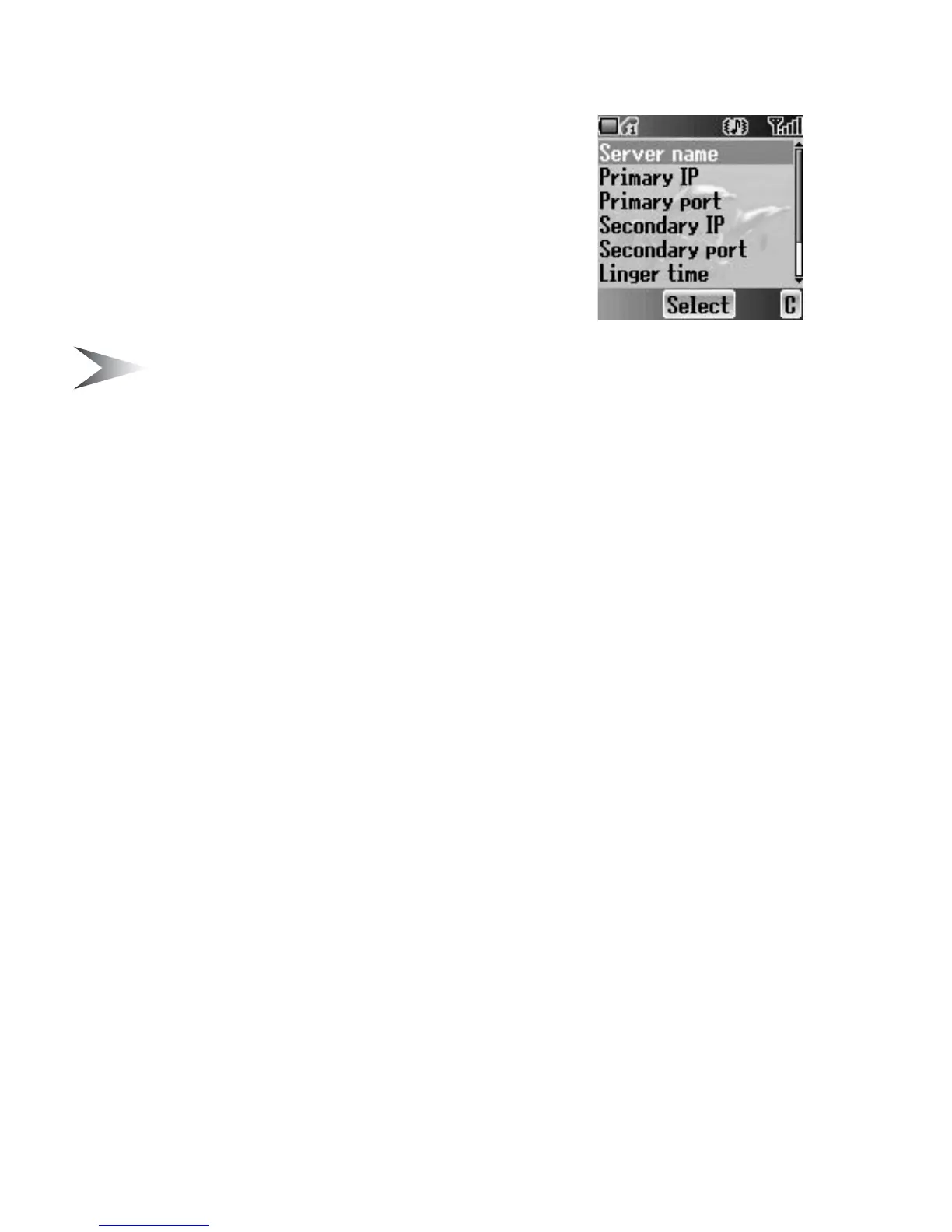
You can edit the following settings:
• Server name
• Primary IP
• Primary port
• Secondary IP
• Secondary port
• Linger time
• Homepage
• Connection
In the Connection menu, you can edit GPRS and CSD connections.
See the following section for details.














 To Next Page