Contacts 45
Groups
You can categorise entries of Contacts list into 10 groups. You can name
and select a particular ringtone for each group to identify incoming calls.
This function is available with Phone Contacts list only.
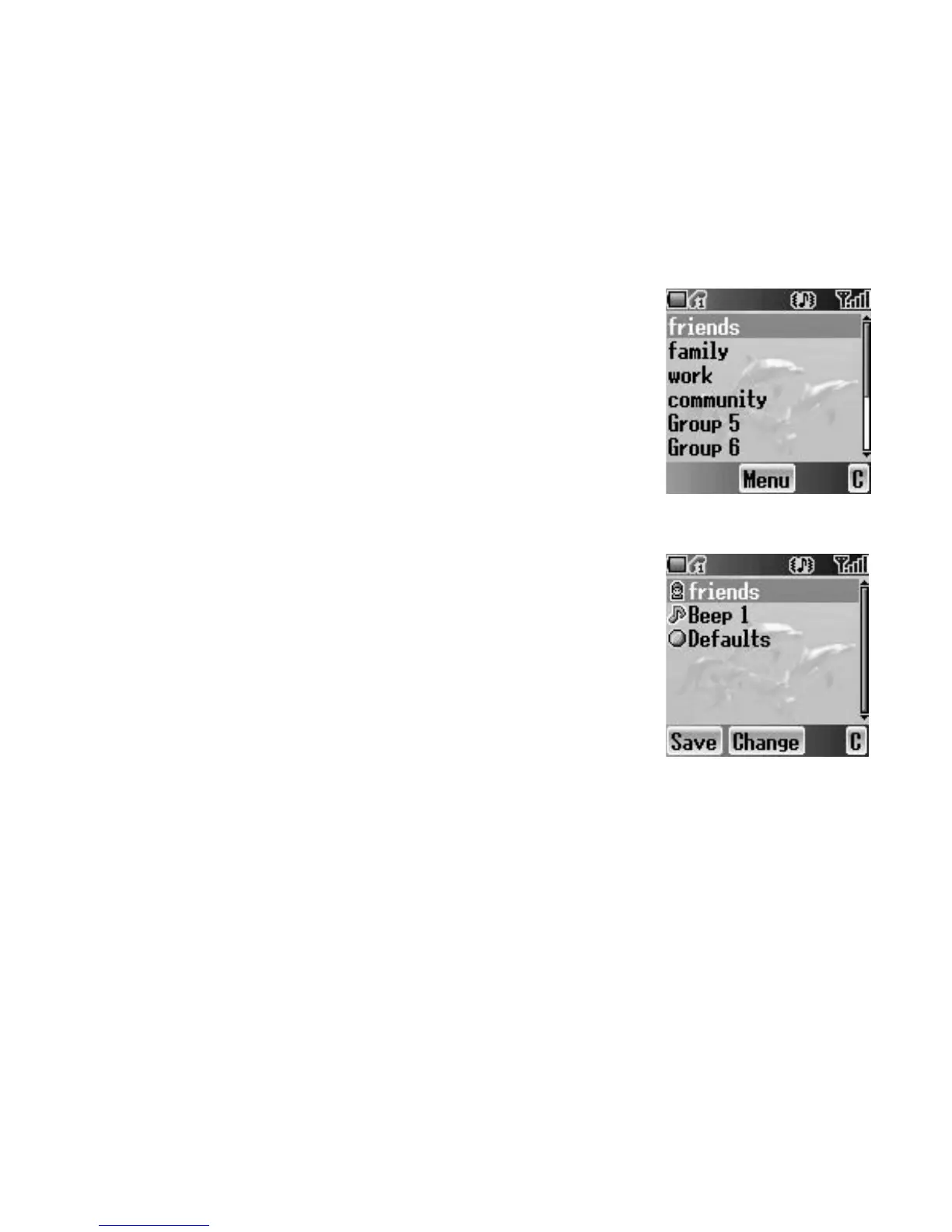
Viewing the Group
From Contacts menu
1. 4 move to Groups
2. Press < (Select)
3. 4 move to the required group
4. Press < (Menu)
5. 4 move to View
6. Press < (Select)
Editing the Group
You can change the name and ringtone assigned
to a group. You can also reset a group setting
to the default.
From Groups menu
1. 4 move to the required group
2. Press < (Menu)
3. 4 move to Edit
4. Press < (Select)
5. 4 move to the required item
To reset the group setting, select Defaults.
6. Press < (Change)
7. Edit a group setting
8. Press A (Save)














 To Next Page