16 Basic Operation
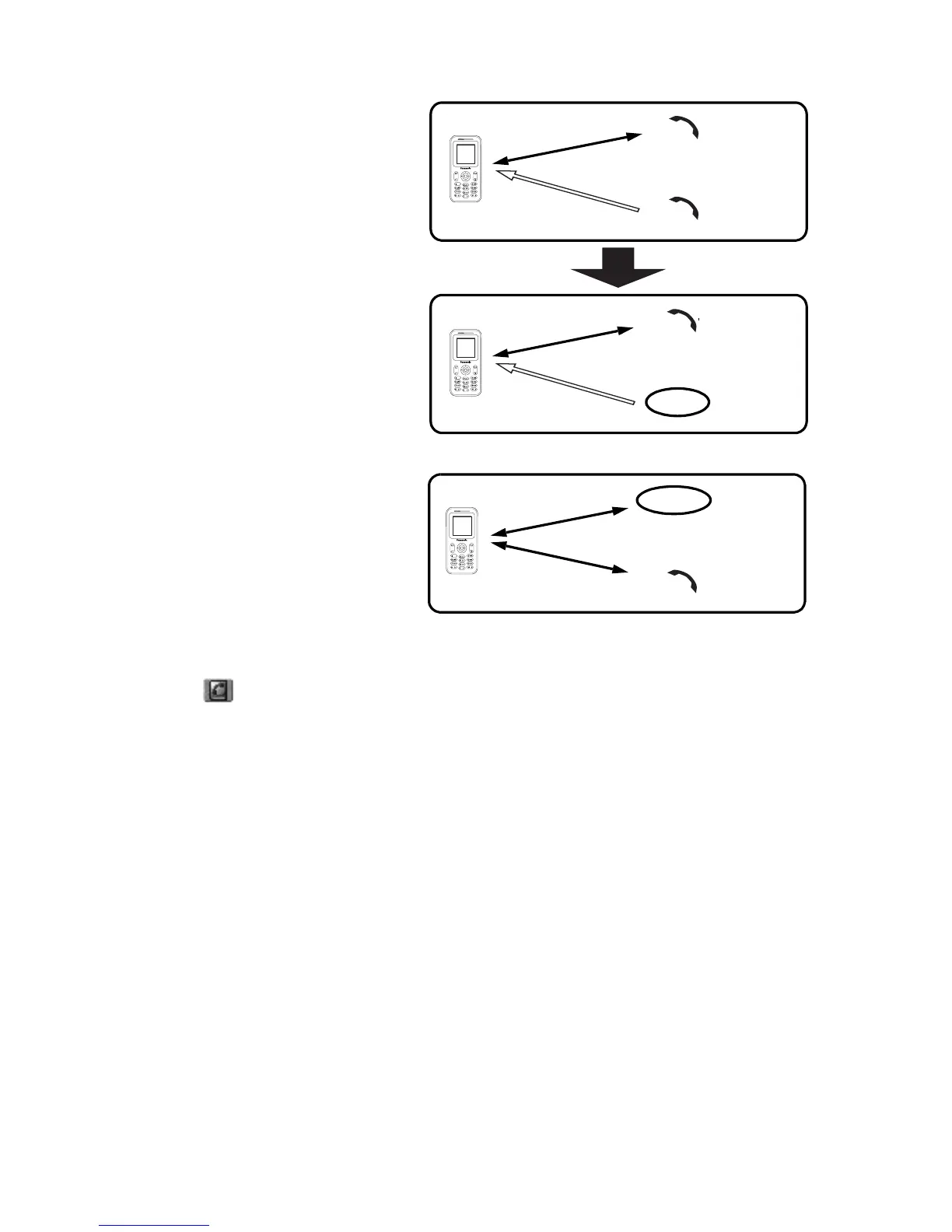
Rejecting a new call
You can reject a new call while you
are on a call.
While on a call
1. You hear an incoming call and
the Caller’s ID is displayed
2. Press @ (Reject)
Second call
You can make another call while on
a call.
While on a call
1. Press @ (Hold)
2. Enter the required phone
number with # – ,
OR
Press A ( ) and select the required number
3. Press C (Send)
The first call will be put on hold.
Call A
C
o
n
n
e
c
t
i
o
n
1
Call B
C
o
n
n
e
c
t
i
o
n
1
Call B
Call A
Reject
Call A
C
o
n
n
e
c
t
i
o
n
1
Hold
Call B
C
o
n
n
e
c
t
i
o
n
2














 To Next Page