62 Messages
MMS settings
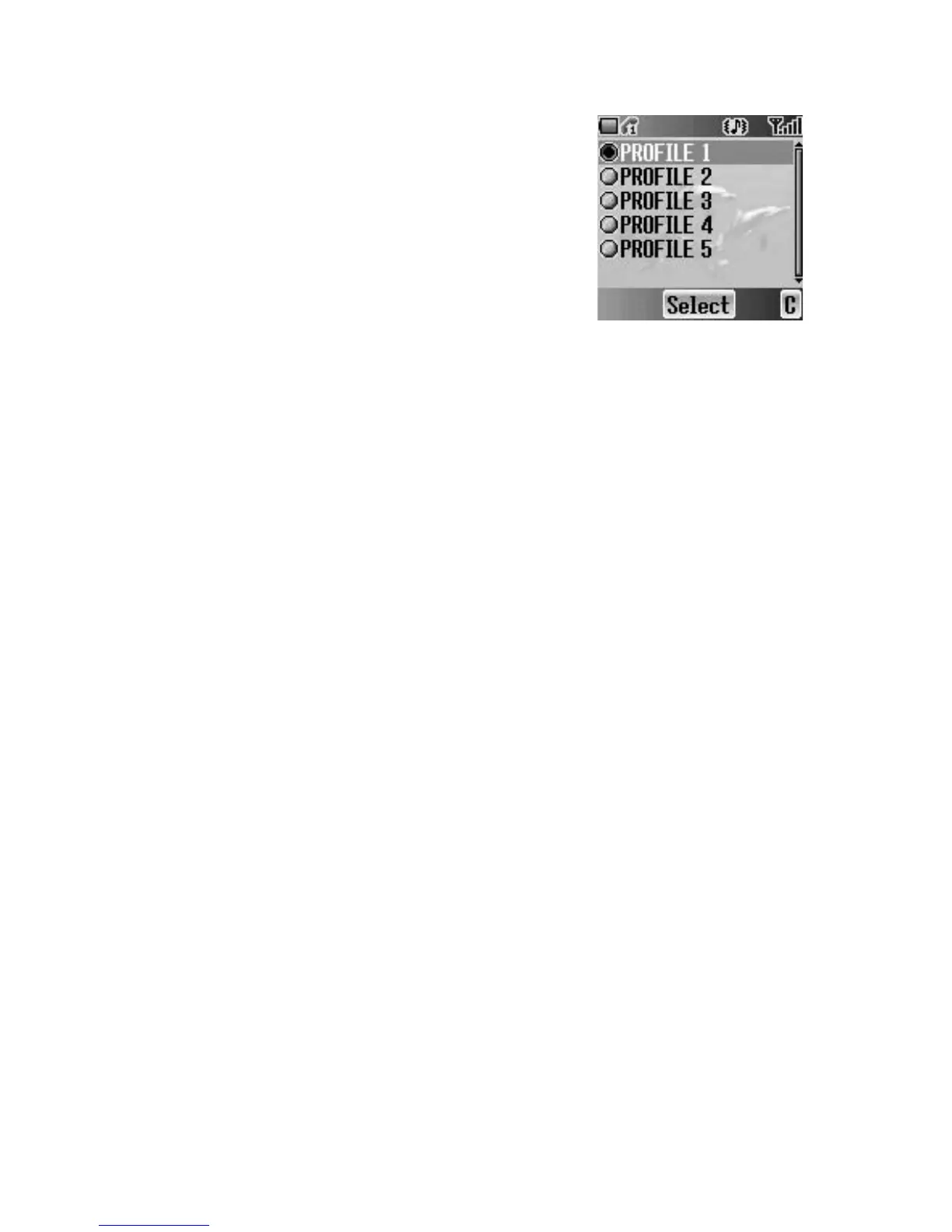
Server list
You can configure up to 5 server profiles.
From Settings menu
1. Press < (Select)
2. Press < (Select)
3. 4 move to the required network
4. Press < (Select)
5. 4 move to Activate or Edit
6. Press < (Select)
To activate the selected network, select Activate.
To edit the network settings, select Edit.
7. 4 move to the required setting
8. Press < (Select)
You can edit the following settings:
• Server name
• Primary IP
• Primary port
• Secondary IP
• Secondary port
• Linger time
• MMS centre
• Connection














 To Next Page