Messages 61
Messages
Your phone has various messaging features, including SMS/EMS and MMS.
You need to customise the settings of Messages and Network before you start.
SMS/EMS – You can send short text messages with media attached to phone
numbers whose network support SMS/EMS.
MMS – You can send media attached messages to phone numbers whose
network support MMS or E-mail address (
F).
Settings
From Messages menu
1. 4 move to Settings
2. Press < (Select)
3. 4 move to MMS or SMS/EMS
4. Press < (Select)
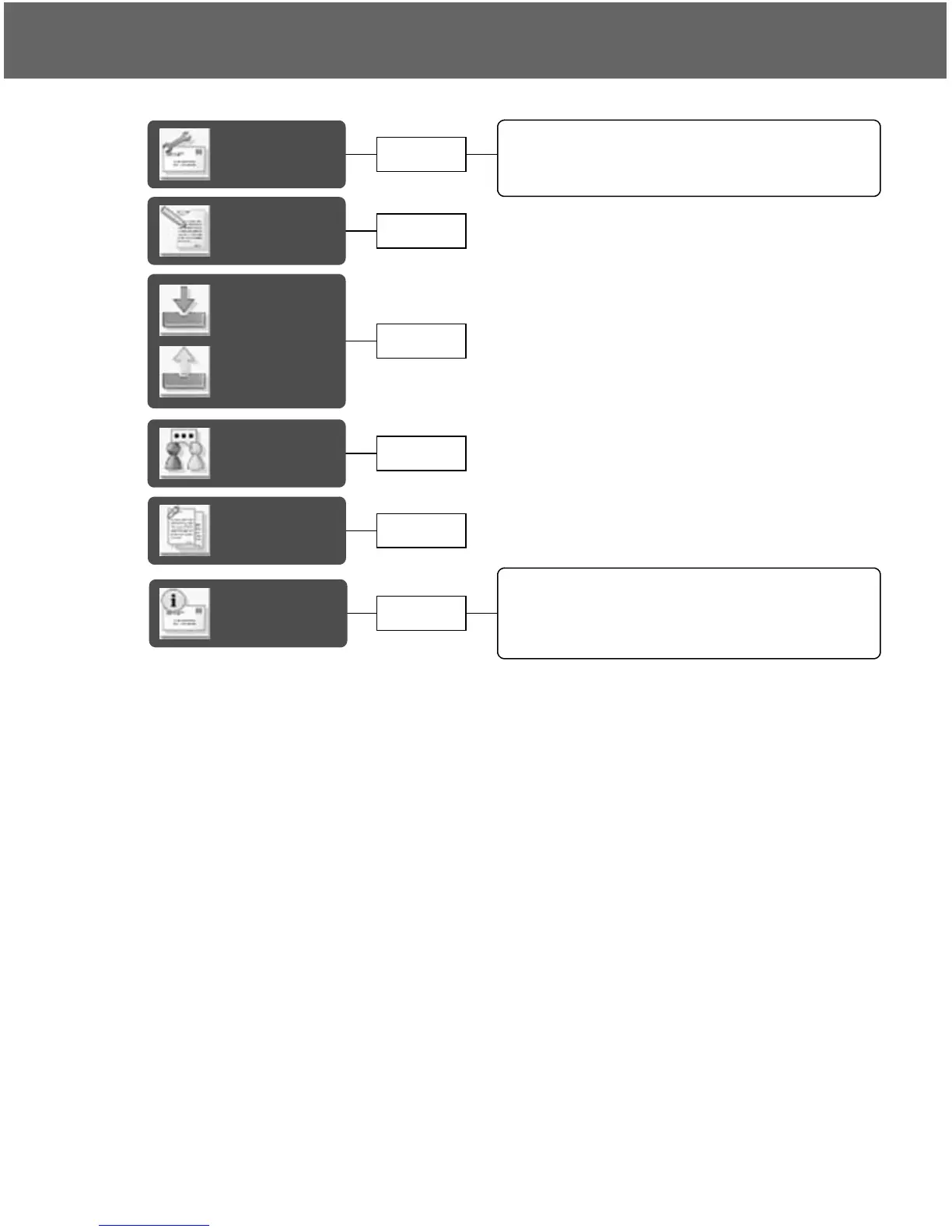
Settings
MMS settings...................................................62
SMS/EMS settings...........................................63
Receiving messages........................................64
User
messages
Cell
Broadcast
Receiving Cell Broadcast messages ...............68
Reading Cell Broadcast messages..................68
Topic list ...........................................................68
Languages.......................................................69
Create
Inbox and
Outbox
Chat
SMS
page 65
page 61
page 66
page 67
page 67
page 68














 To Next Page