26 My Phone
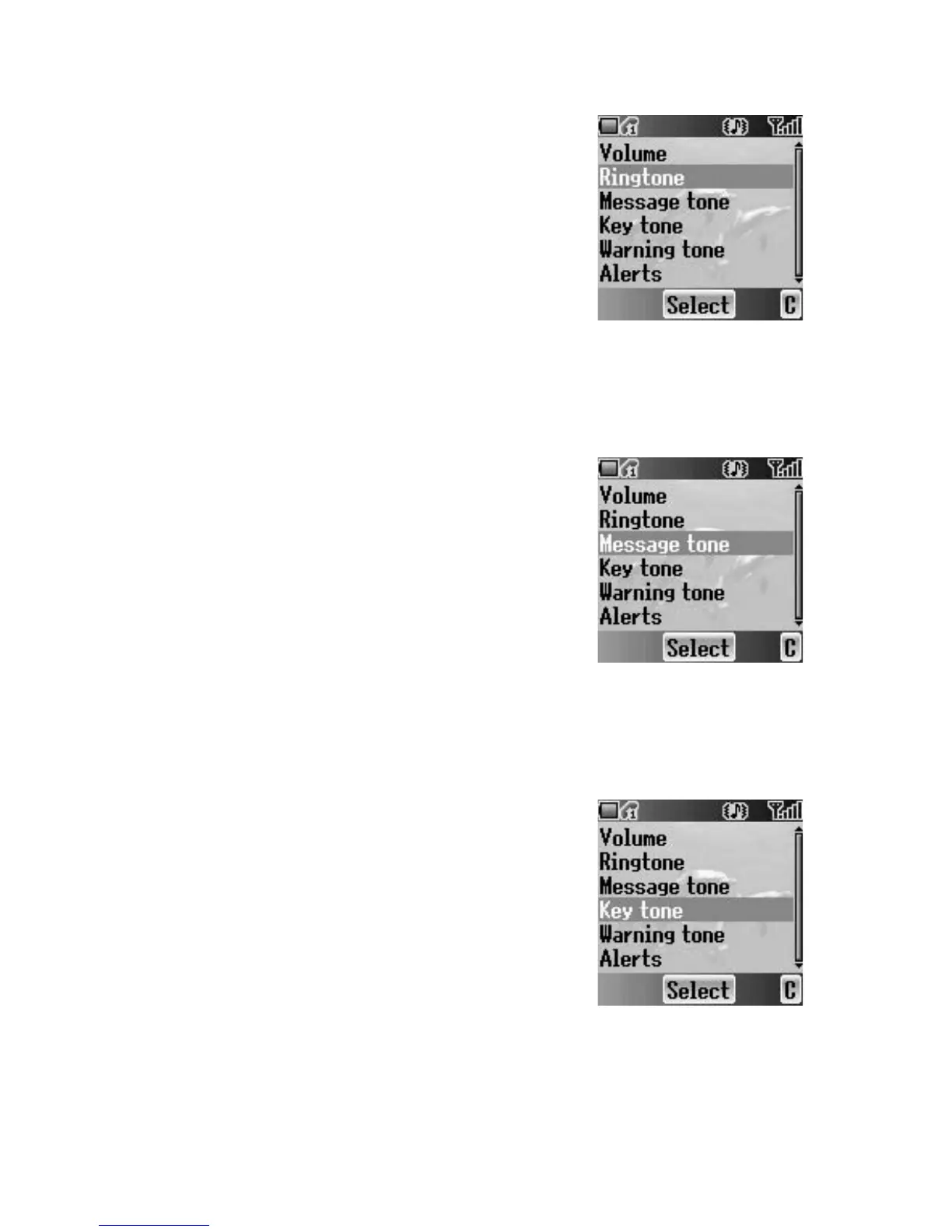
Ringtone
You can select a Ringtone from the preinstalled
selection or from My Sounds.
From Sounds menu
1. 4 move to Ringtone
2. Press < (Select)
3. 4 move to Preinstalled or My Sounds
4. Press < (Select)
5. 4 move to the required sound and sample sound
will be played
6. Press < (Select)
Message tone
You can select a Message tone from the preinstalled
selection or from My Sounds.
From Sounds menu
1. 4 move to Message tone
2. Press < (Select)
3. 4 move to Preinstalled or My Sounds
4. Press < (Select)
5. 4 move to the required sound and sample sound
will be played
6. Press < (Select)
Key tone
The Key tone is the sound you hear when you press
a key.
From Sounds menu
1. 4 move to Key tone
2. Press < (Select)
3. 4 move to On or Off
4. Press < (Select)














 To Next Page