Browser 57
Managing Bookmarks in off-line
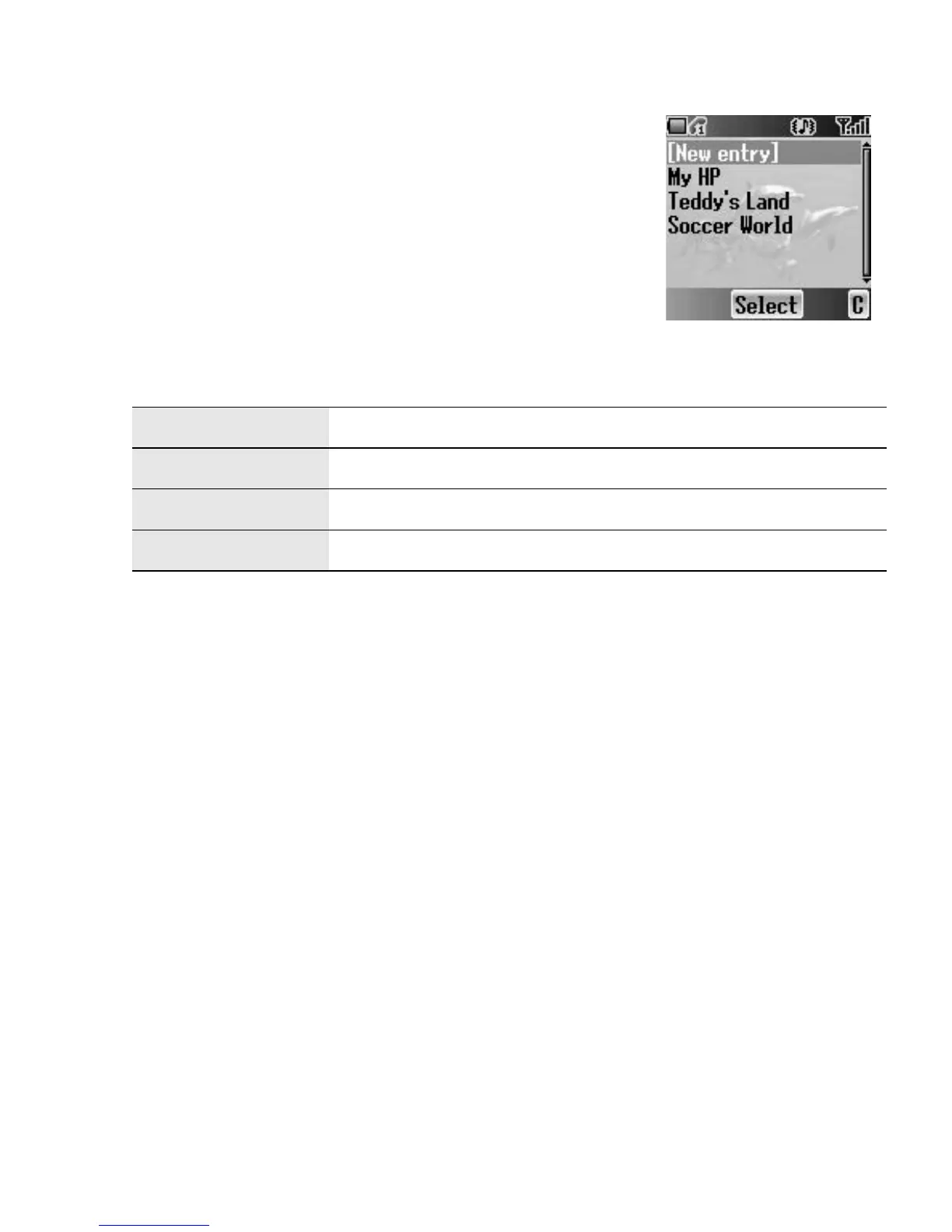
Bookmarks
From Browser menu
1. 4 move to Bookmarks
2. Press < (Select)
3. 4 move to the required bookmark
4. Press < (Menu)
5. 4 move to the required function
6. Press < (Select)
The following functions are available:
Select Jump to the selected bookmark site.
Edit Edit the Title and URL.
Delete Delete the bookmark.
Delete all Delete all bookmarks.














 To Next Page