52 Games
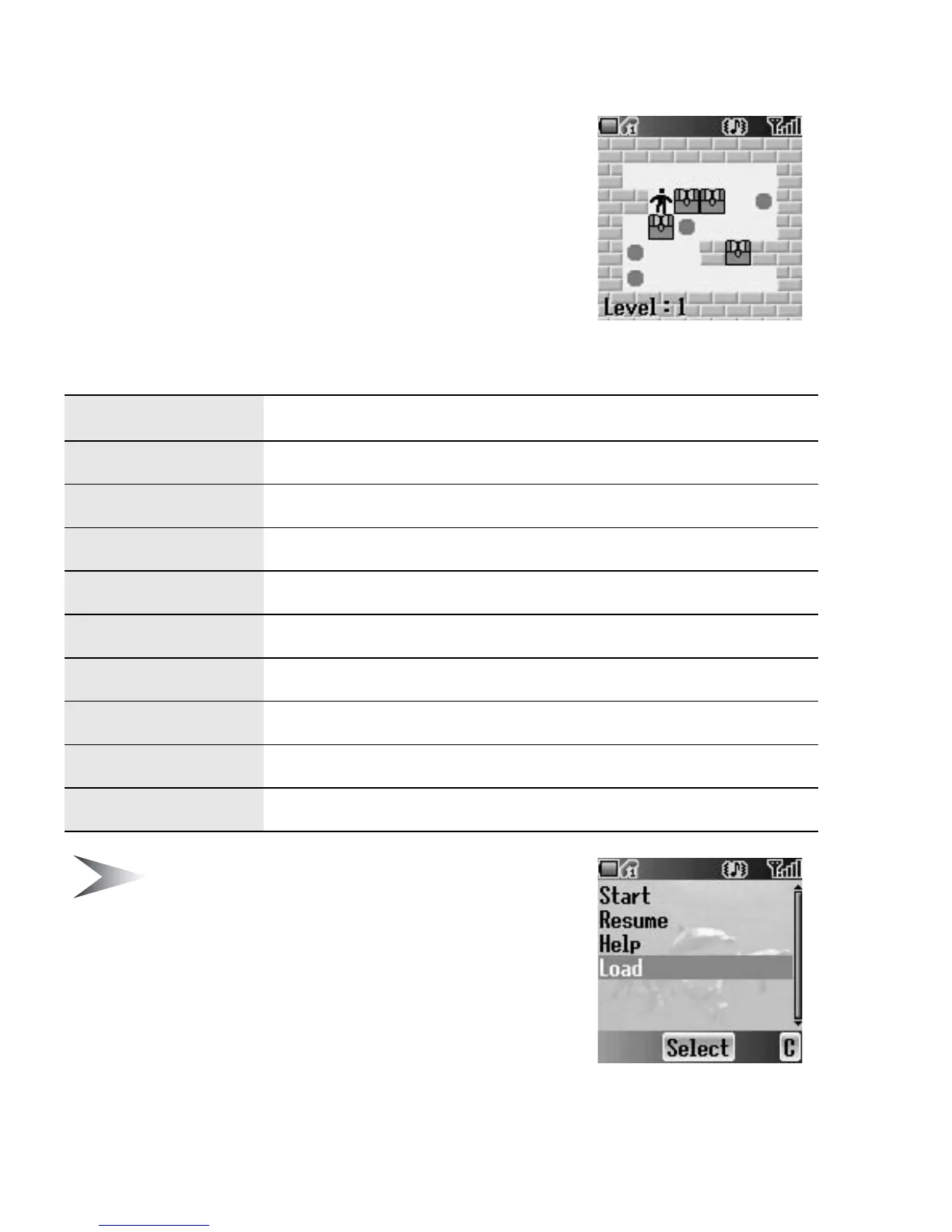
Move Box
Arrange all the boxes into designated places. You
can only push the boxes and only one at a time.
So be careful not to push them into corners.
Key operation
Note: You can Resume your game from the
point you pressed
@ (exit) or D (quit).
Resume is available as long as the phone is switched on.
Meanwhile, if you have saved your game by pressing
*,
you can Load your saved data to continue from the stage
you left off. The saved data is available even after the
phone is switched off.
Key Function
1 / %
Move up
5 / +
Move down
7 / '
Move left
3 / )
Move right
$
Restart the current stage from the beginning
(
Return to the last step
*
Save the current game
@
Exit and back to the Move Box game menu
D
Quit and back to the idle screen














 To Next Page