14 Basic Operation
Messages
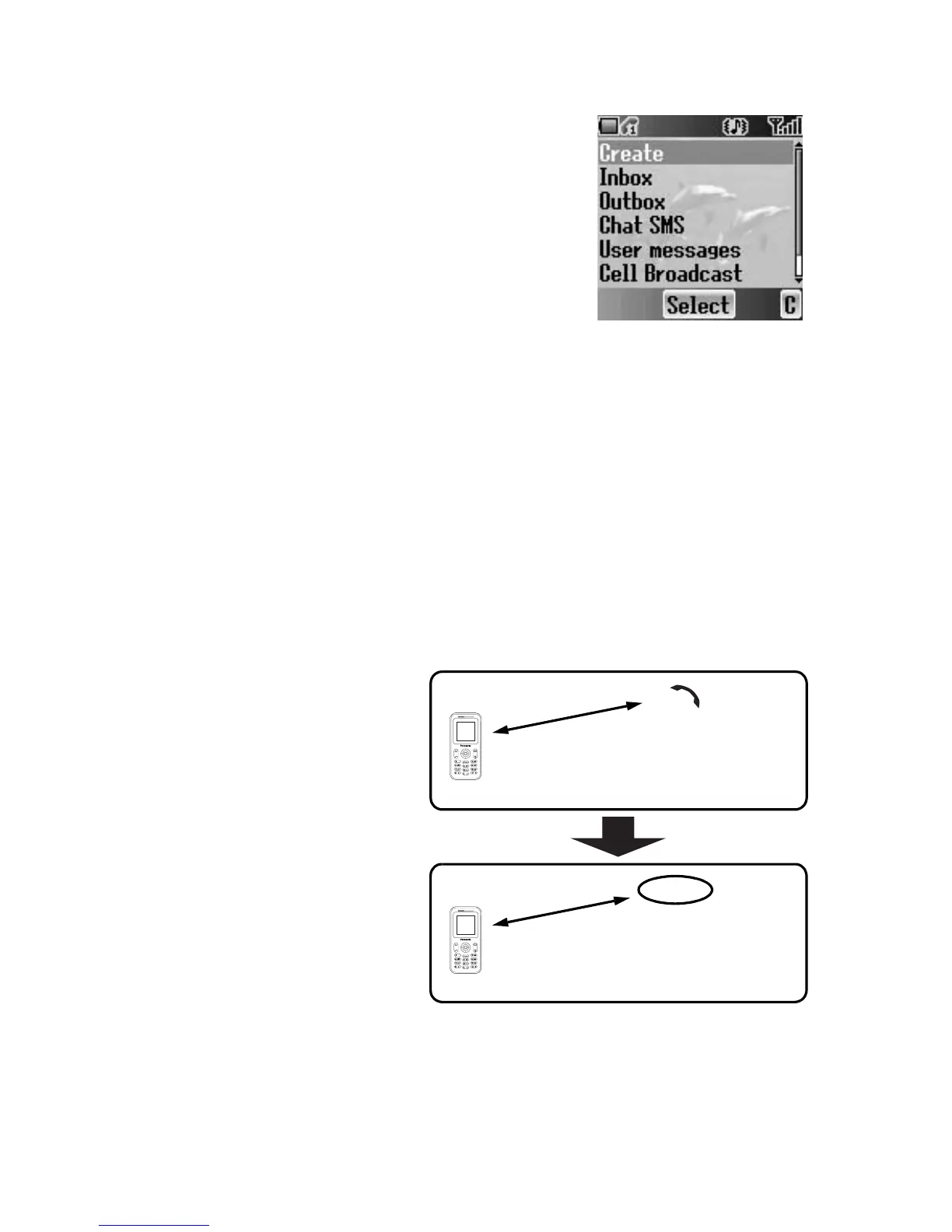
While on a call, you can send an SMS message as
well as create or check an SMS or MMS message.
While on a call
1. Press < (Menu)
2. 4 move to Messages
3. Press < (Select)
(see “Messages” on page 61)
Handsfree
If Handsfree is activated, you can use the phone handsfree access to the
phone without putting the earpiece to the ear.
While on a call
1. Press < (Menu)
2. 4 move to Handsfree
3. Press < (Select)
4. 4 move to On or Off
5. Press < (Select)
Hold
You can put a call on hold.
While on a call
1. Press @ (Hold)
To resume
1. Press @ (Resume)
Call A
C
o
n
n
e
c
t
i
o
n
1
Call A
C
o
n
n
e
c
t
i
o
n
1
Hold














 To Next Page