Operation Manual
FT128 Rev 2.4
25
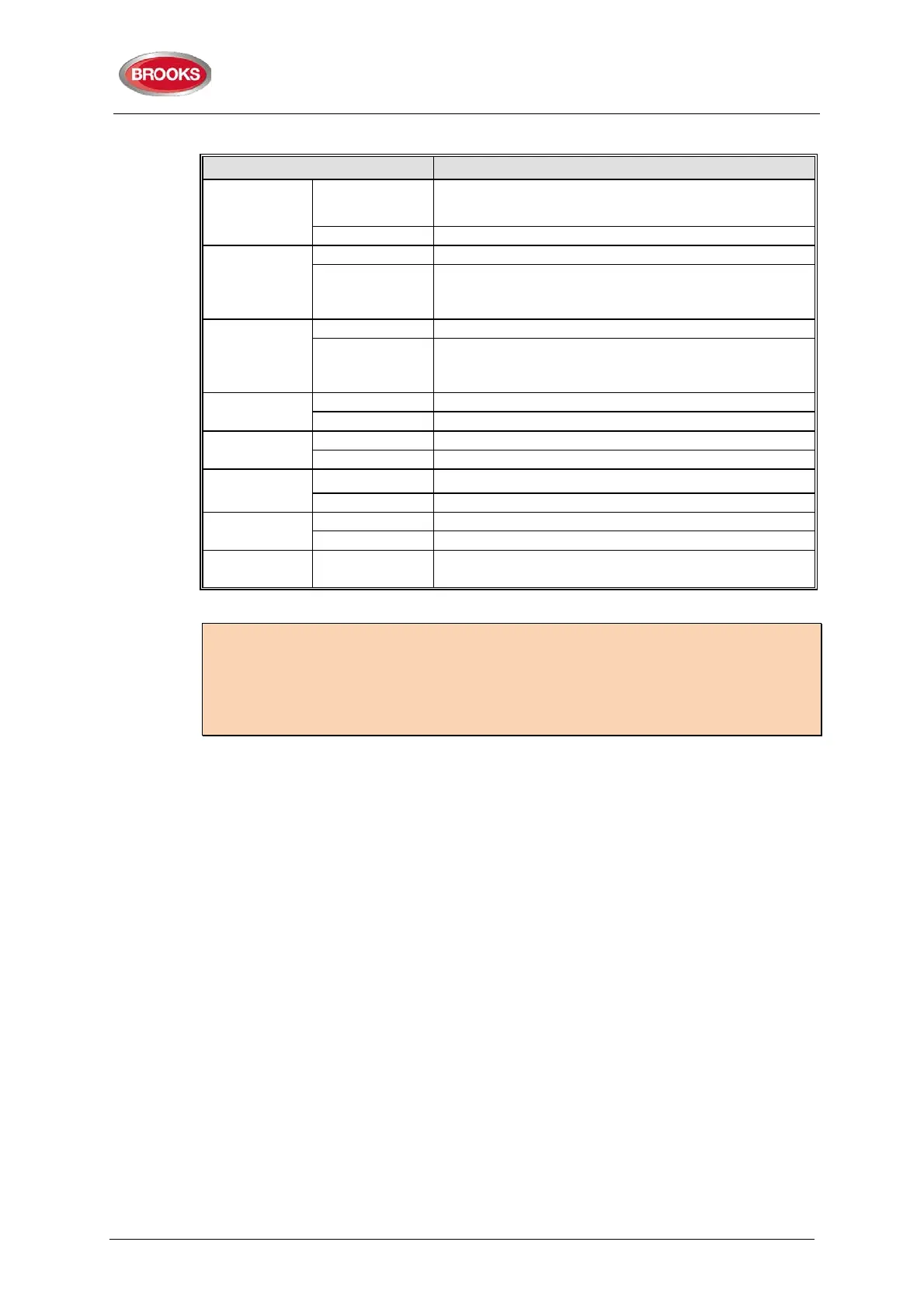
Table 10 OWS controls and indications
Auto
LED - Green
Illuminates to indicate the “Auto” position of the
button, normal position.
OWS controlled only by alarm condition
Isolate
Illuminates to indicate “Isolate” position of the button.
Button
Disable all outputs to the speakers, FDCIE fault is
generated if the isolate button remains active for
Manual
Illuminates to indicate the “Manual” position
Button
Enables manual activation of Alert, Evac or PA.
OWS fault is generated if the manual button remains
active for more than 5 min.
Alert
Indicates that alert tone/message is active
Manual trigger of the alert tone/message
Evac
Indicates that evacuation tone/message is active
Manual trigger of the evacuation tone/message
PA
Indicates that PA is enabled
Press to Talk
Indicates PA is broadcasting
Press and hold to broadcast via the electret mic
Fault Yellow
Indicates common fault in OWS i.e. speaker fault,
trigger fault, strobe fault, etc.
Notes:
The OWS requires separate power supply as well as power supply supervision board.
Standard FT128 is not capable to supply the required current to the amplifier.
A fault signal will be generated if the isolate or manual mode is kept active for more than
5 minutes (OWS software V1.5 and higher)
4.6 Gaseous Extinguishing Control Module
The gaseous extinguishing system control module is provided for use as an option in
FT128. The gas module provides outputs to drive the following:
• A combination of BROOKS Warning Signs
• BROOKS Local Control Station (LCS)
• Voice / Tone Electronic sounder
• Dual Strobe Module
The gas control module combined with other Brooks system components has been
designed to provide the monitoring and control functions of a complete gaseous
extinguishing system that meets the requirements of the relevant clause 7.1 to 7.6 of the
Australian Standard AS4214-2002 (including amendment 1). For more details, refer to
FT2GAS Operation / technical manual MA400.
The gaseous extinguishing system status indicating LEDs and flash patterns are described
in Table 11. The default state of the LED indicators is OFF, if it is not defined in the table.



 To Next Page