Operation Manual
FT128 Rev 2.4
51
001 ZONE-ADDR 12-45 LAST ZONE 12 No. 01
"Alarm text for 12-45"
The LEDs "Alarms queued" (L2) are indicating that more than one alarm point is in alarm.
Press the button "Alarms queued" (P1) to see the other alarm:
002 ZONE-ADDR 12-46 LAST ZONE 12 No. 01
"Alarm text for 12-46"
Two alarm points in two different zones activating fire alarm (e.g. detectors 12-45 &
13-02)
001 ZONE-ADDR 12-45 LAST ZONE 13 No. 02
"Alarm text for 12-45"
The LEDs "Alarms queued" (L2) are indicating that more than one alarm point is in alarm.
Press the button "Alarms queued" (P1) to see the other alarm:
002 ZONE-ADDR 13-02 LAST ZONE 13 No. 02
"Alarm text for 13-02"
Alarms Queued
LEDs "Alarms queued" (L2) are blinking (0.4 / 0.4 sec.), indicating that more than one fire
alarm
40
is activated. To scroll through the alarms, use the push button "Alarms queued”.
The fire alarms are stored in a circular buffer and when scrolling from the last to the first
alarm, the LEDs "Alarms queued" will be turned off for approx. three seconds.
When the "Scroll" button has been used the first alarm will be automatically displayed again
after 20 seconds.
14.2.1 Entering Fire Alarm Menu during fire alarm (X1-X9)
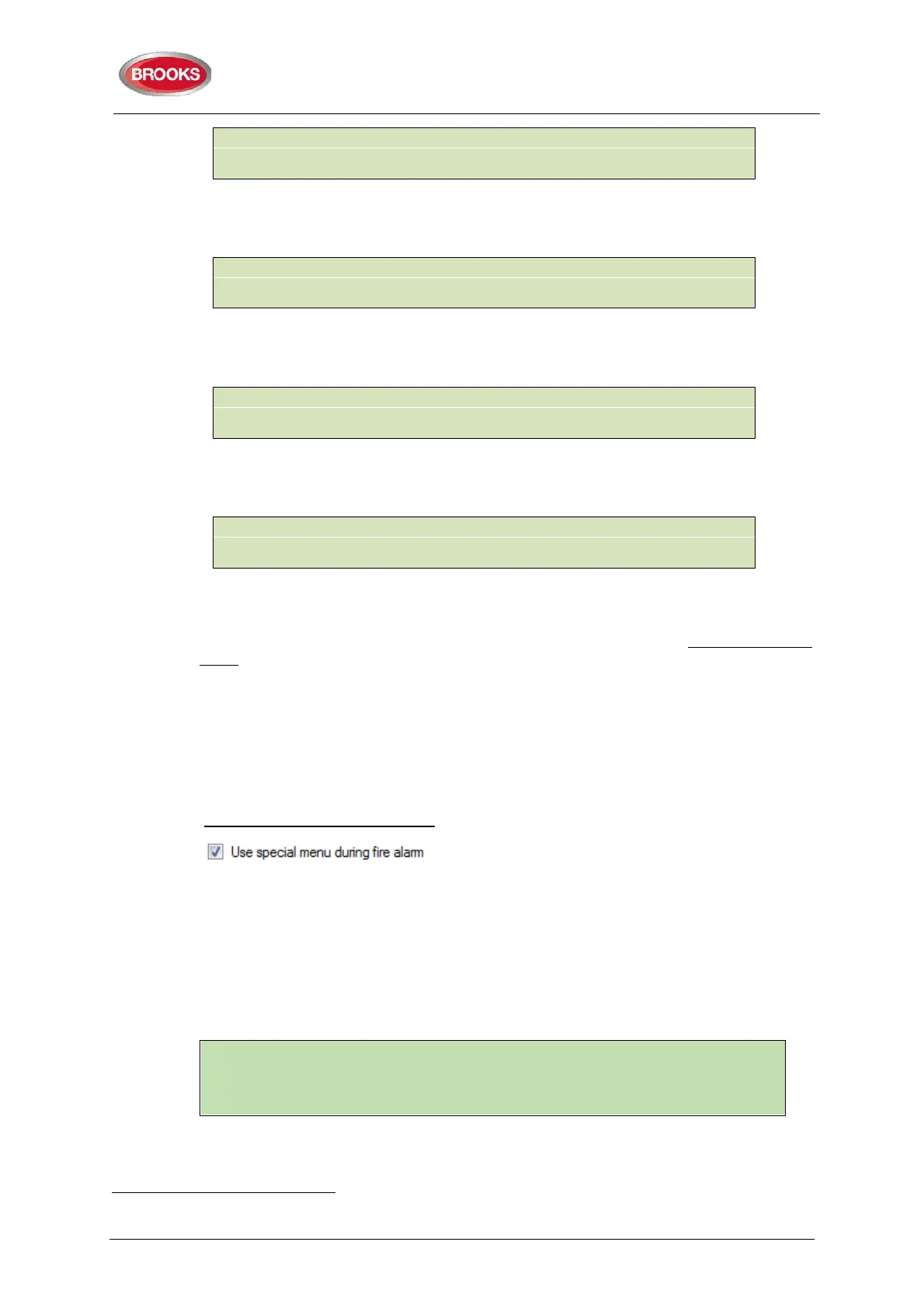
During the fire alarm presentation, a special fire alarm menu can be used.
Fire alarms can be displayed via this menu but it can also be used to display faults and
disablements in the system.
Alarm points, zones, control outputs and alarm devices can also be disabled / re-enabled
via this menu.
No User name and Password are required.
a) During the fire alarm presentation press button "Access
41
and the alarm text
will be replaced with the following:
40
Up to 256 alarms can be presented in the display. Alarm = ZONE and/or ZONE-ADDRESS.
41
Access code is not required.
001 ZONE-ADDR 12-45
Display alarms



 To Next Page