Operation Manual
FT128 Rev 2.4
37
Note: Initials are required in system FT128 since they will be used in the event log instead
of the User names.
In a new FDCIE (i.e. before any Site Specific Data has been downloaded), only user "0"
is available. No password is required and you have access to all menus. After download
of SSD, the downloaded user names and passwords will be valid.
6.3.2 User Level 0
With the door closed no access to controls. Indicators viewed through outer door.
6.3.3 User Level 1
24
After the door has been opened using 003 key (LED "Door open" is lit), the designated
user / fire brigade personnel will have access to the following push buttons:
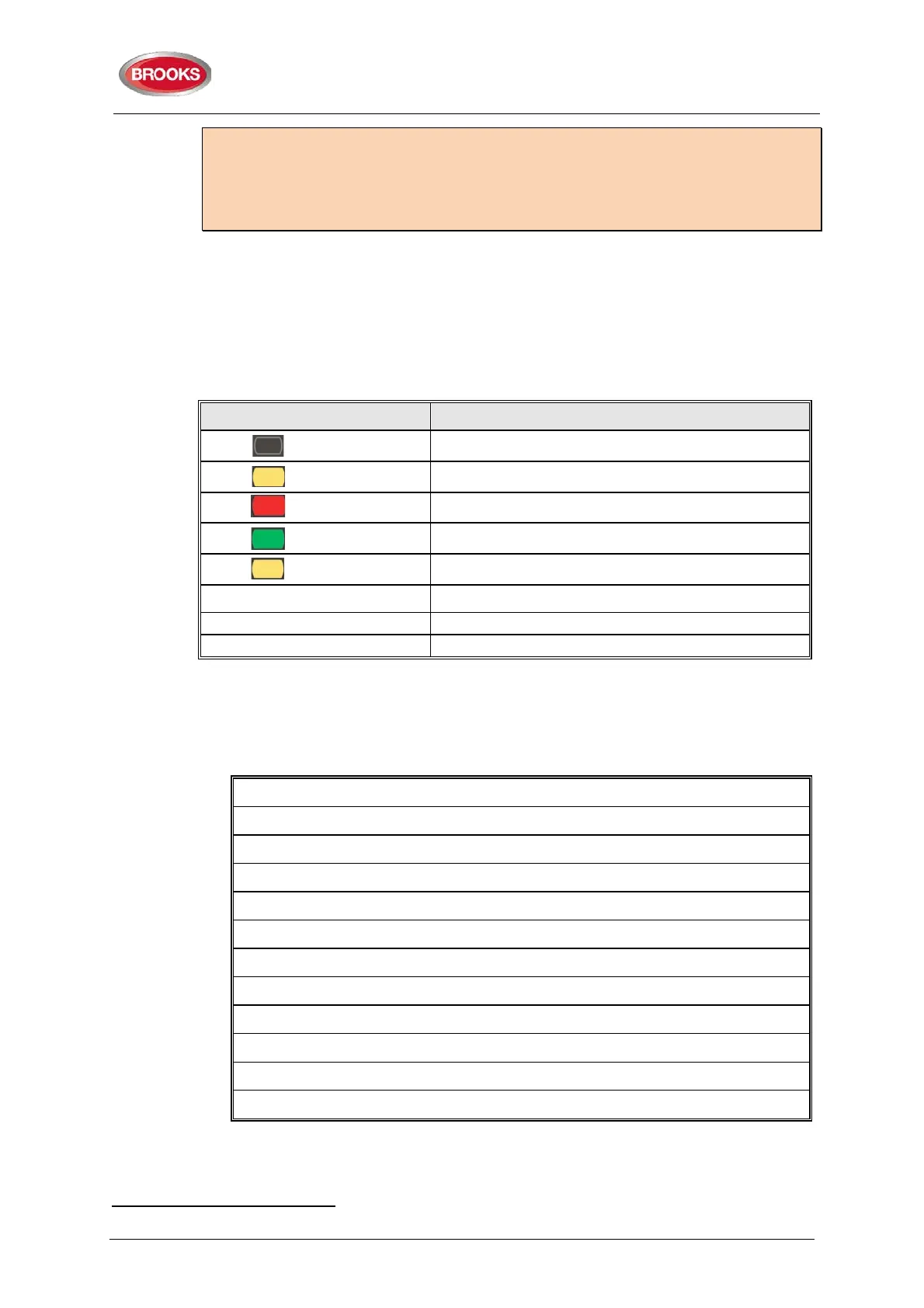
Push button Operation/function
P1
Scroll / browse through the active queued alarms
P2
Silence the buzzer in FT128
P3
Silence all alarm devices (OWS or sounders).
P4
Reset fire alarms (S) (see below)
P5
Disable active alarm (S)
OWS OWS controls
AS1668 Fan / DamperControl
Manual override of AS1668 fans, if fitted
Quick access to zone disable / re-enable, if fitted
6.3.4 Access Level 2A
When the door has been opened using the 003 key, the door switch will activate (LED
"Door open" is lit), you have access as per access level 1 and after log on as “Information
only” (level 2A) the following menus are accessible:
H4 Present system status
U1 Disablement
U2 Disablement by time channel.
U3 Sensor values
U4 Sensors activating SERVICE signal
U5 Technical warning
U6 Event log
U7 Version and alarm counter
H6 Display FAULTS (Note: Information only)
H9 Interlocking outputs and inputs
C1 Activated interlocking outputs/inputs
H10 Change password (In this case for “Information only”)
24
Access to new 19” rack display modules as shown in Figure 12 page 29 will also be possible.



 To Next Page