Operation Manual
FT128 Rev 2.4
90
21.3 Disable Output (H2/B3)
Up to 100 programmable outputs in the FT128 and outputs in units connected to the COM
loops (except outputs of type "Alarm device") can be individually disabled.
If you try to disable an output of type "Alarm device" it will be treated as if it does not exist.
Disabled output: Even if its control expression (trigger condition) is fulfilled (true), the output
will not be activated.
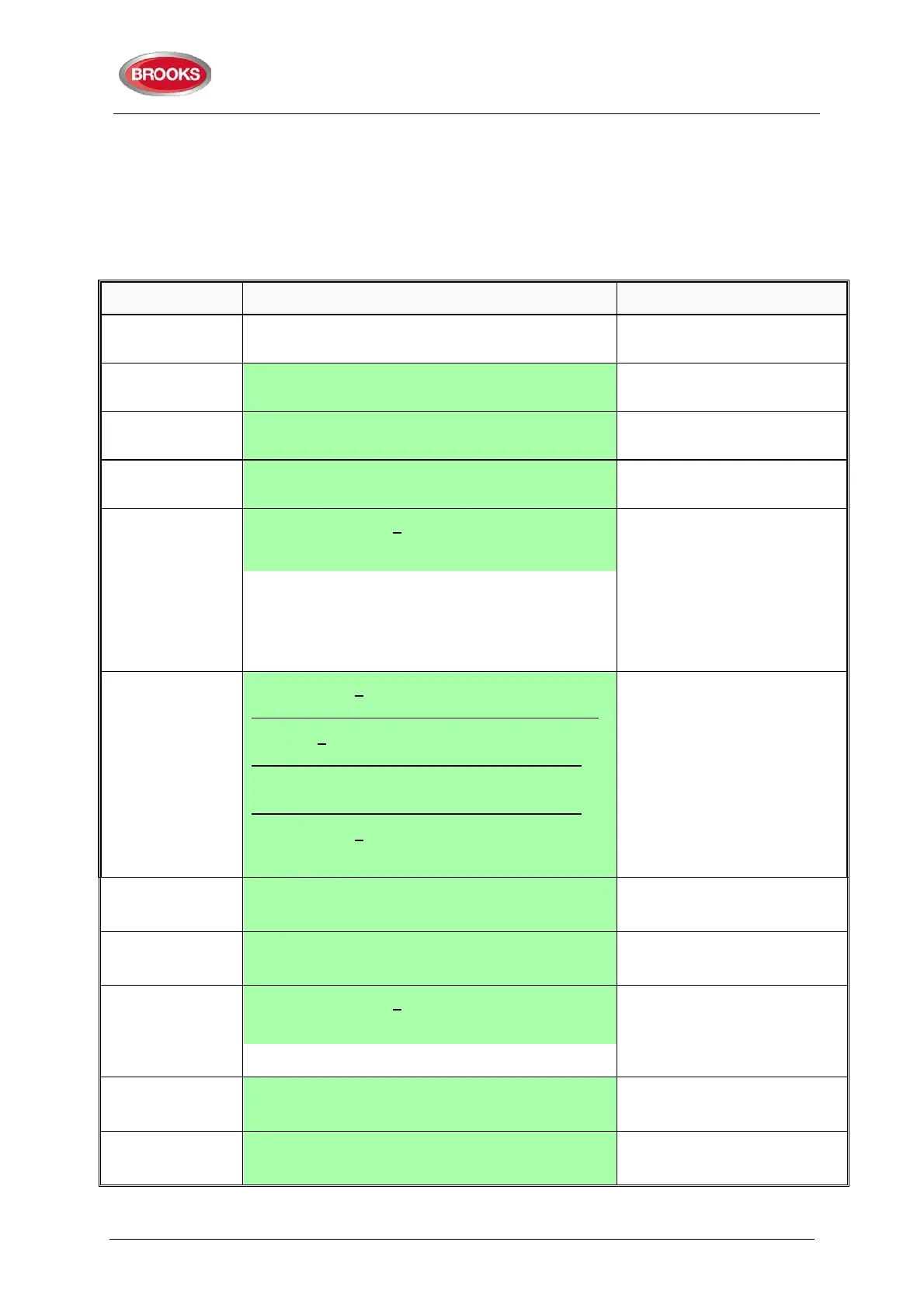
Action Text in display Comments
"Access"
Log on to FT128 as shown in
page 35.
Scroll to menu H2. Disable or re-enable
"A" Disable zone
Scroll to menu B3. Disable output
"A" Disable output type: 0
0=Loop unit 1=S 2=R0 3=EXPB ACCEPT?
Press:
"0"=3361 or 4477 or 3379 or
3364 or 4380
"1"=FT128 output S0-S1
"2"=FT128 output R0
"3"=FT128 exp. board output.
Press "A" to accept.
"0", "1", "2" or "3"
"A"
Depending on the
chosen type the
following will be
shown:
Disable output 0 technical address 000
ACCEPT?
Disable S0
ACCEPT?
Disable R0
ACCEPT?
Disable output 0 expansion board 0
ACCEPT?
Regarding the 4477 & 3379
units' output no.:
0=high priority
1=medium priority
2=low priority
Write the data.
Press "A" to accept.
LED "Disablements" (L8) will
(Type 2 chosen.)
"A"
Output R0 disabled
"A" Disable R0
ACCEPT?
"Return" Disable output type: 0
0=Loop unit 1=S 2=R0 3=EXPB ACCEPT?
If more disablements required,
continue as above. If not,
press "Return" to menu B3.
"Return" Disable output
ACCEPT? B3
Scroll or press "Return" to
menu H2.
"Return" Disable or re-enable
ACCEPT? H2
Scroll or press "Return".



 To Next Page