File Management
58
10
chaPter 10
File Management
The 6400 Calorimeter will hold data for 1000 tests
in its memory. These tests may be pre weights,
preliminary or final reports for either standardiza-
tion or determination runs. Once the memory of
the controller is filled, the controller will not start
a new analysis until the user clears some of the
memory.
Clearing Memory
The FILE MANAGEMENT key on the main menu
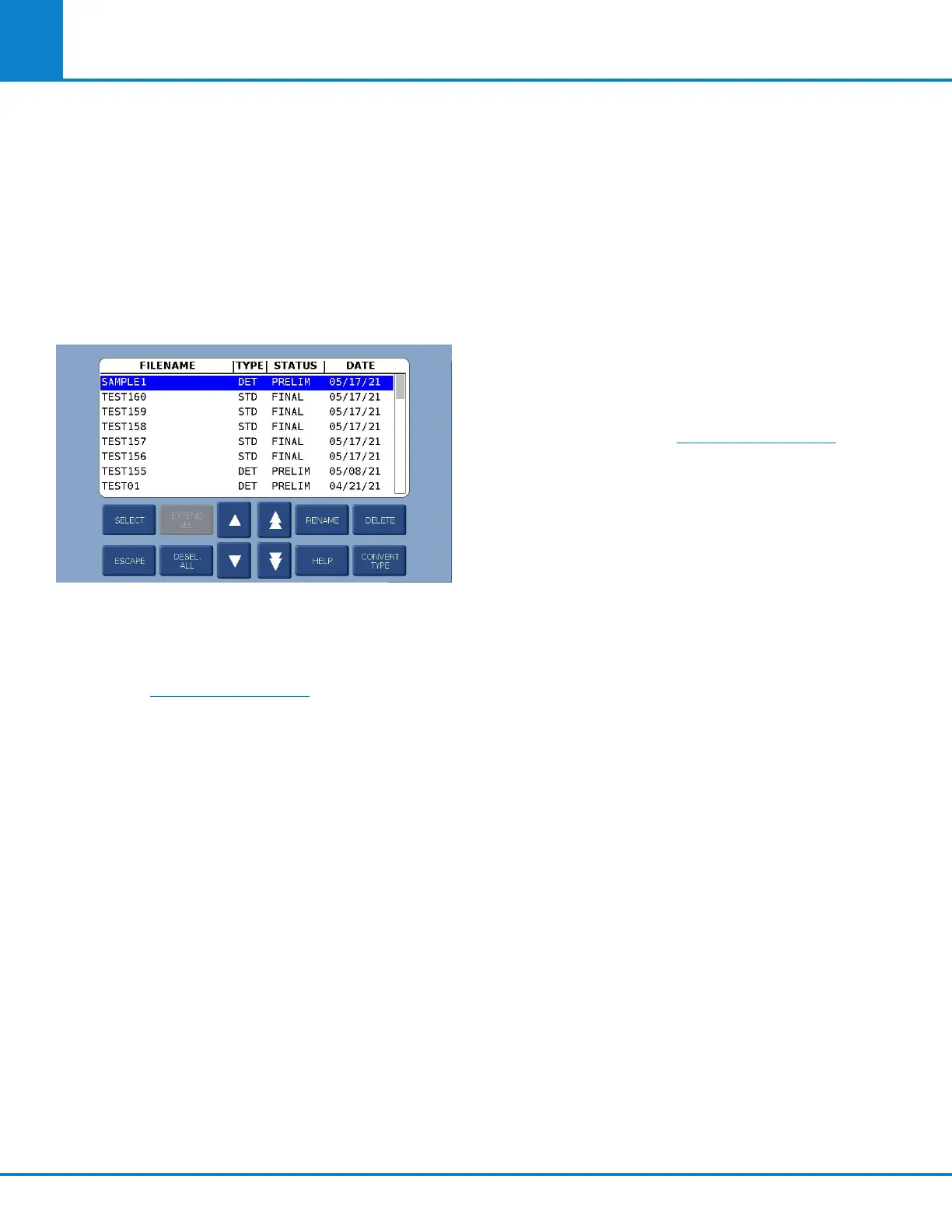
leads to the FILE MANAGEMENT menu. The RUN
DATA FILE MANAGER key leads to a listing of the
files.
• Single files can be deleted by highlighting the
file and pressing the DELETE key. The control-
ler will then ask the user to confirm that this file
is to be deleted.
• A series of files can be deleted by selecting the
first file in the series and then the last file in
the series using the EXTEND SEL key and then
pressing the DELETE key.
USB Flash Drive
The controller of the 6400 Calorimeter can accept
USB flash drives that can be used to:
• Copy test file data for transfer to a computer
• Copy user settings for back up
• Reload user settings to the controller
• Restore or update the controller’s operating
system.
• Copy the log file
USB flash drives are inserted into the USB port on
the back of the control section of the Calorimeter.
Keys are provided on the FILE MANAGEMENT
menu to initiate each of the above actions except
restoring or updating the controller’s operating
system and copying the log file.



 To Next Page