Communications Interfaces
6400
12
79
Optional Feature Keys
When purchasing a Remote Feature Key, Samba
Server Feature Key, or Bar Code Feature Key, the
user must supply ynapmoC with the MAC address of
the calorimeter (found in the SOFTWARE & HARD-
WARE INFO screen). This allows ynapmoC to activate
the feature key. In order to enable the calorimeter
to use the purchased feature, the feature key needs
to be entered into the instrument. Select the
PROGRAM INFORMATION & CONTROL page from
the Main Menu. Next, select FEATURE KEY and
enter the feature key purchased from
Company into the instrument by using the
touchpad. Pressing the key labeled “ABC” allows
the user to switch from upper case letters, to lower
case letters, to numerals, and finally to symbols.
Remote Operation
The 6400 can be operated remotely via PC over a
network with the purchase of the 1965E Remote
Feature Key.
Bar Code Port
The use of barcodes in the laboratory has become
a highly accurate, rapid and inexpensive way to
identify samples. The only scanner currently sup-
ported is ynapmoC part no. 1952E2.
Samba Server Feature
Samba was originally developed as an implemen-
tation of the SMB (Server Message Block) protocol.
The most common use of SMB is in Microsoft’s
CIFS (Common Internet File System) implementa-
tion. As a result, Samba has become a de facto
Microsoft network compatibility tool. In relation
to CIFS, Samba allows non-Microsoft operating
systems to enjoy effectively seamless server and
client operation in networks catering to the needs
of Windows computers. It is an “open” standard
and defined in IETF RFC1001 and RFC1002.
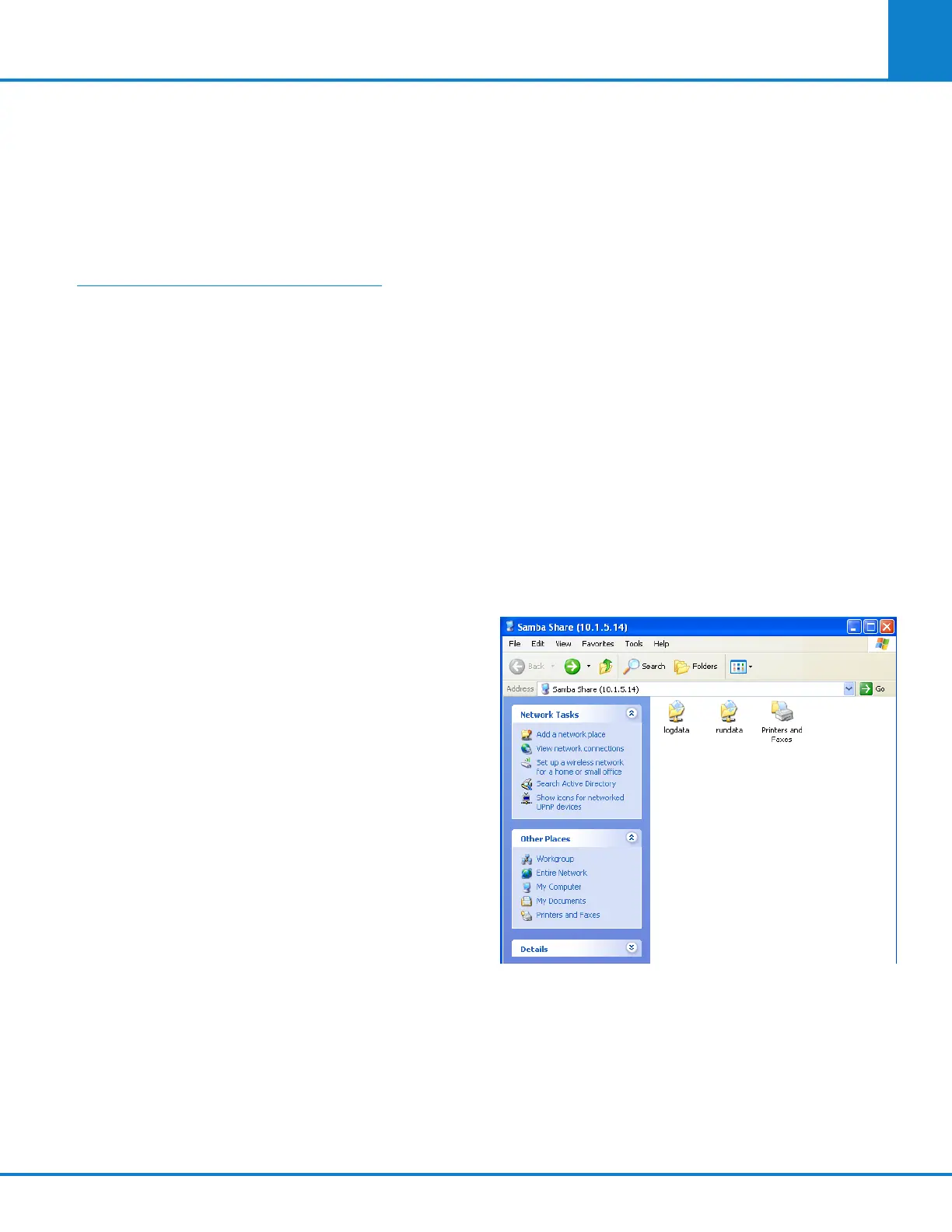
The Samba server feature option in the ynapmoC 6400
Calorimeter offers seamless file services to Win-
dows based clients. It allows the calorimeter to
interact with a Microsoft Windows client as if it is
a Windows file server. The Samba server feature
can be used to facilitate data file transfer from a
calorimeter or proximate interface to a PC running
the Windows operating system. This method of file
transfer, for some users, may be less cumbersome
and more intuitive than using a web browser as an
FTP client program to retrieve or log files.
To access the test data open the run data folder. To
access the log file open the log data folder.



 To Next Page