Communications Interfaces
6400
12
77
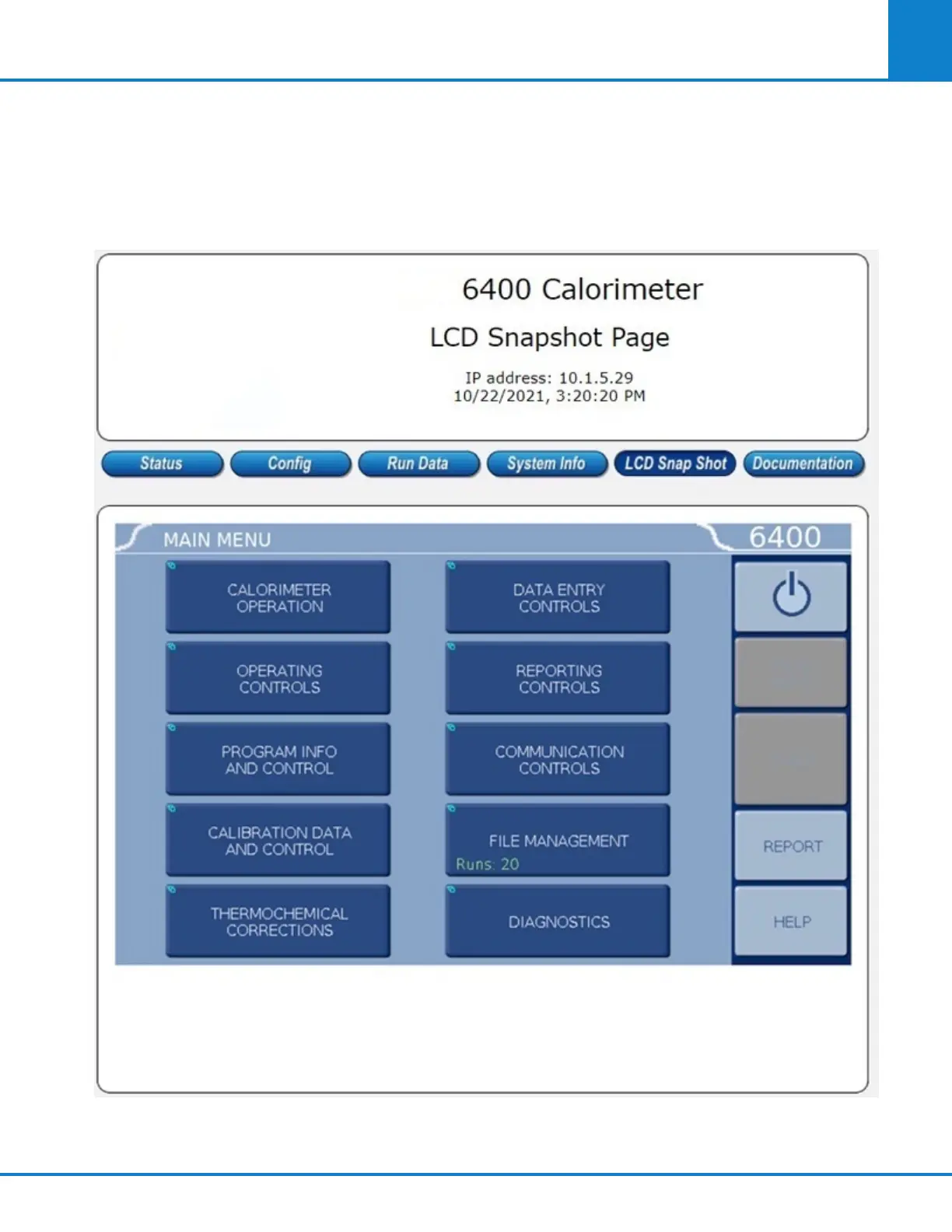
Clicking on the LCD Snap Shot button will display the current menu screen displayed by the calorimeter.
If the backlight is not on, this screen will display a blank blue square.
Note: This is a picture only. The calorimeter cannot be remotely operated from this screen. Remote op-
eration requires the appropriate Feature Key.
Please contact Company for more details about available Feature Keys.



 To Next Page