Appendix H: Pharmaceutical (Two-channel) Output Mode
Page H-2 Lasair II Particle Counter Operations Manual
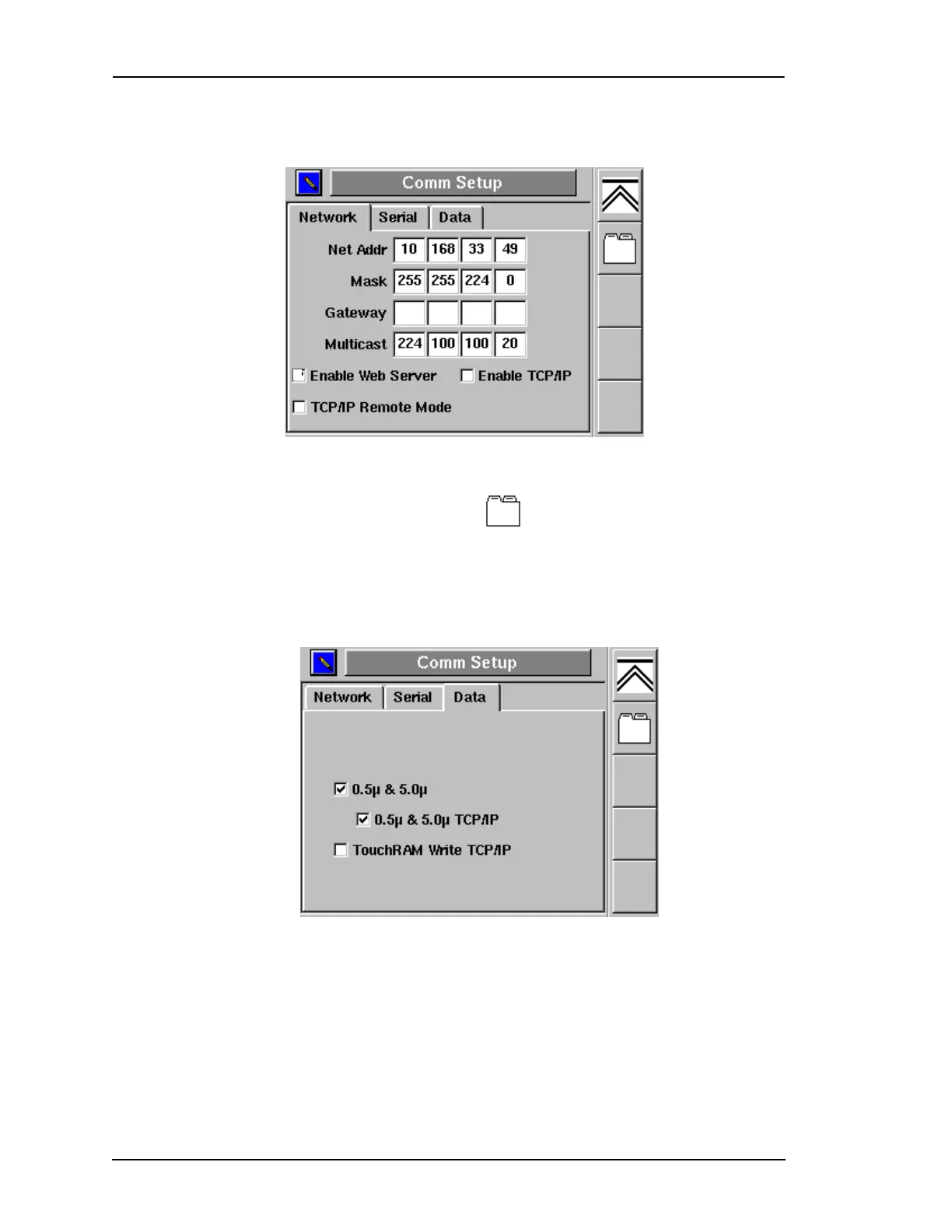
3 Enable the edit mode and place a check mark in the Enable TCP/IP check box.
4 Click on the Screen Select icon softkey until the Comm Setup-Data dialog
box opens.
To allow only 2-channel data to be output to Pharmaceutical Net:
1 Press the Enter key to enable the Edit mode. The 0.5 μm & 5.0 μm check box
will be highlighted.
2 Press the Enter key again to place a check mark in the check box.
3 Advance to the 0.5μm & 5.0μm TCP/IP check box and place a check mark in it.
Figure H-1: Comm Setup, Network Dialog Box
Figure H-2: Comm Setup, Data Dialog Box



 To Next Page
 Loading...