Page 5-18 Lasair II Particle Counter Operations Manual
Chapter 5: Setup
Printing Sampling and Alarm Parameters
The current sampling setup and alarm settings can be printed from the Status
Screen. From the main display screen, select the button to get to the Status
Screen. Then select the button to print the sampling parameters.
The Statistics Mode
Pressing the softkey for the statistics mode symbol opens the Statistics Setup
Screen. For details, see Chapter 8, "Statistics Mode".
Recipes
Pressing the softkey for the recipe mode icon opens the Recipe Setup Screen. for
details, see Chapter 9, "Recipes".
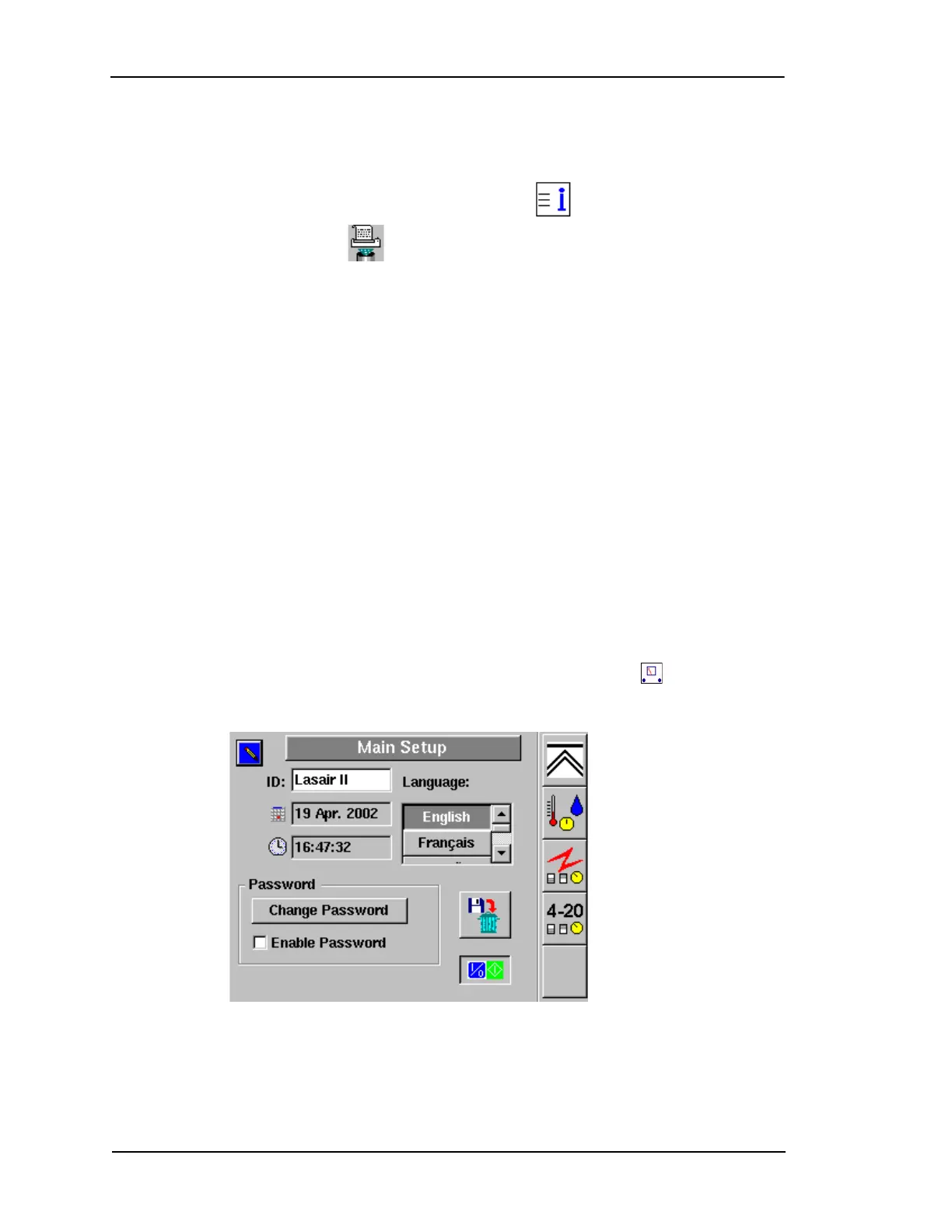
Main Setup Screen
To edit the Main Setup Screen:
1 Open the Main Setup Screen by pressing the second softkey from the top on
the Main Display Screen.
Figure 5-10: Main Setup Screen


 To Next Page
 Loading...
