7
HD11 XE Getting Started
4535 612 62651
153
Transducers
➤ To remove the T6H transducer from the OmniPlane Adapter
Turn the latch to the unlocked position (90 degrees counterclockwise) and pull
the connector toward you.
➤ To r e m o v e t h e a d a p t e r f r o m t h e s y s t e m
Turn the adapter latch to its unlocked position and pull it toward you.
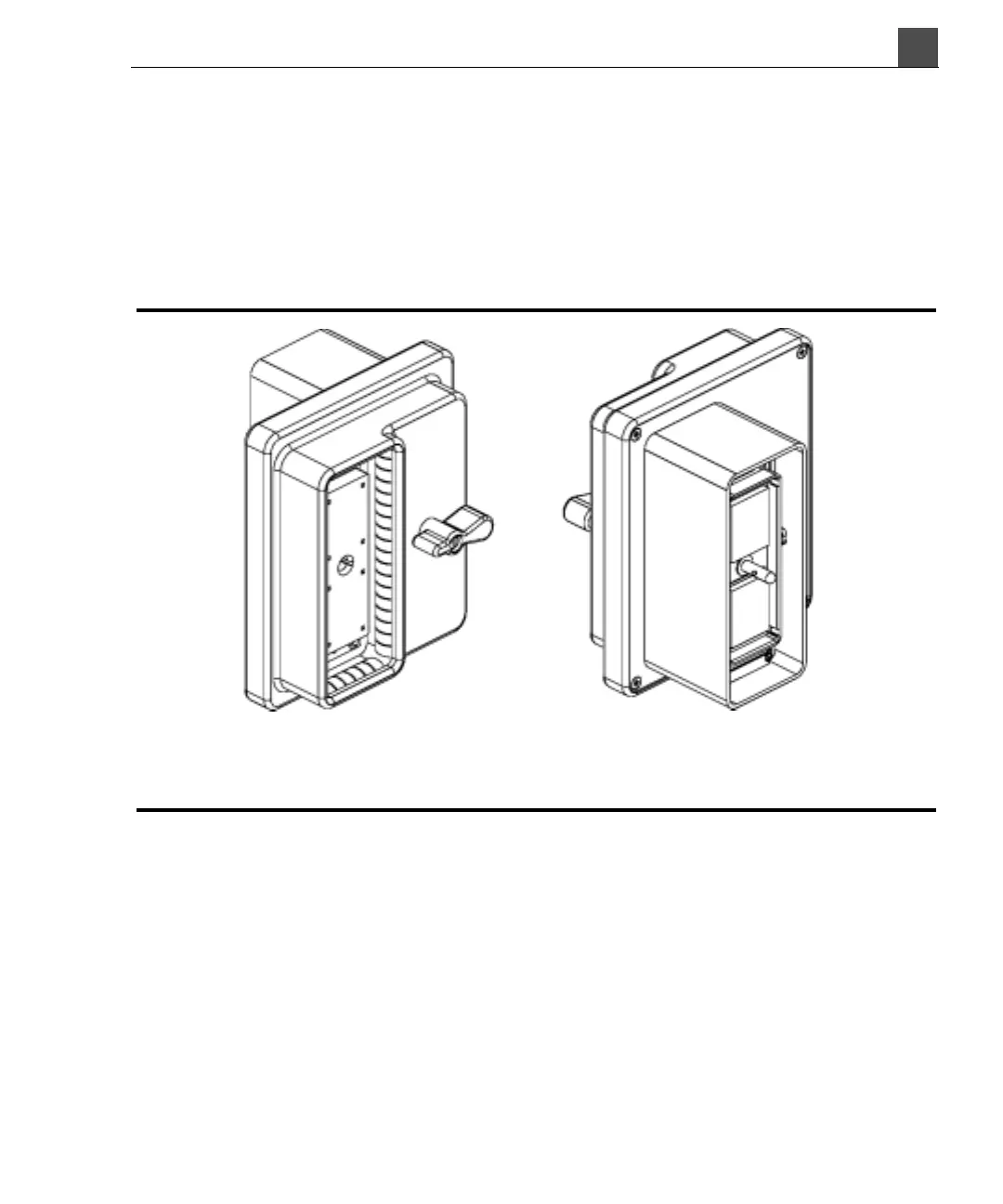
Figure 7-2 OmniPlane Adapter
Figure 7-3 shows how each of the transducer connector types connect to the sys-
tem.
Back of adapter
(system connection)
Front of adapter
(transducer connection)



 To Next Page