System Overview
HD11 XE Getting Started
4535 612 62651
3
72
Display
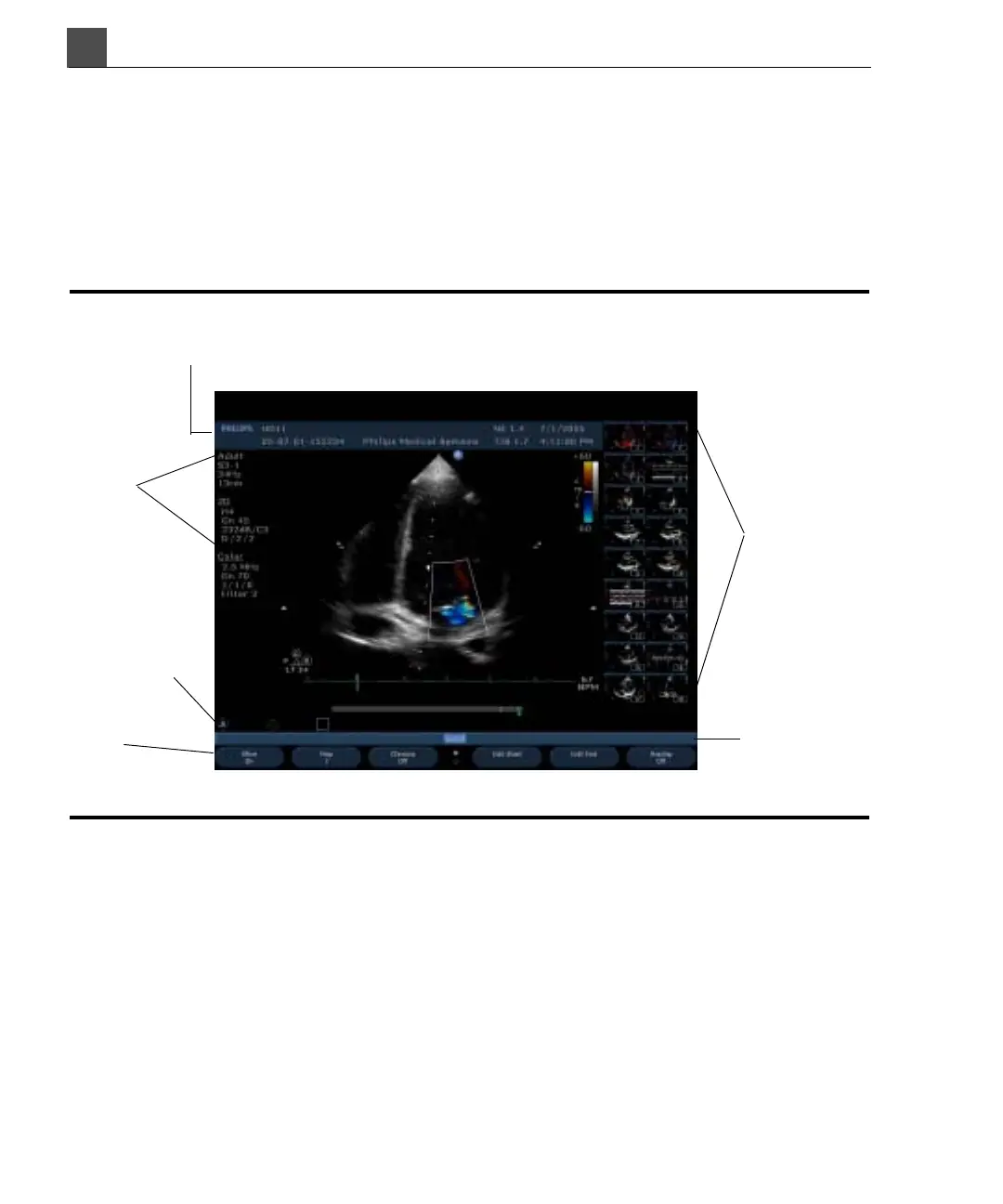
The display looks somewhat different depending on the mode, application, preset,
and transducer. The imaging area is in the center of the display. The imaging area,
soft key labels, image data, and patient and study information, and thumbnail area,
however, always remain in the same location, as shown in Figure 3-3.
Figure 3-3 Display
Patient and study data area
Thumbnail
area
Image data
area
Icon area
Select menu
and prompts
Soft key
labels



 To Next Page