Using the System
HD11 XE Getting Started
4535 612 62651
4
108
Using the Wheel Controls
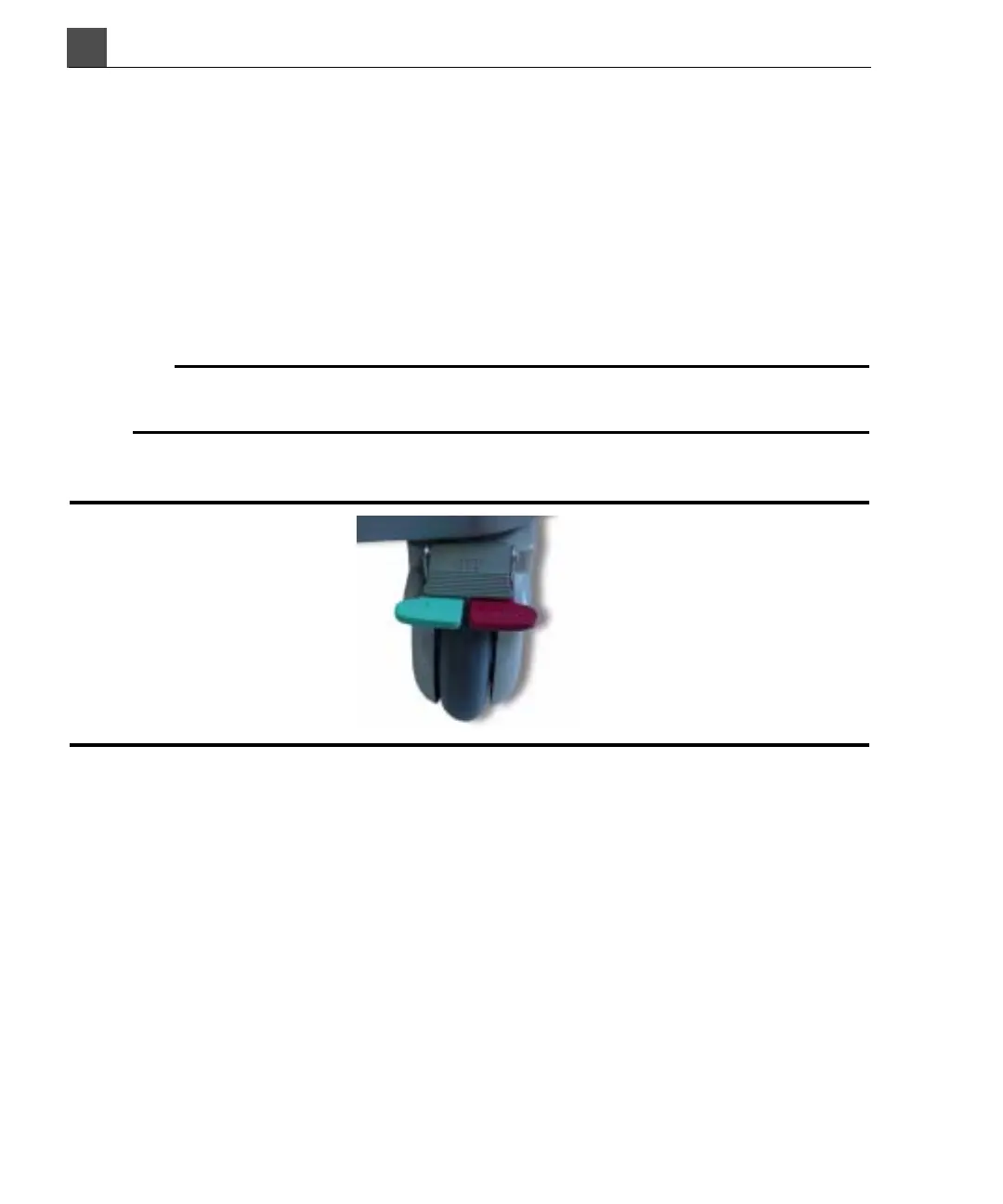
The front wheels on the system, as shown in Figure 4-4, have wheel controls that
you can engage and disengage independently.
• The red lever is the wheel lock.
•The green lever is the steering-lock function.
• The gray lever is the wheel lock or steering-lock release lever.
The back wheels do not have controls.
WARNING
Do not use the wheel controls to hold the system on an incline greater than
5 degrees.
Figure 4-4 Front Wheels
➤ To lock the front wheels for moving the system in a straight line
Press down on the green lever on each front wheel.
➤ To apply the brakes to each wheel
Press the red levers down.
➤ To release the wheel locks or the steering locks
Press the gray levers down.



 To Next Page