SV63136 Rev. A
2-19
Meet the Inserting System • 2
Item Orientation
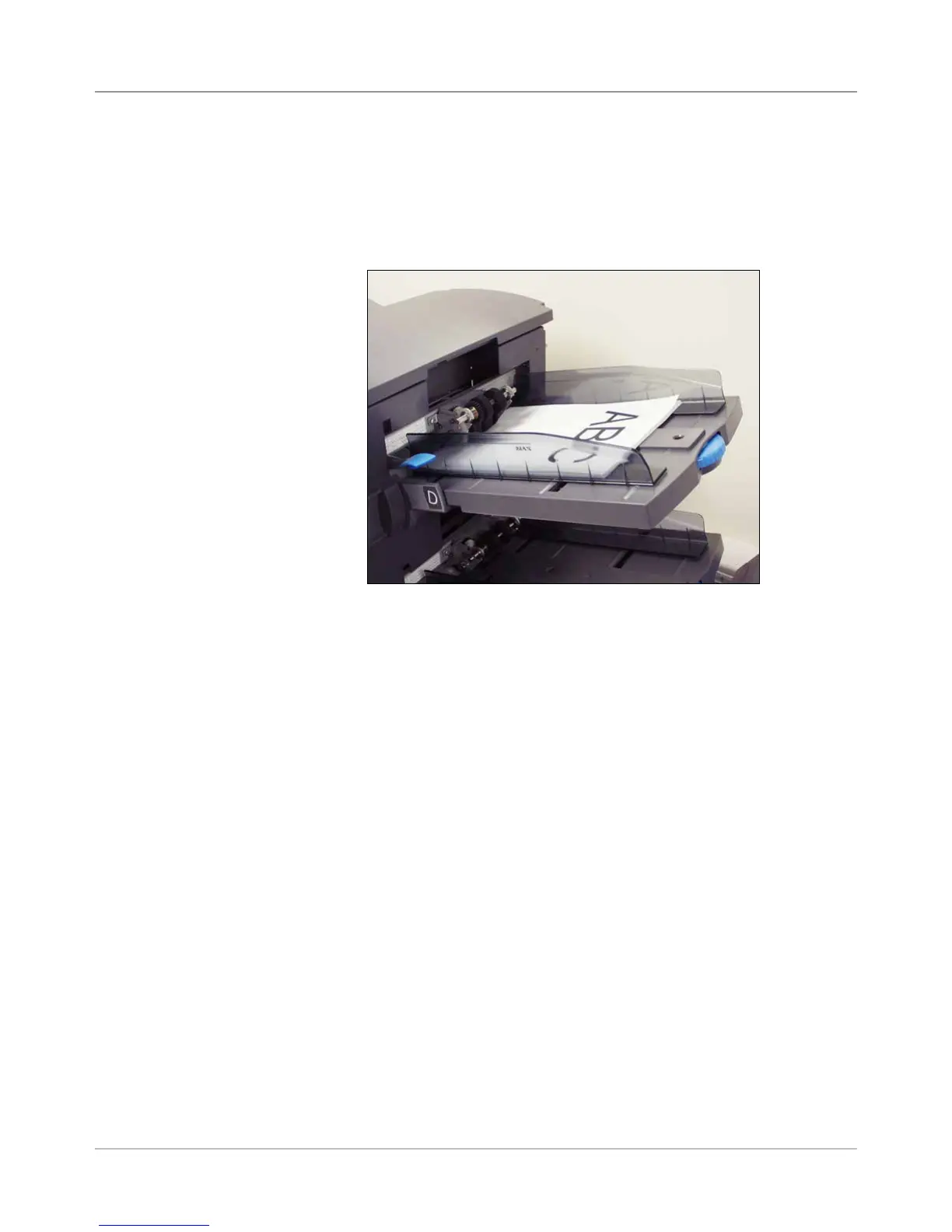
Use the screen navigation keys to highlight an icon in the Mail Piece Icon
Tree to display information about the item that the icon represents. In most
instances, an image appears in the status area of the screen and shows the
required orientation for loading the item into the Tray.
Figure 2.6: Sample - Material Orientation Picture
Status Area
(continued)



 To Next Page