2-20 SV63136 Rev. A
2 • Meet the Inserting System
NOTE: Two chevrons ( >>) indicate that there is a submenu of options. One
chevron (>) indicates there is a toggle between two choices, like Yes/No or On/Off.
Options
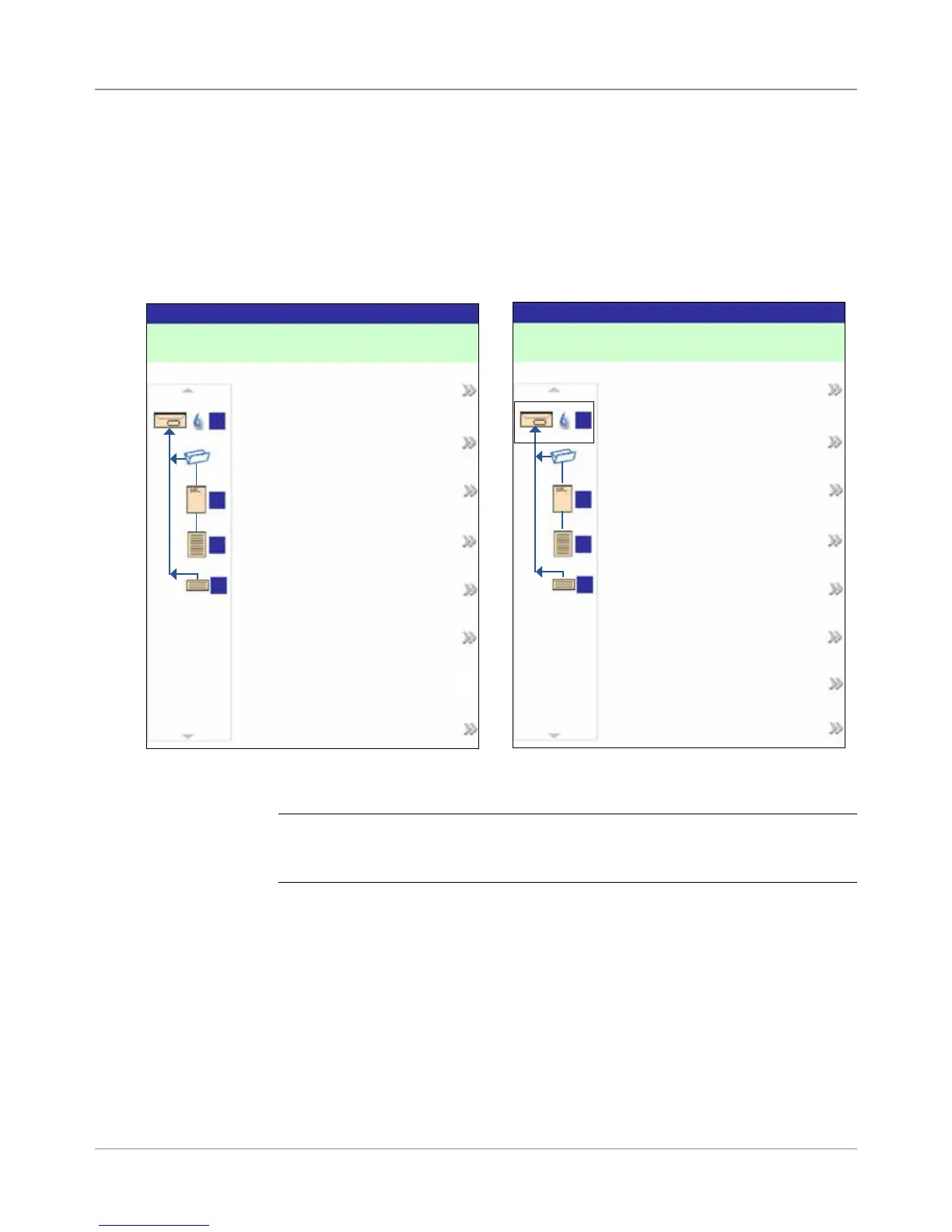
The right side of the display screen lists the options that are available for
the screen that currently displays. In some screens, options consist of other
functions: in other screens options consist of different settings for a selected
item in the screen. Selection of the available options is done via the screen
option keys, that were described earlier in this chapter. See the example
screens below.
Example: Options Display
Example: Functions Display
A
D
B
C
Jobs
Job: 123
Job Items
A
D
B
C
Edit Current Job
Review Current Job
Save Current Job
Create New Job
Delete Saved Job
Finished
Select Job
A
D
B
C
Edit Outer Envelope
Job: 123
Job Items
A
D
B
C
Name: ENV1
Size: Letter
Window: Yes
Type: Standard Flap
Seal: On
Depth: Auto Measure
Additional Settings
Accept
Footer
Data across the bottom of the Home screen identifies the user and account.
Status Area
(continued)



 To Next Page