X-Series Hyperconverged Nodes Powered by Acuity
Setup & User Guide, v1.0
| 44
DOC-246-GDE-Pivot3 Acuity 2.3 Setup & User Guide-v1.0.docx
Storage Provisioning
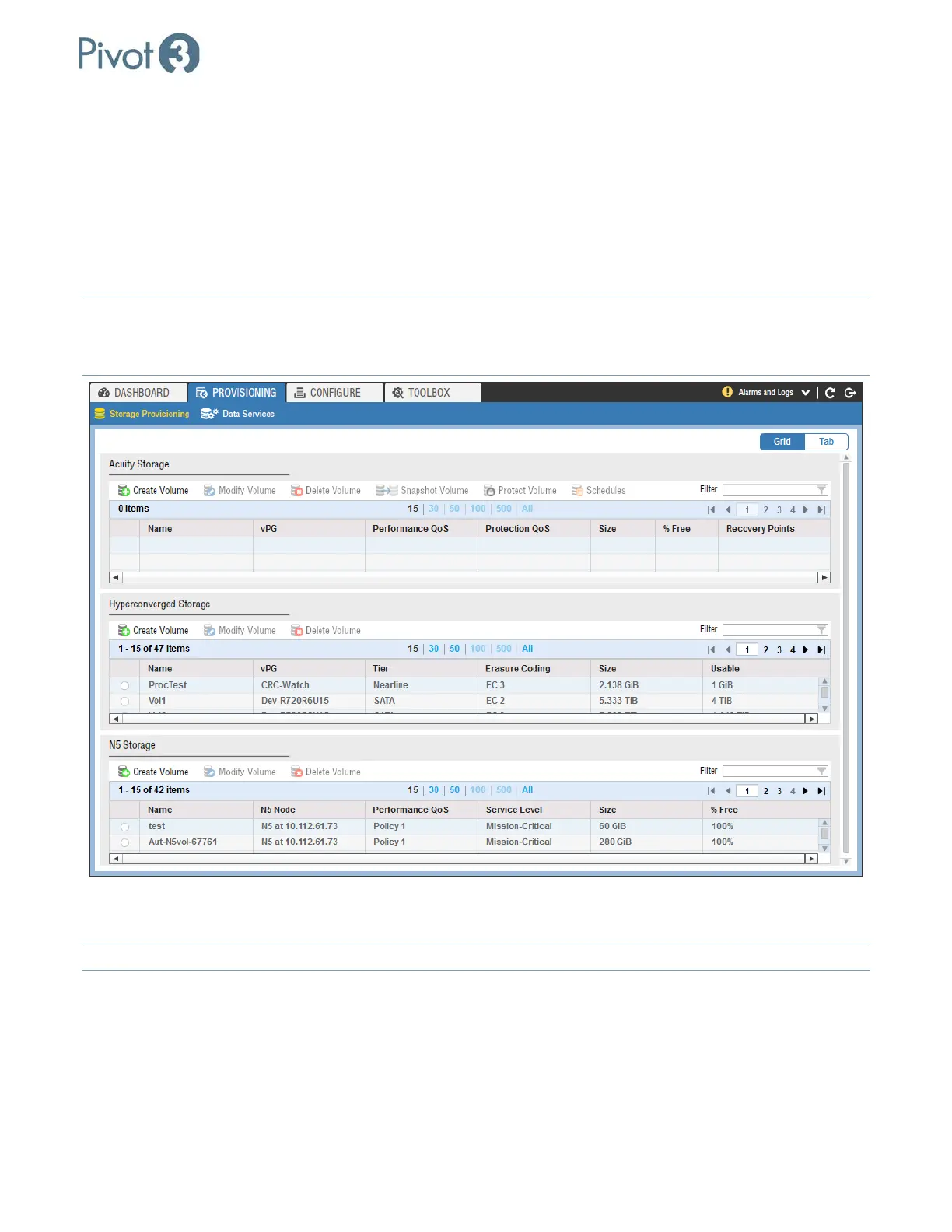
Storage Provisioning provides for the creation of Acuity Storage volumes in the same window as vSTAC and N5
volumes. The volume creation procedures differ in presentation from creating volumes in the Configure tab, but
the result remains the same. There are view options on the right side of this tab when selected: Grid view and Tab
view. Grid view provides an overview of all storage available, whether set up in Acuity or vSTAC environments; Tab
view provides the opportunity to get a more focused view in either environment. N5 Storage, if applicable, is also
visible here.
NOTE:
If only one platform solution has been connected, that will be all that is visible.
NOTE: Acuity vPGs will not be visible in the Hyperconverged Storage tab, and vSTAC vPGs will not be visible in the
Acuity Storage section.
From here, an administrator can also set up schedules to take snapshots and change the performance policies on
individual volumes.
NOTE: For more information on Volumes, Snapshots, and how to protect them, see Section 12
.



 To Next Page