X-Series Hyperconverged Nodes Powered by Acuity
Setup & User Guide, v1.0
45
|
DOC-246-GDE-Pivot3 Acuity 2.3 Setup & User Guide-v1.0.docx
Data Services
CRITICAL: This view is only available on the Acuity software platform.
From the Data Services view, tabs provide access to the following information about the platform:
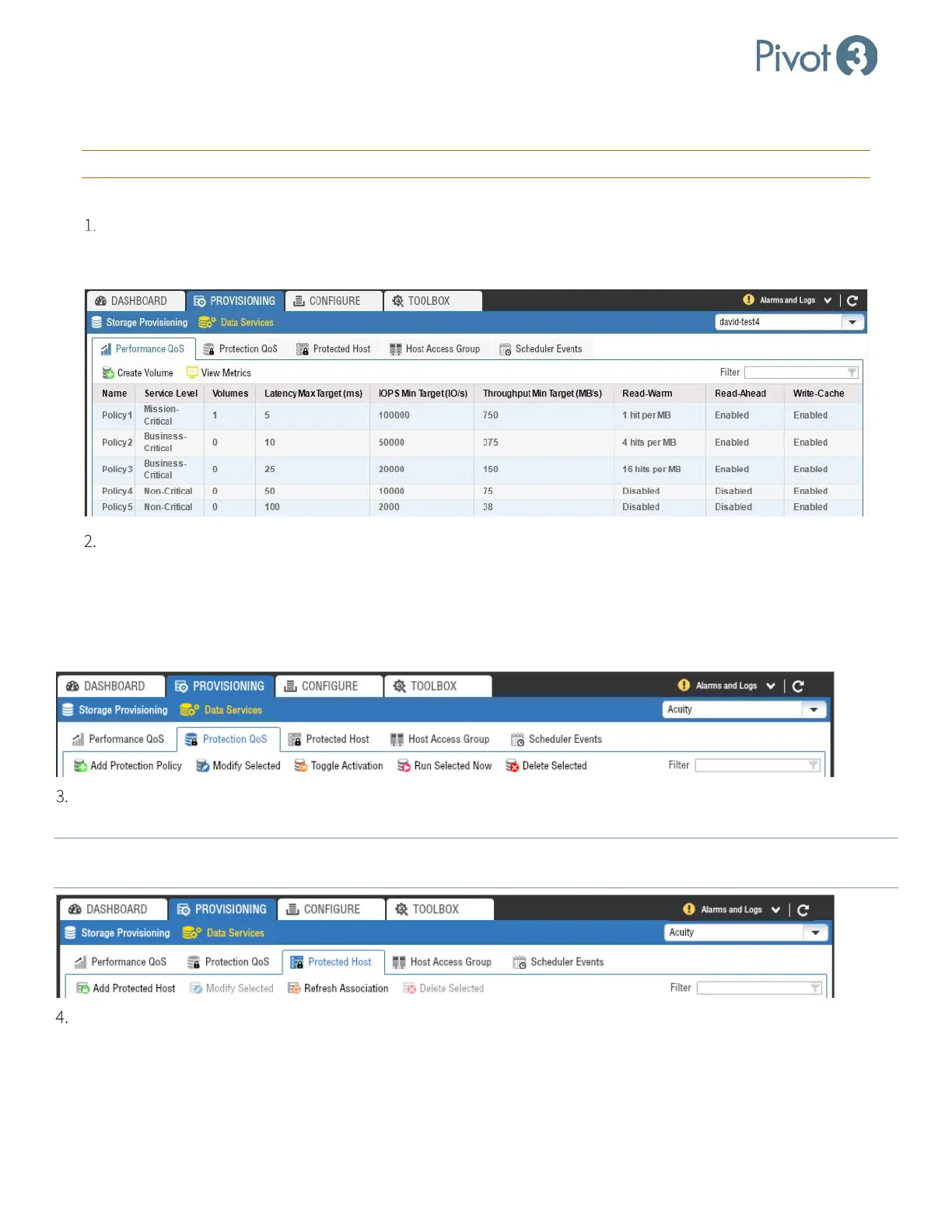
Performance QoS: Volumes are assigned to one of the five performance policies when created. Volumes can
be migrated between policies on the fly even while application servers are actively using the volumes. The
Performance QoS tab provides the ability to Create Volume or View Metrics on each Policy level.
Protection QoS: Volumes may have been assigned a protection policy when created. From this screen,
administrators can perform the following actions:
• Add Protection Policy
• Modify Selected
• Toggle Activation
• Run Selected Now
• Delete Selected
Protected Host: Protected hosts are servers that utilize the application-consistent snapshot capability. From this
menu, users can add, modify, or delete protected hosts or refresh associations with the protected hosts.
NOTE:
If new volumes are added to an existing protected host, Refresh Associations must be used for the new volumes to be
discovered and protected by that host.
Host Access Group: For servers to access volumes, the volumes must be assigned to a host access group that the
servers are also associated with. Host access groups are logical representations of the servers that may have iSCSI
initiators that will connect to the volumes in the group. ESXi hosts need to be assigned to a Host Access Group to
allow the servers to connect to the datastores. By controlling the connection of server to volume, host access groups
promote data integrity and security. For more information on Host Access Groups, consult Section 10.



 To Next Page