Setup & User Guide
55 |
DOC-246-GDE-Pivot3 Acuity 2.3 Setup & User Guide-v1.0.docx
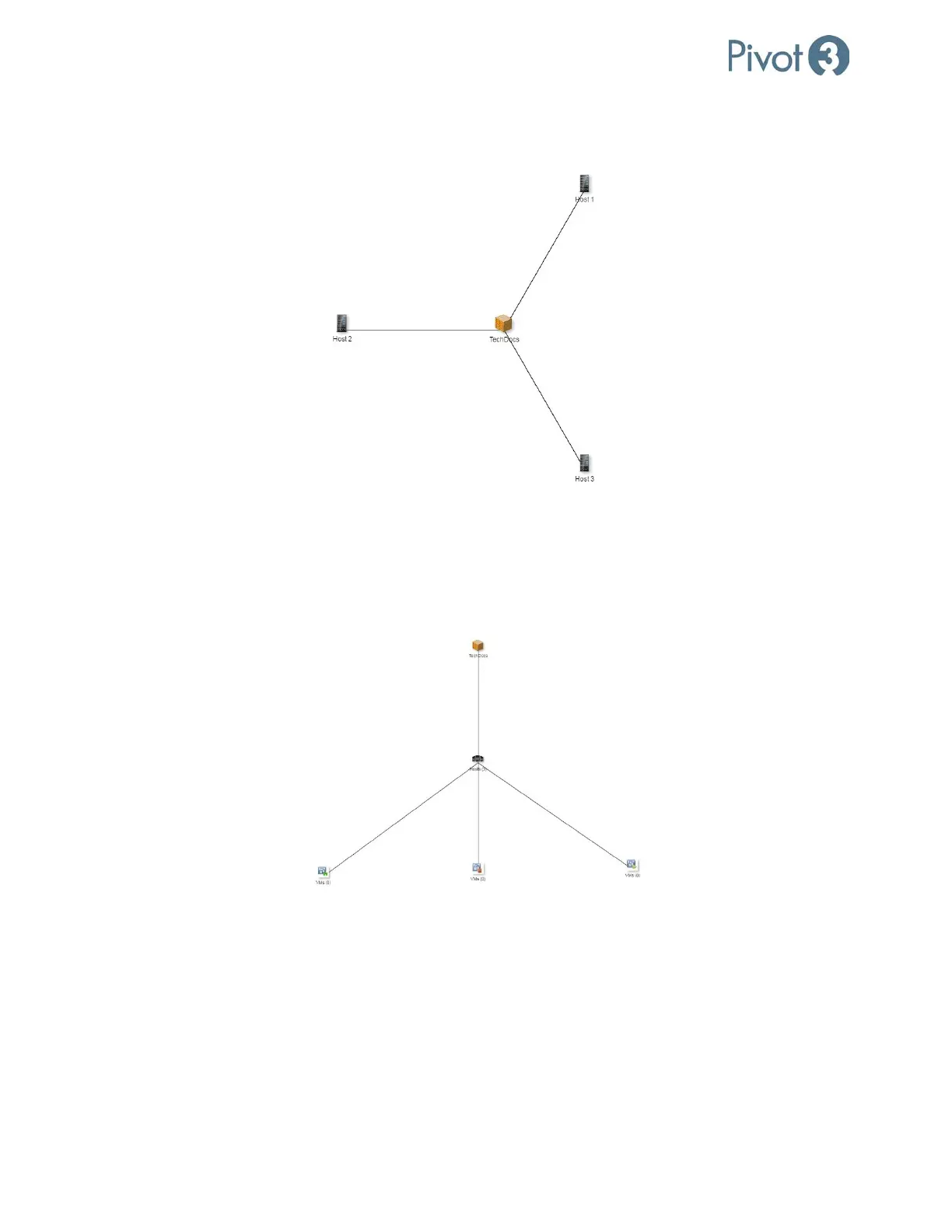
Connection Map – Host Details
Double-clicking on any of the Hosts icon in the Connection Map will navigate to the Hosts Map View.
Hover over any Host icon to see more granular information about that specific host.
To return to the main vPG view, click on the leftmost entity in the top left of the window or double-click on the vPG icon.
Connection Map – VM Details
Double-clicking the VMs icon will navigate to the VM Map View.
This view shows VMs and hosts associated with the selected vPG as well as the connection details of the host and VMs
(powered on shows a green arrow icon, and powered off shows a red square icon).
To return to the main vPG view, either double-click on the vPG icon in this screen or click the click on the leftmost entity in
the top left of the window.
To return to the Hosts Map View, double-click on the Hosts icon.



 To Next Page