Setup & User Guide
85 |
DOC-246-GDE-Pivot3 Acuity 2.3 Setup & User Guide-v1.0.docx
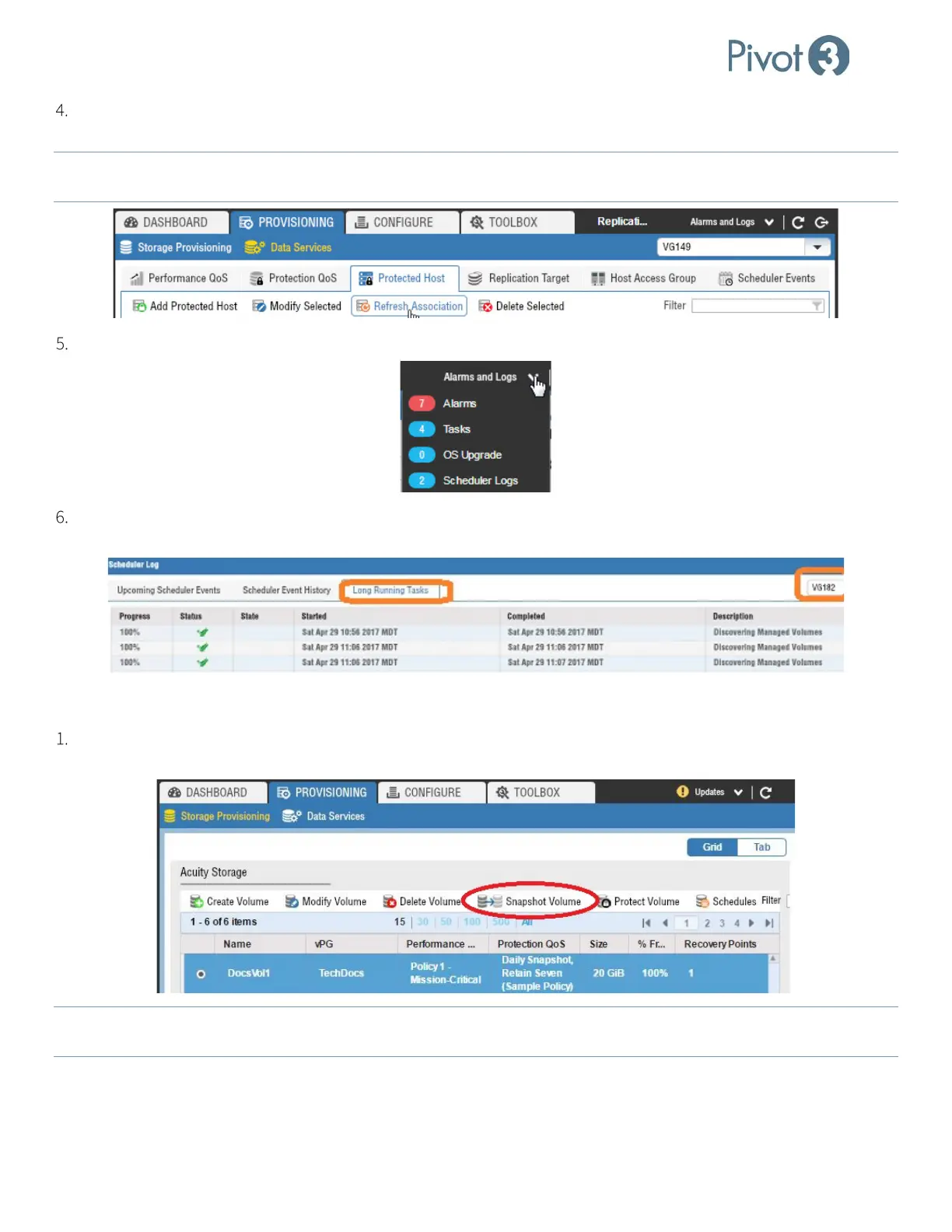
Click Refresh Association. Volume-to-Server associations are discovered and the association is persisted. This
generates a Long-Running Task to Discover Managed Volumes.
NOTE: When Protected Hosts are added, Refresh Association runs automatically.
If changes are made to volume
assignments, this needs to be run manually to update the Volume-to-Server associations.
To view Long Running Tasks, drop down the Alarms and Logs tab and select Scheduler Logs.
Select vPG and select Long Running Tasks to see the various scheduled tasks that have been attempted and/or
completed. More information on this is available in sub-section
Creating a Manual Snapshot
To create a snapshot of a volume, navigate to the Provisioning tab’s Storage Provisioning view. Click the radio
button next to the volume to receive a snapshot and click Snapshot Volume.
NOTE:
Retention on a schedule does not apply to manual snapshots. If a snapshot is taken manually, it must be deleted
manually. Manual snapshots are not included in the retention count.



 To Next Page