Setup & User Guide
89 |
DOC-246-GDE-Pivot3 Acuity 2.3 Setup & User Guide-v1.0.docx
Protection Policy Best Practices Summary
Item Best Practice
Load balancing Create multiple policies, carving our smaller sections of work, so that the work
can be spread out. Tasks should be balanced across the day, factoring in IO
load, number of volumes processed, how much data is to be processed, etc.
of Exchange Data
Access Groups
(DAGs)
• Exchange does not identify DAGs as an application group. To approximate
host-consistent snapshots of DAGs, use a protection policy:
— Verify that the VSS provider is installed on the Exchange servers
— Create a policy to snapshot or replicate as needed
— Assign the policy to the DAG volumes
• Best practice is to set individual policies for each DAG. This allows
quiescing of a single database at a time, rather than all volumes.
Creating a Custom Policy
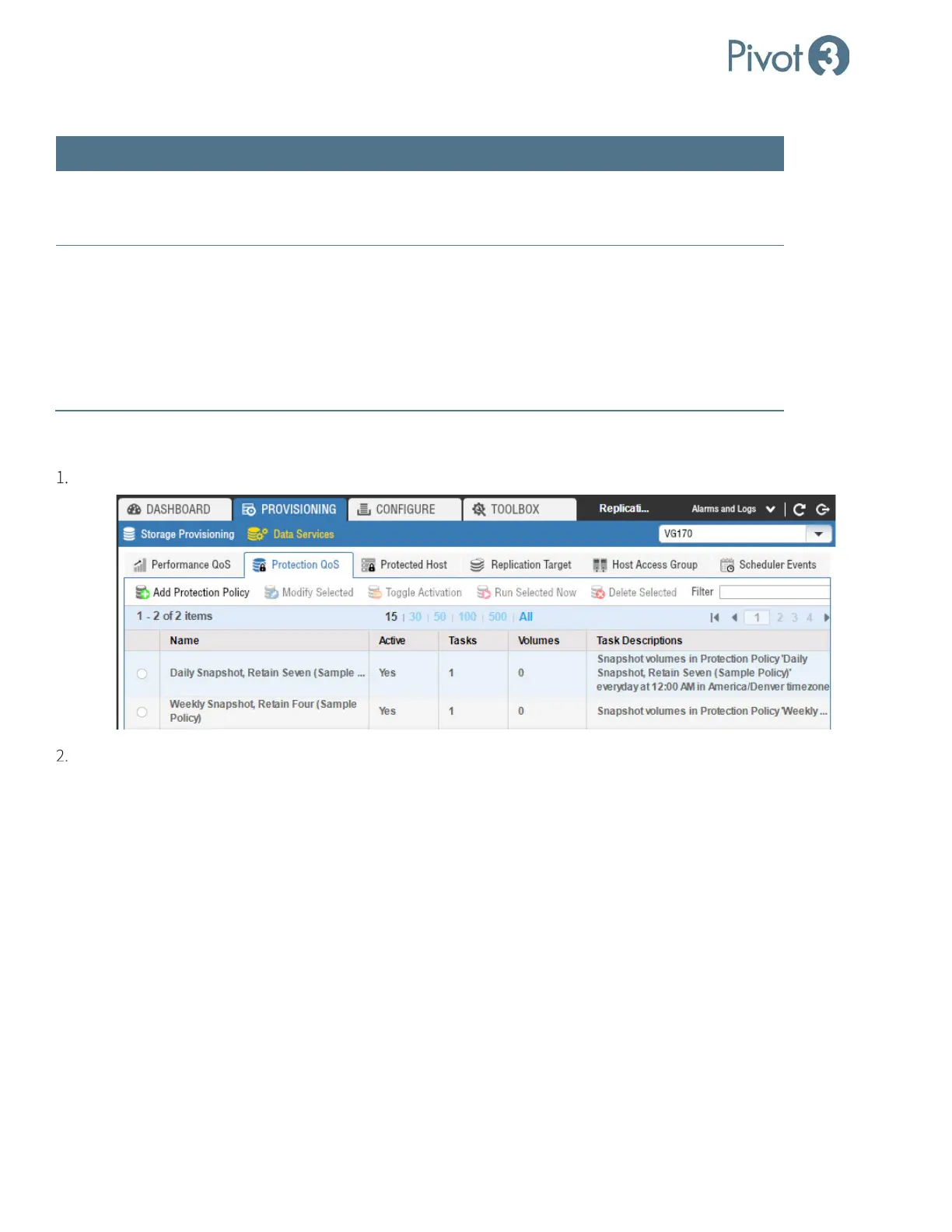
From Provisioning tab > Data Services view > Protection QoS tab, click Add Protection Policy.
The Add Protection Policy dialog opens. Within this dialog, there are two views: Basic and Advanced.



 To Next Page