The operating light intensity can also be programmed, see section
"Planmeca Solanna and Planmeca Solanna Vision operating lights" on page
194.
NOTE
The operating light intensity will decrease to 30% of the maximum intensity
when the chair is moving.
NOTE
When the polymerisation light is taken from the holder and returned to it, the
composite mode is switched on. This feature is configurable; contact your
Planmeca dealer.
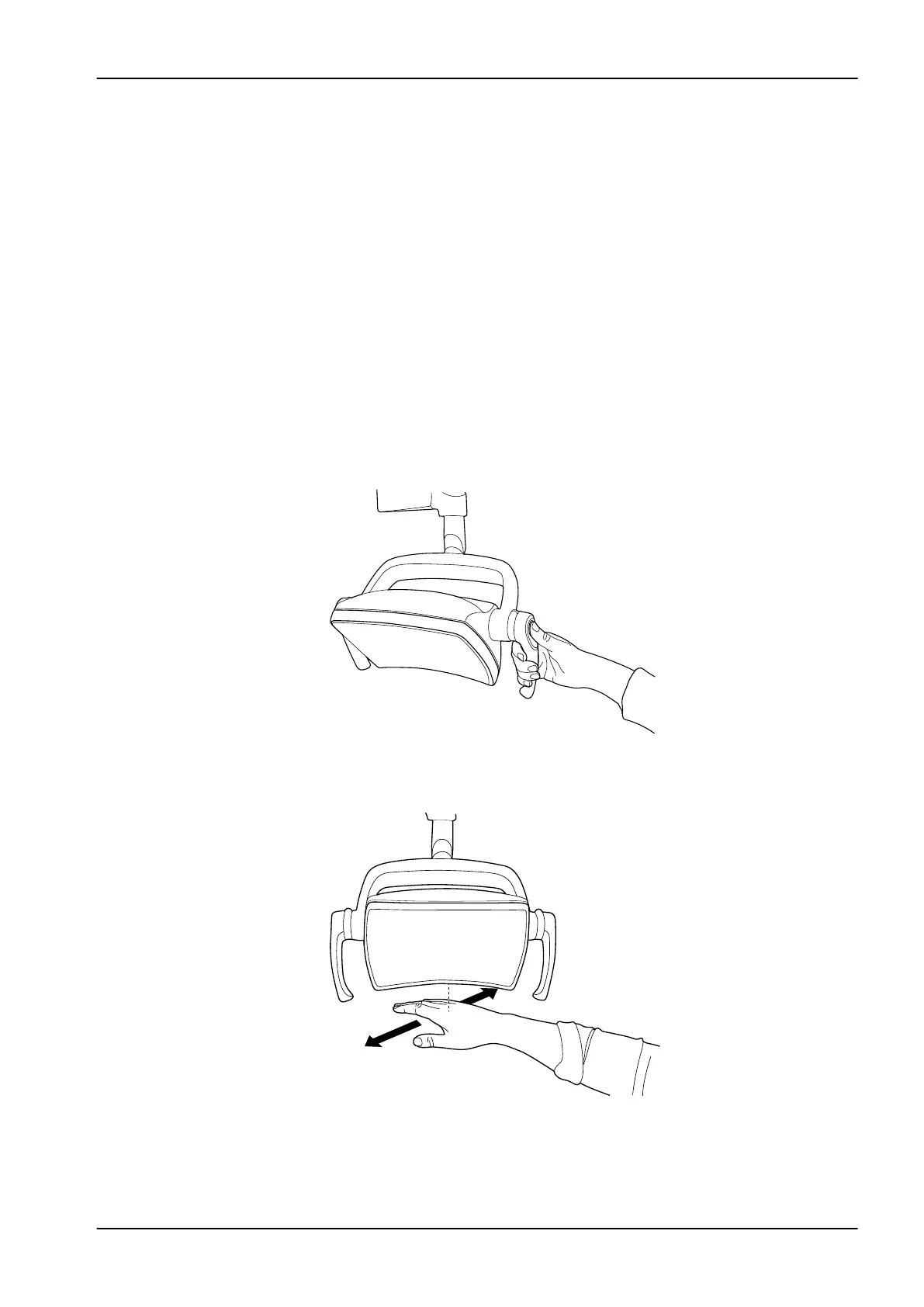
From operating light
From one handle
Press and hold the handle button on either handle to adjust the intensity of
the operating light. The intensity increases/decreases for as long as you
press the button.
Hands-free with sensor
Once the operation light is lit, keep your hand longer in front of the sensor to
adjust the intensity of the light.
NOTE
If the operating light is installed to another manufacturer’s dental unit, the
intensity adjustment can be done only from the operating light.
22 Operating dental unit
User's manual Planmeca Compact i 123













 To Next Page