Connection to a 3-wire Service (600V Max):
1. Connect the Voltage Cable from the PowerMaster
®
to the secondary voltages as normal.
2. From the VP600 probe, connect the colored alligator clips to the primary side (H1) of all
respective active phases.
3. Connect the white and yellow alligator clip to an earth ground
4. Proceed with testing.
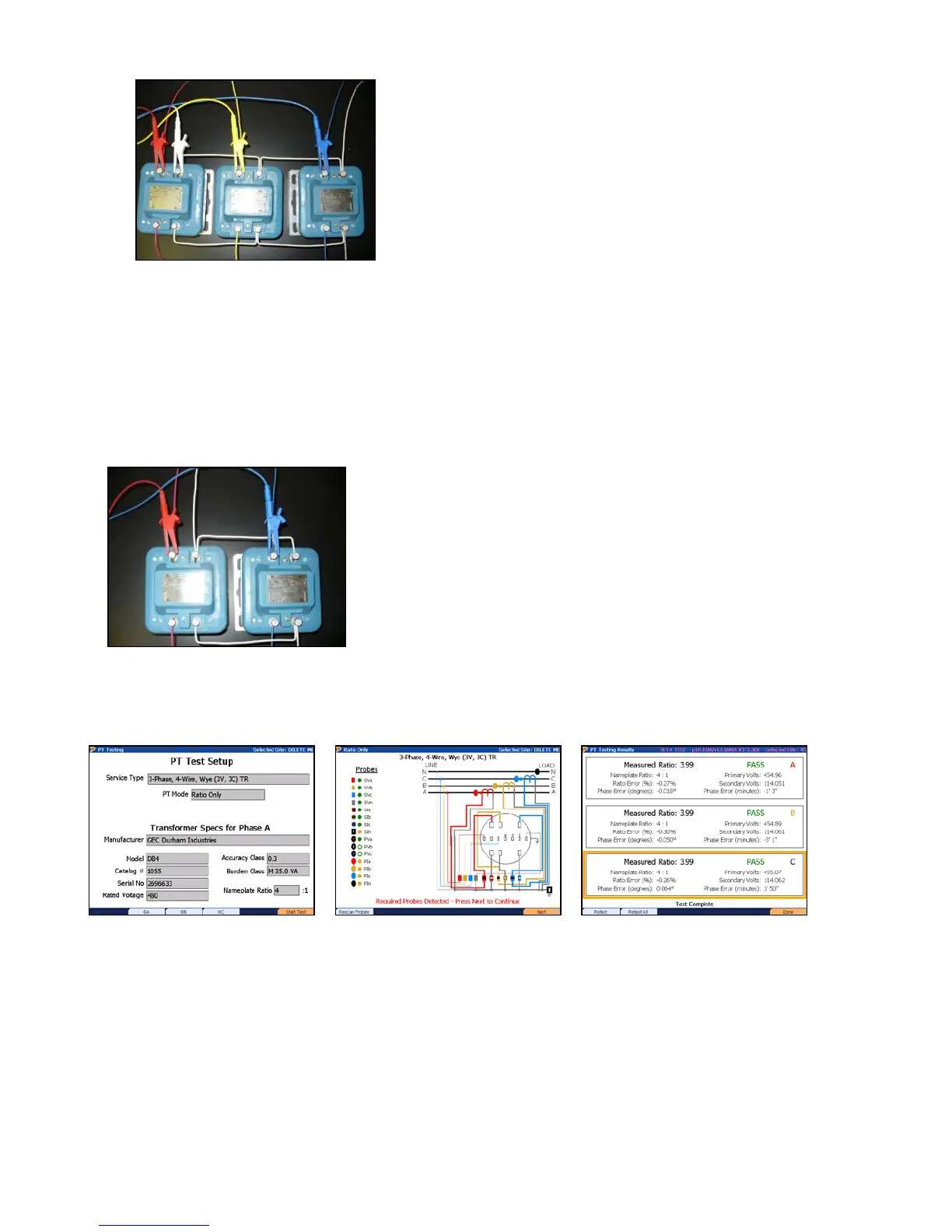
VP600 Voltage Probe Application Procedure:
Press F6 to continue
Confirm the probes are
connected, F6 to continue
View results. Press F6 to save.
Rev 1.5 108


 To Next Page
 Loading...