15-3
5
n/min
8
1
0
7
0
F1
ESC
F8
4
F1
n/min
3
Engine Stop
EN
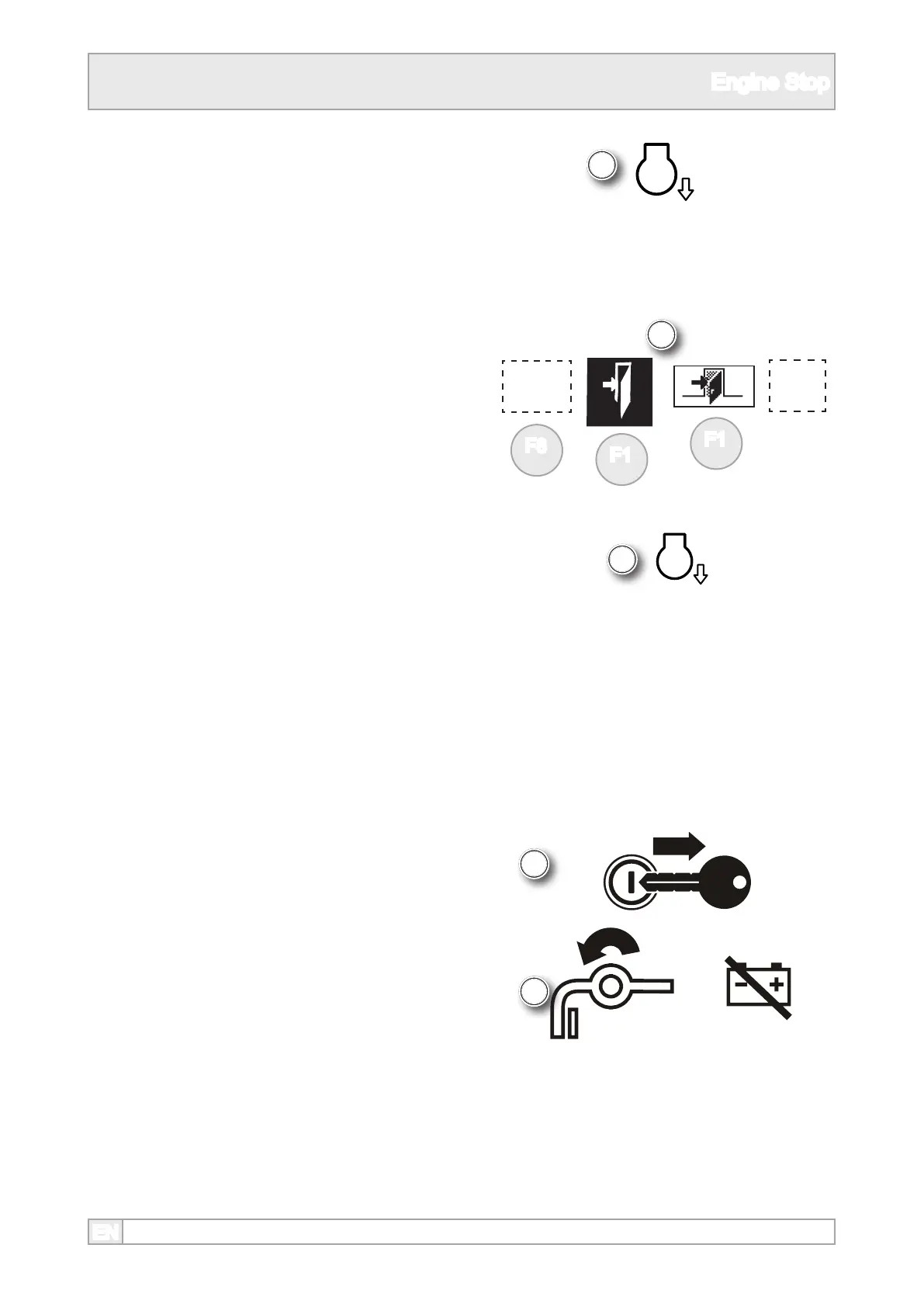
3. Machines with automatic engine speed control
will set the engine speed to the slowest speed
when all plant components are switched o.
Check the engine is running at its slowest
speed.
5. On plants with manual engine speed control, set
the engine at its slowest speed.
6. Let the engine idle with no load for 3 to 5
minutes.
4. Switch plant controls o if necessary by esc, exit
or ‘0’, depending on the type of controls tted.
7. Turn the ignition key to ‘0’ to stop the engine
then remove the key.
8. Set the the battery disconnect switch to ‘0’ and
lockout.



 To Next Page