12-3
10
11
10
-->
8
F4
7
F3
Moving the Machine [Fitted with ‘860’ controls]
EN
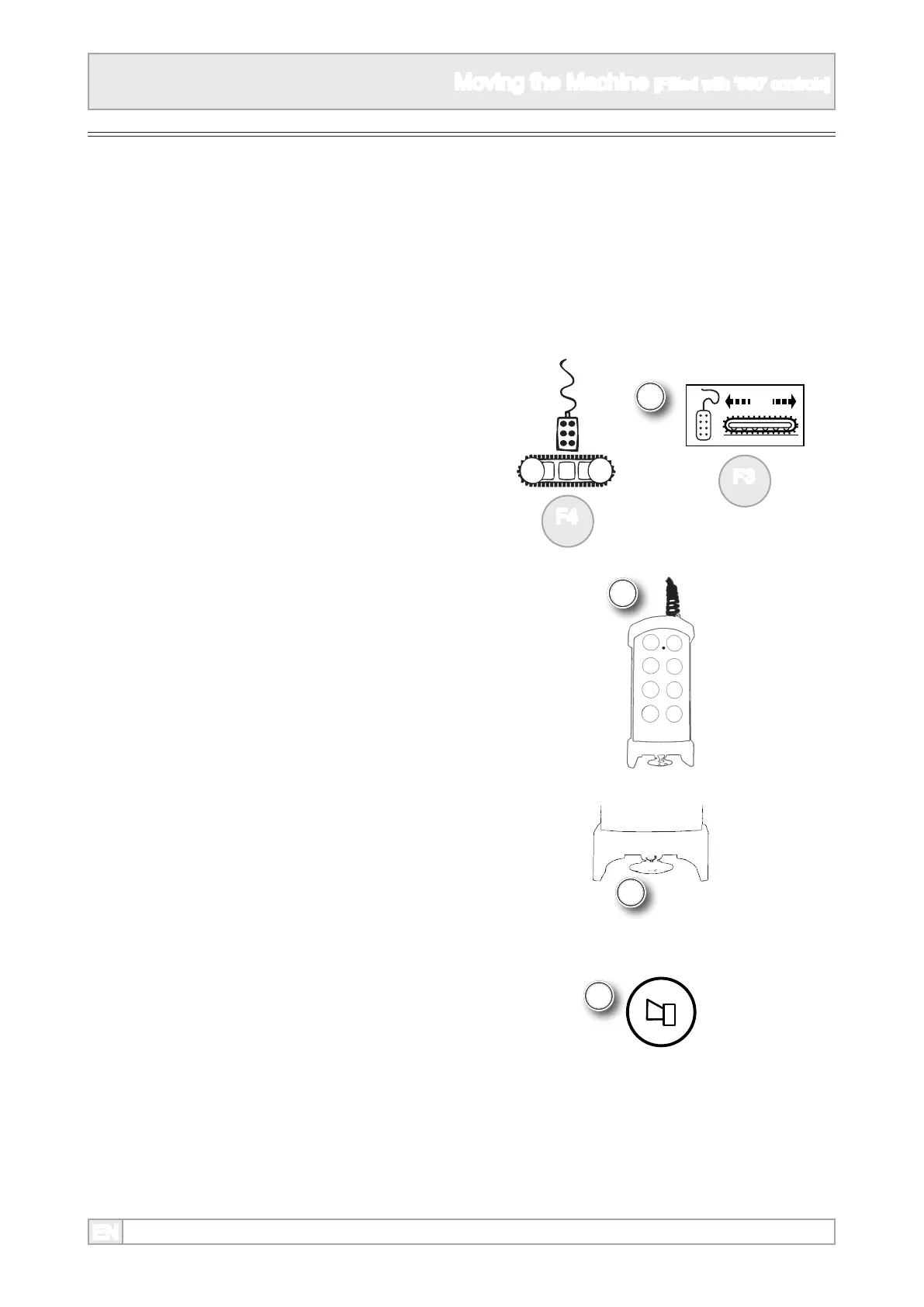
Preparing Umbilical Control
6. The umbilical control is the default track control
on some machines and does not have to be
selected. De-select the radio remote control, if
tted, to activate the umbilical control. Refer to
preparing to move - setting to track mode.
8. Take the umbilical control from the control box
9. Stand well clear of the machine.
10. Hold the control with the stop button nearest to
the operator
11. Press the horn button to sound the safety
warning horn. The missing beep or break in
the alarm after ve seconds indicates that
the tracks are ready for use. The alarm will
continue to sound.
12. To move the machine, refer to manoeuvring
the machine.
7. If an umbilical option is shown, set track control
to umbilical, referring to icon and appropriate
function button, as machines vary.



 To Next Page