51-8
2
7
Servicing Hydraulic Systems
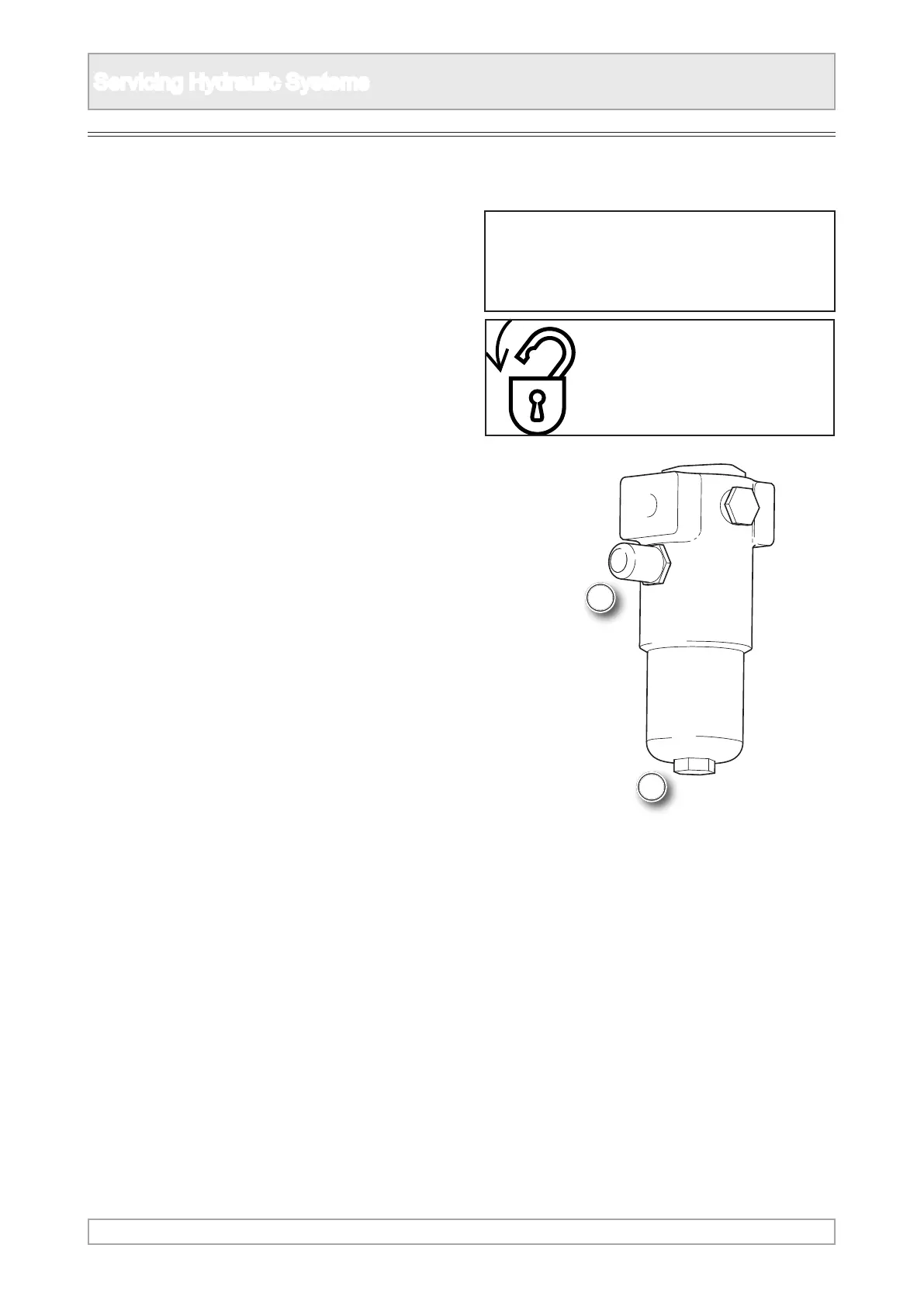
1. Locate the hydraulic pressure lters within the
engine canopy. Not tted to all systems.
2. Check the lter condition indicator.
3. Observe all safety warnings.
4. Close down the plant and implement the lockout
procedure.
5. Make sure the uid has cooled before changing
lter.
6. Place container below lter to collect spillage of
uid.
7. Unscrew the lter bowl, turn anti-clockwise
looking from below.
8. Remove the old lter and clean inside the bowl
and housing with lint free cloth.
9. Fit new lter and small ‘O’ ring of the approved
pattern and specication.
10. Lightly smear the ‘O’ ring with uid and place
on it’s seating in the bowl making sure it is
properly seated.
11. Replace and secure bowl to ensure a good
seal, taking care as it has a ne thread.
Pressure Filters [if tted]
n WARNING
Refer to Safety Notices Section for relevant
warning and procedure
LOCKOUT
PLANT



 To Next Page