16-3
6
1
0
5
Emergency Stop
EN
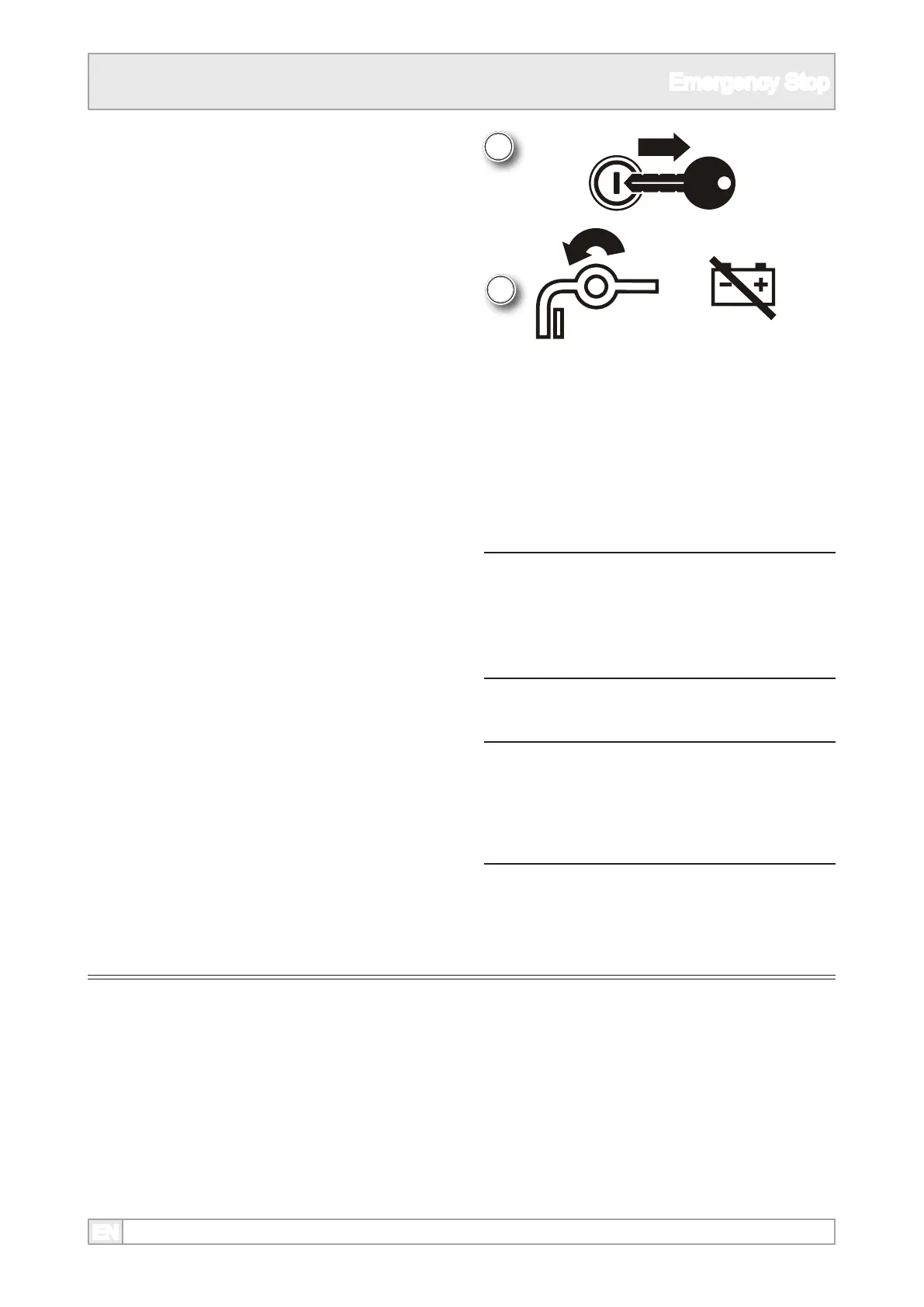
6. Set the battery disconnect switch o to the ‘0’
position.
n WARNING
When an emergency stop has been
initiated, DO NOT attempt to restart the
engine until it is safe to do so.
7. The button will remain engaged until physically
released by pulling or twisting, depending upon
the type tted.
8. The engine cannot be started if any of the
emergency stops remain depressed.
Re-Setting Emergency Stops
5. Turn the key o the 0 position as soon as
possible and remove the key.
NOTICE
The machine should not be re-started if
the crusher is full of material. Remove all
material from the machine before starting.



 To Next Page