51-6
5
1
Servicing Hydraulic Systems
Return Filter
n WARNING
Refer to Safety Notices Section for relevant
warning and procedure
LOCKOUT
PLANT
SKIN INJECTION
HAZARD
n DANGER
Refer to Safety Notices Section for relevant
warning and procedure
5. Remove the screws and remove the cover plate
together with internal spring.
6. Remove the old lter and clean inside the
housing and cover with lint free cloth.
7. Fitting new lter of the approved pattern and
specication.
8. Replace the spring which holds the lter in
place.
9. Lightly smear the ‘O’ ring with uid and make
sure it is properly seated in the groove.
10. Replace the cover plate and screws evenly to
ensure a good seal.
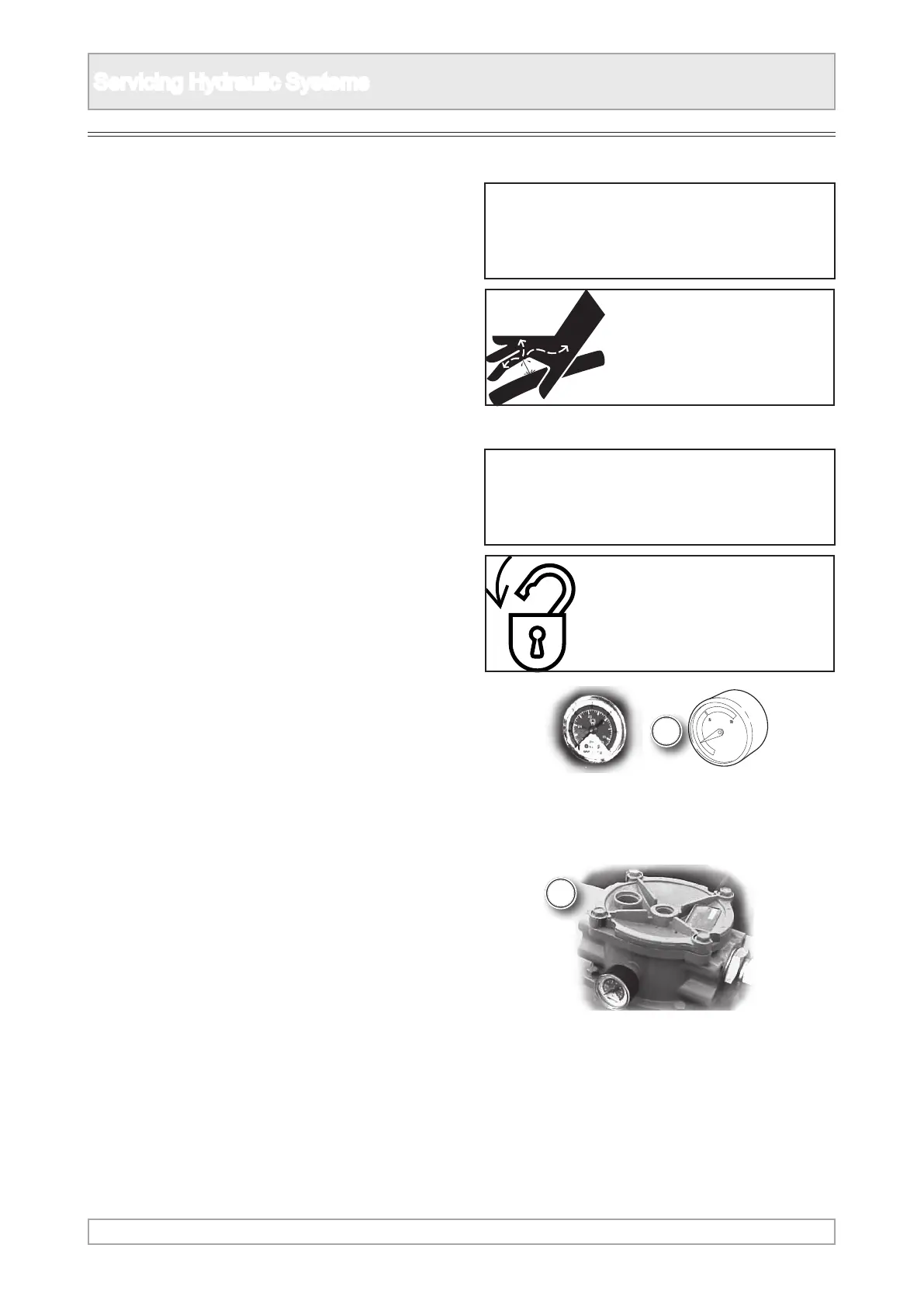
1. Locate the hydraulic return lter and gauge
within the engine canopy.
2. Observe all safety warnings.
3. Close down the machine and implement the
lockout procedure.
4. Make sure the uid has cooled before changing
a lter.



 To Next Page