16-2
1
1
1
23
STOP
3
!
F1
F2
4
Emergency Stop
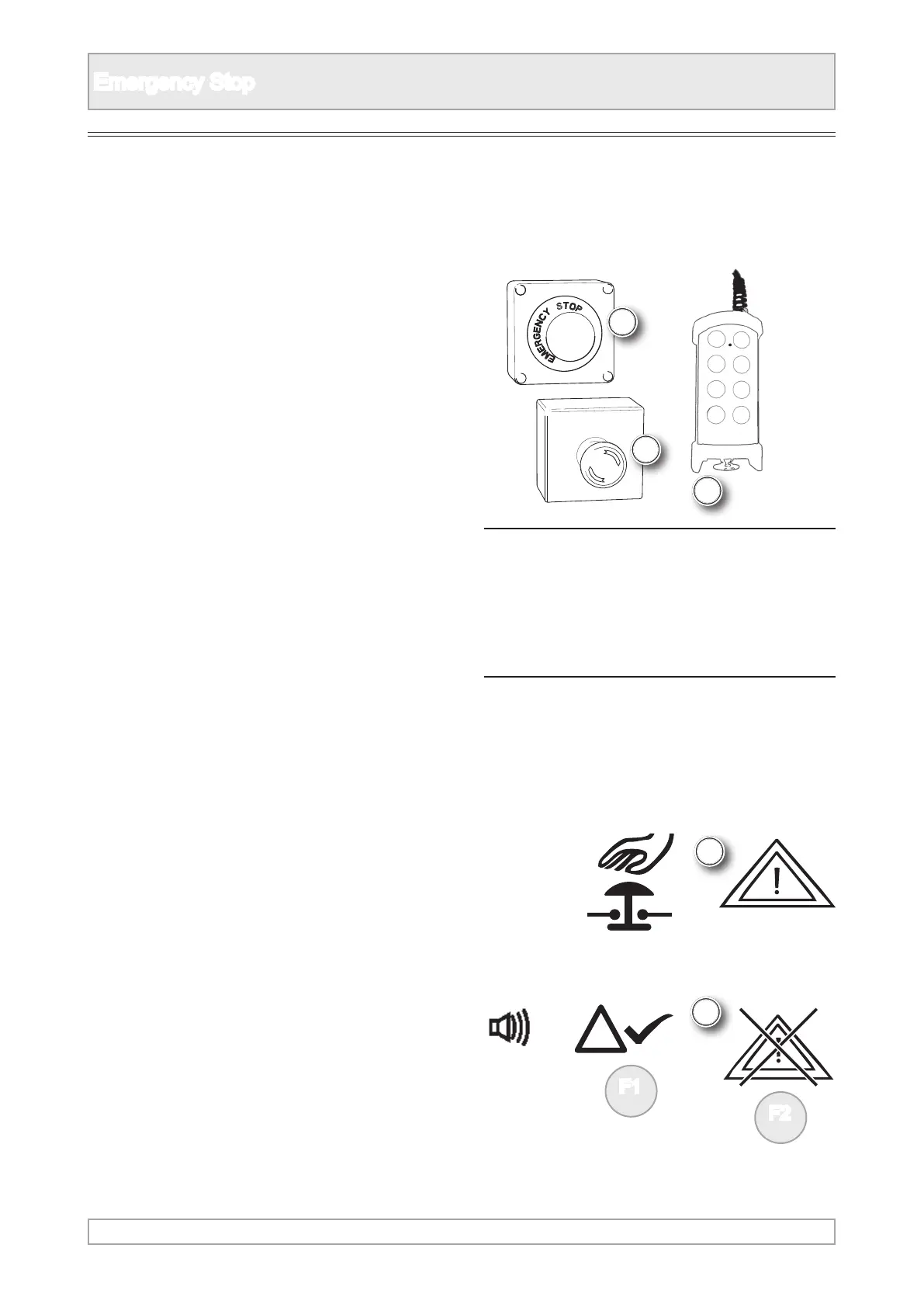
1. Pressing any of the emergency stops on the
plant or umbilical control will stop the engine
and machine.
IN AN EMERGENCY ONLY, STOP THE
ENGINE AND PLANT OPERATION
BY USING AN EMERGENCY STOP
BUTTON
n WARNING
The stop button on the remote radio
control, if tted, is NOT an emergency
stop as it may not be operative at all
times.
2. When the machine has been stopped using an
emergency stop button the ignition switch stays
on.
Emergency Stopping the Machine
4. The safety alarm will sound until it is
acknowledged and cancelled.
3. Emergency stop activation and alarm messages
are shown on plants with a display, refer to
alarms.



 To Next Page